
Appearance
Travel: how it works and how to set it up
Travel answers the questions a company asks about business trips: who is going where and why, what will it cost, who agreed, what has been booked and from whom, did people stay within policy and use the preferred suppliers, what money was given in advance, what was spent and what is owed back, and where is everybody if something goes wrong. This guide explains how the module works from start to finish, then how to set it up, then what each person sees. Every screen has its own page in the Travel section; this guide is the one to read first.
1. What Travel does for your business
- Authorises trips. A travel request says who, where, when, why and how much, and goes through approval before anything is booked.
- Books against an approved request. Transport and accommodation are booked only for an approved request, directly or through a provider.
- Prefers the right suppliers. A preferred-supplier list marks the offers to choose first, and a compliance measure shows how much went to them.
- Gives advances and settles them against the trip's expenses.
- Claims travel expenses against the request and the advance.
- Cares for travellers. Destination risk levels, who is travelling now, safety alerts and each traveller's "I am safe" answer.
- Shows cost and compliance per trip.
What it does not do: it does not track anyone's location. The only position data is the destination on the approved request. It does not name any booking provider: the provider is configured as data through the Integration Designer.
2. How travel works, end to end
2.1 The path of one trip
- The employee creates a travel request: the purpose and the business reason, the destination, the dates, the cost centre or project, the transport and accommodation needed, and the estimated costs.
- The request is submitted and goes through approval.
- On approval, bookings can be made for the trip, and an advance can be requested.
- Transport and accommodation are booked, directly or through a provider.
- The traveller travels. While an approved or in-progress request covers today, they count as on a trip now.
- After the trip, the traveller claims the expenses, against the request and the advance, and the advance is settled.
2.2 The travel request
A request holds the traveller and manager, the department, cost centre, project and client, the travel type, the destination (country, state, city), the start and end dates, the number of travellers, an itinerary, and the transport and accommodation needs with the check-in and check-out dates. The estimated total cost is worked out by the platform as the sum of the five estimates (transport, accommodation, meals, local transport, other), never taken from the browser.
A request carries the policy it was checked against, with the version and the policy status, a reason when a policy exception was needed, and the approval status.
Its status moves through draft, submitted and under review to approved, rejected or returned, and a request can be cancelled. A request can only reach approved, rejected or returned from submitted or under review, and only once its approval workflow has actually started. A plain edit cannot skip the decision.
2.3 Approval
The approval of a request has two steps: the manager and then the travel administrator, each a task due within three days. The manager step is decided by a Travel Approver or Travel Administrator, and the second step by the Travel Administrator. The Tenant Owner can decide either. The same two-step approval applies to a travel advance.
2.4 Travel policies
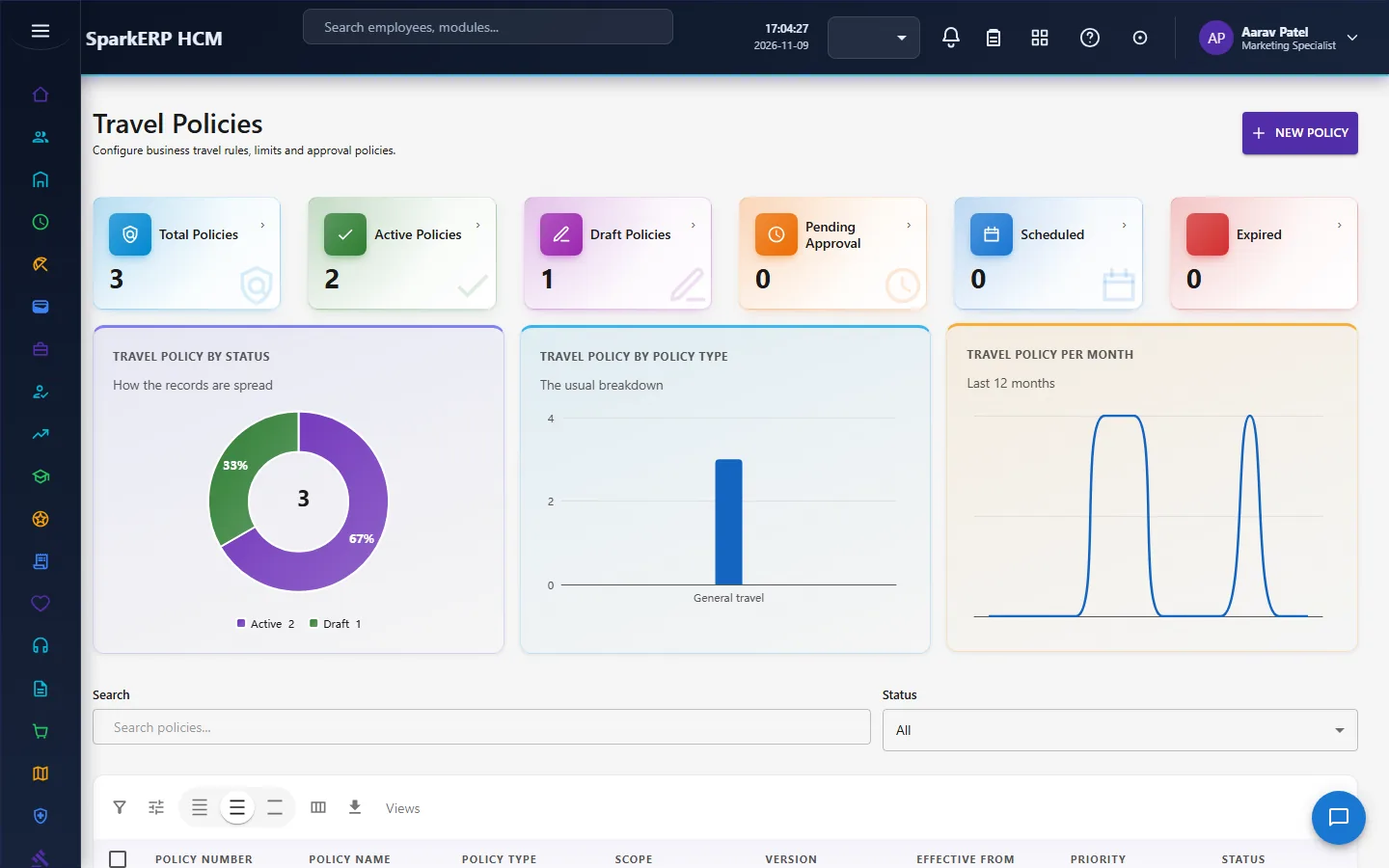
A travel policy holds the limits for a kind of trip: a domestic and an international hotel limit, a daily meal limit, a per diem rate, a mileage rate per kilometre, the largest advance as a percentage, and rules for the class of travel. A policy has a version, a priority, effective dates, and a scope (who it applies to).
An active policy is immutable. Once a policy is active, archived or superseded it can only move on (for example to expired or archived). It is never edited in place: a substantive change is made with Create New Version, so past trips keep the policy they were checked against. A policy can allow an exception and name the role that approves it.
2.5 Booking
A travel booking is made against an approved request: a booking without one is refused. It records the type (flight, train, bus, car rental, ground transport), the provider and the agency, the origin and destination, the dates and segments, the base amount, tax, fee and discount, the total, the payment status, the confirmation number and the ticket number or reservation reference, and whether the supplier is a preferred one.
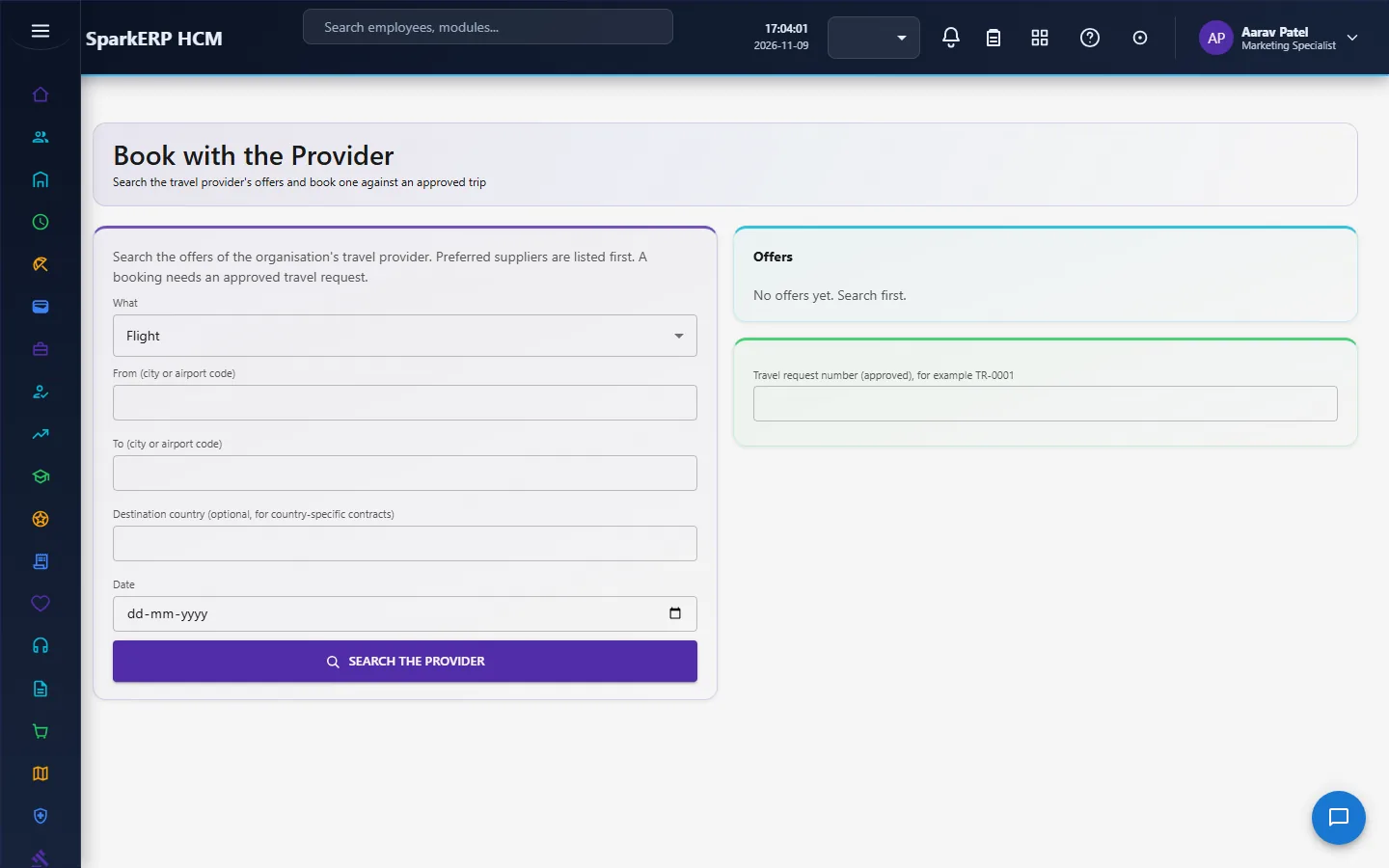
Booking through a provider runs two flows that the tenant configures in the Integration Designer: one searches offers and the other books one. Locally, the dummy services stand behind them. Each offer is marked preferred when its supplier is an active preferred supplier (the name and type match, it is inside its contract dates and, when the supplier names a country, that destination), and preferred offers are listed first. A non-preferred choice is allowed, and its booking says so, so the leakage report is honest. An offer that costs more than the request's estimate is allowed but flagged. A booking creates a booking row with the provider's confirmation.
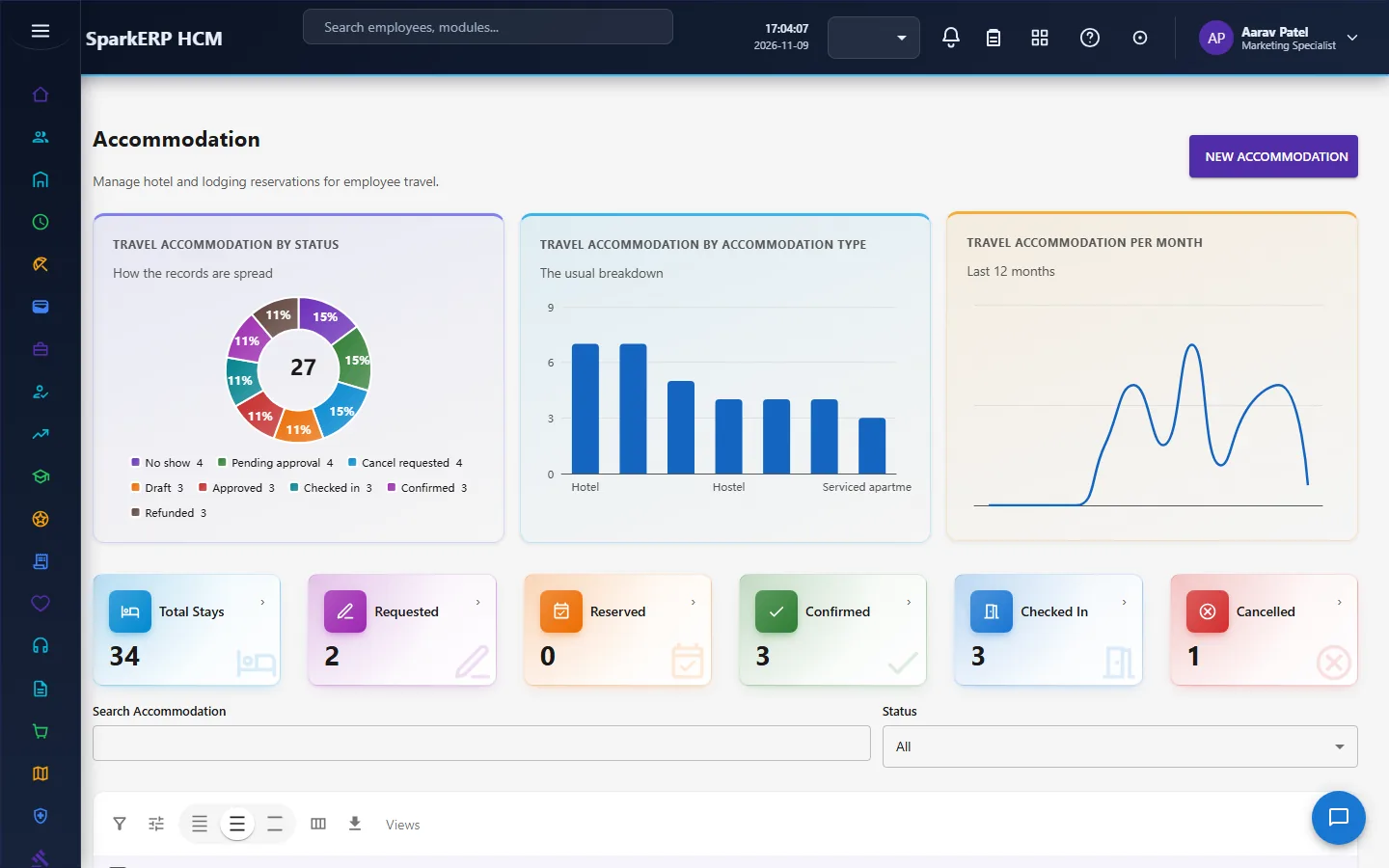
Accommodation is its own record against an approved request: the hotel, the dates and nights, the room type, the meal plan, the rate, the totals, the policy status and the payment status.
2.6 Preferred suppliers and compliance
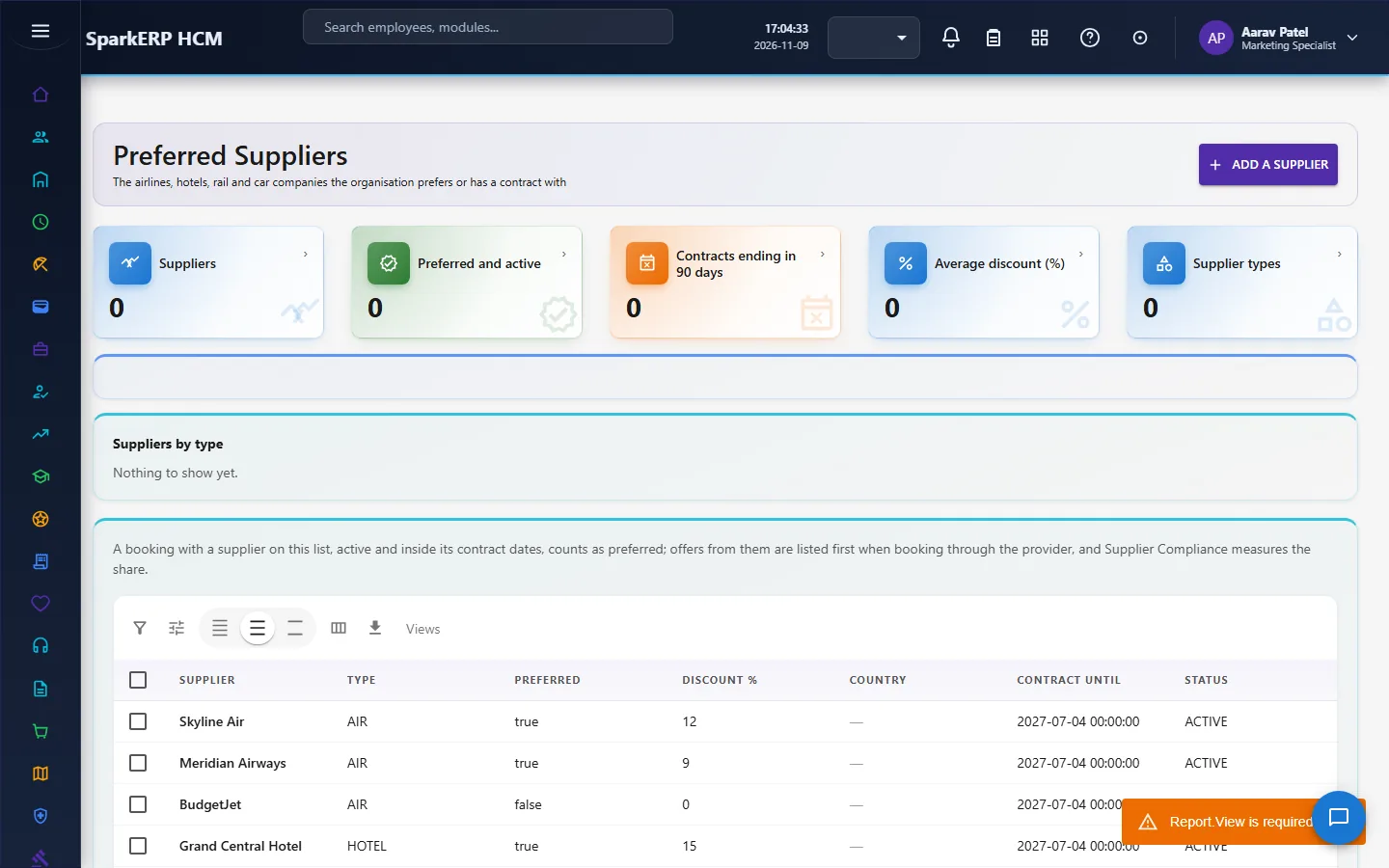
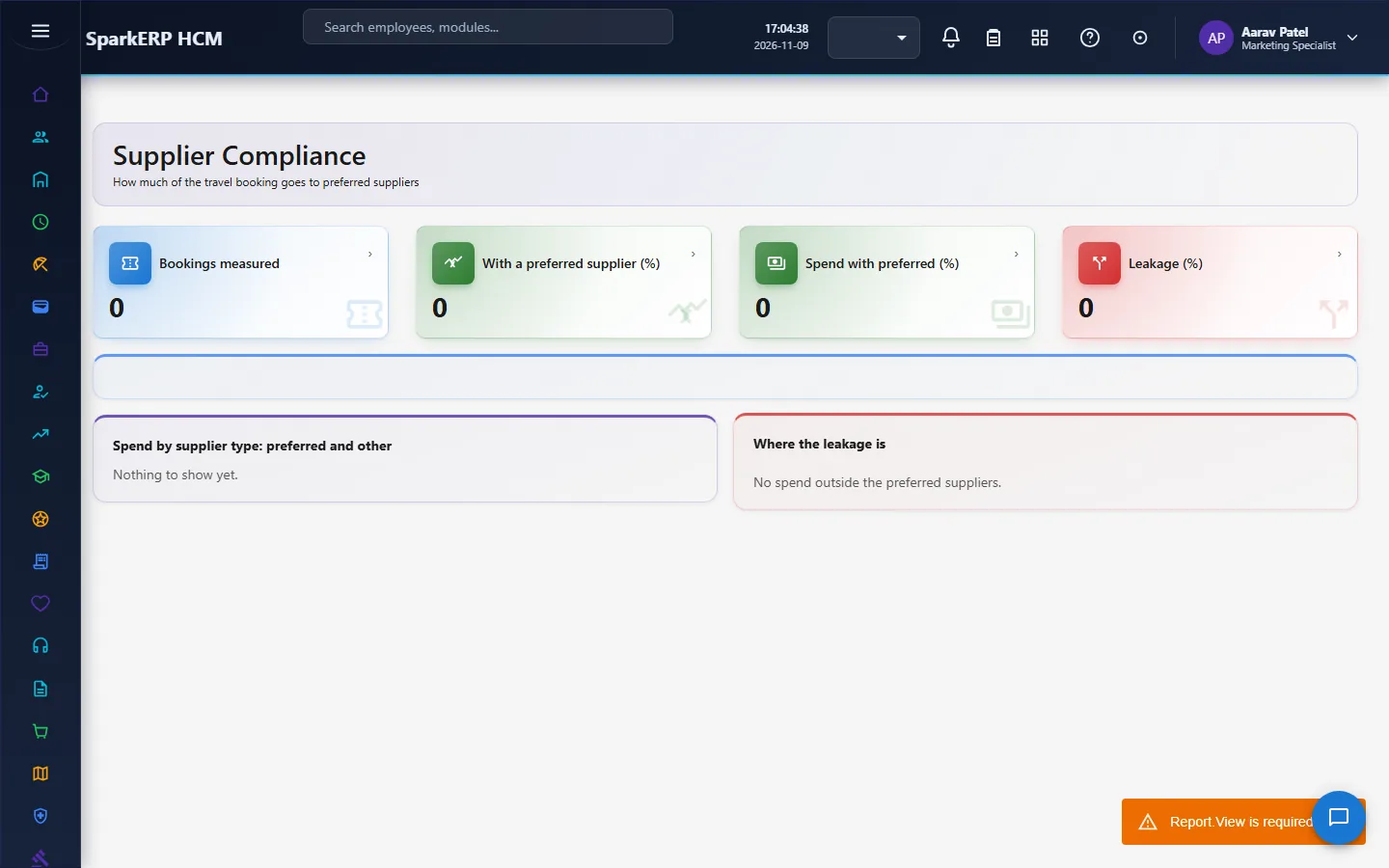
A supplier is an airline, hotel chain, rail or car company with a contract or a preference: whether it is preferred, a negotiated discount, a destination country and contract dates. Supplier Compliance measures the share of bookings, and of spend in the most used currency, that went to preferred suppliers.
2.7 Advances
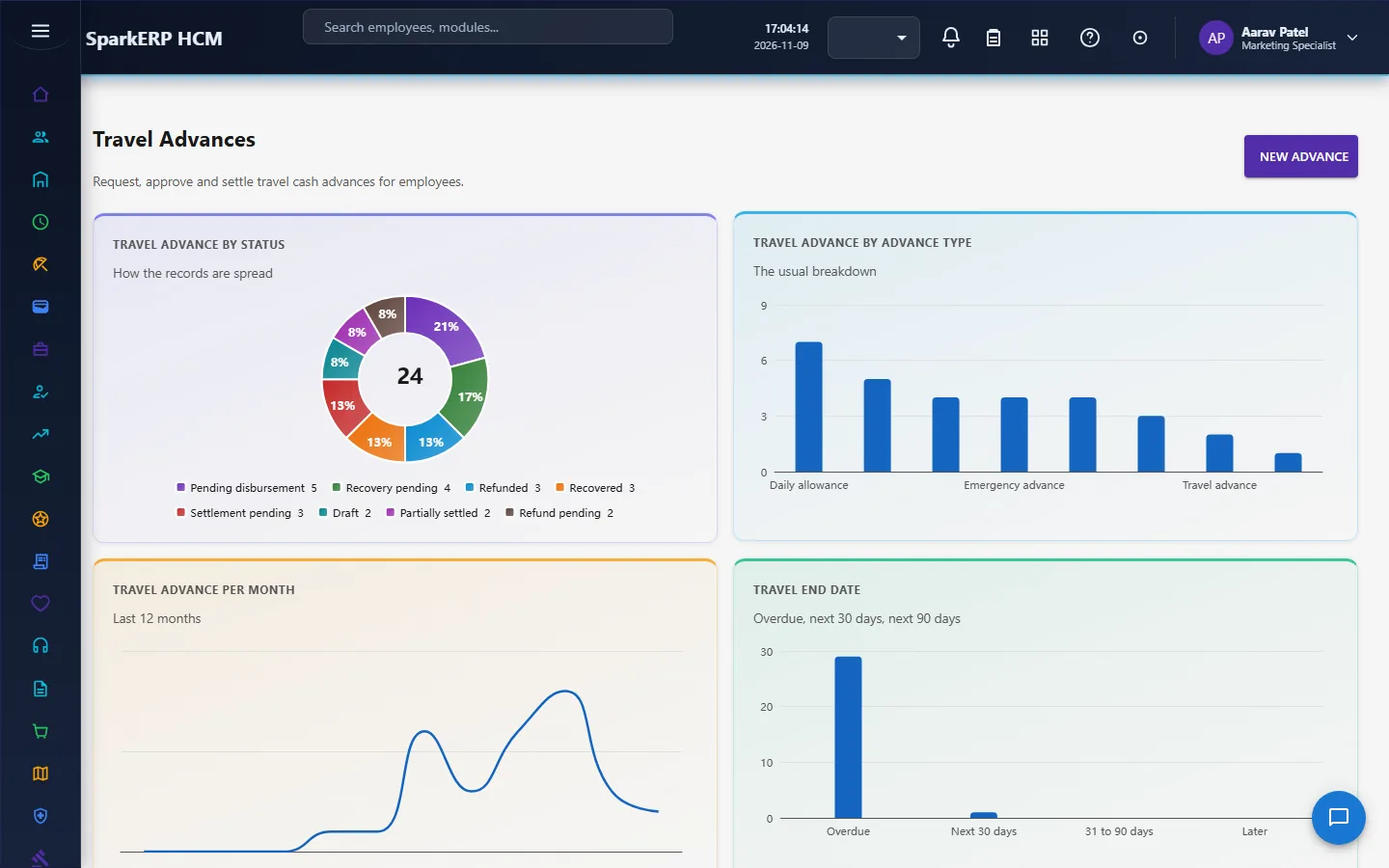
A travel advance is money given before a trip, against an approved request: the type, the purpose, the requested, approved and disbursed amounts, and the settled, refunded and recovered amounts, with the outstanding amount. It goes through the two-step approval, and can reach approved or rejected only after that workflow has started. The advance has a settlement due date, a payment method and a payment reference.
2.8 Travel expenses
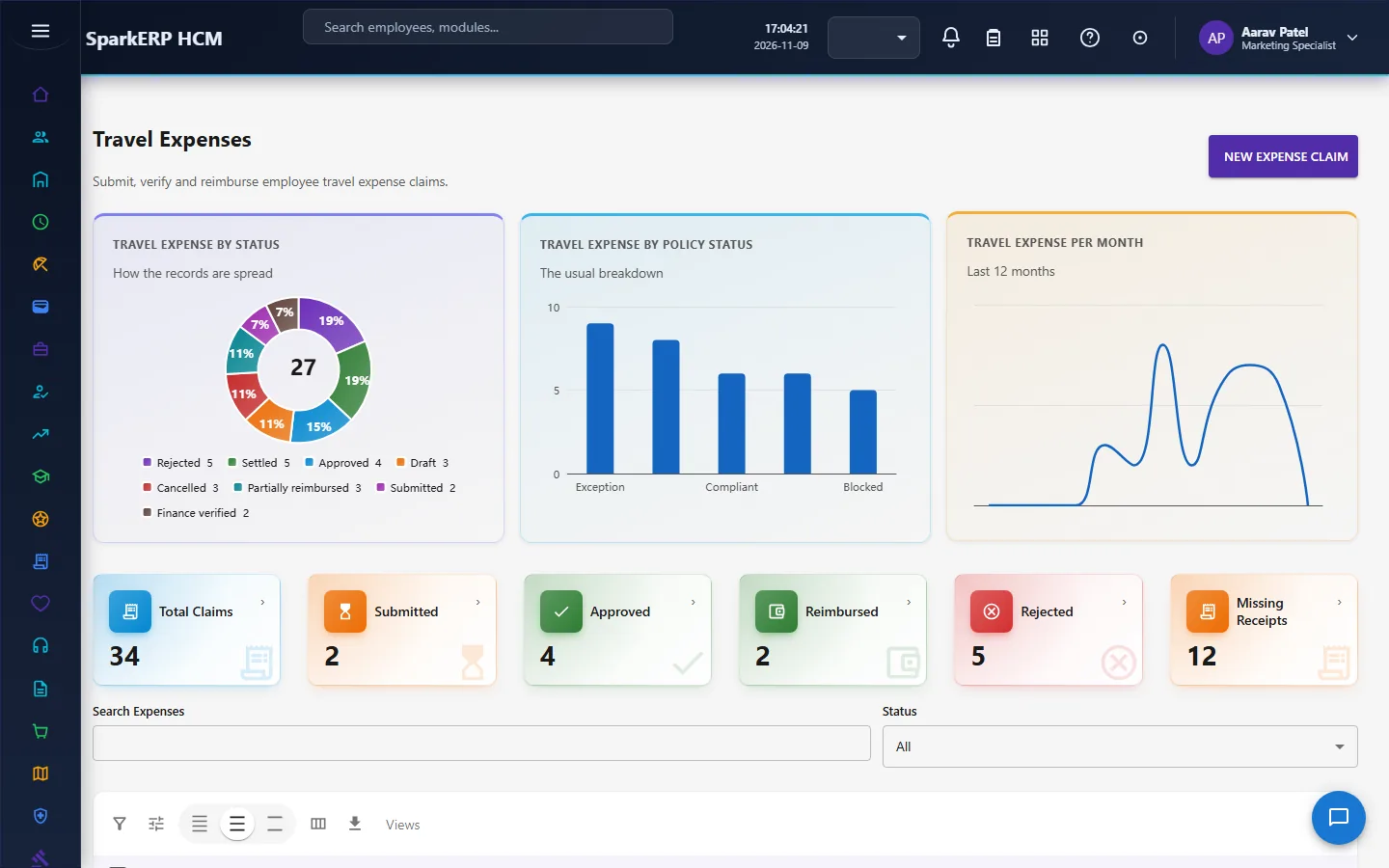
A travel expense claim is made against the request and, optionally, the advance for that trip. It holds the lines, the gross and tax amounts, the approved amount, the advance applied, the reimbursement amount or the refund amount, the policy status and the receipt status. Its life runs from submitted to approved and reimbursed, with a payment reference.
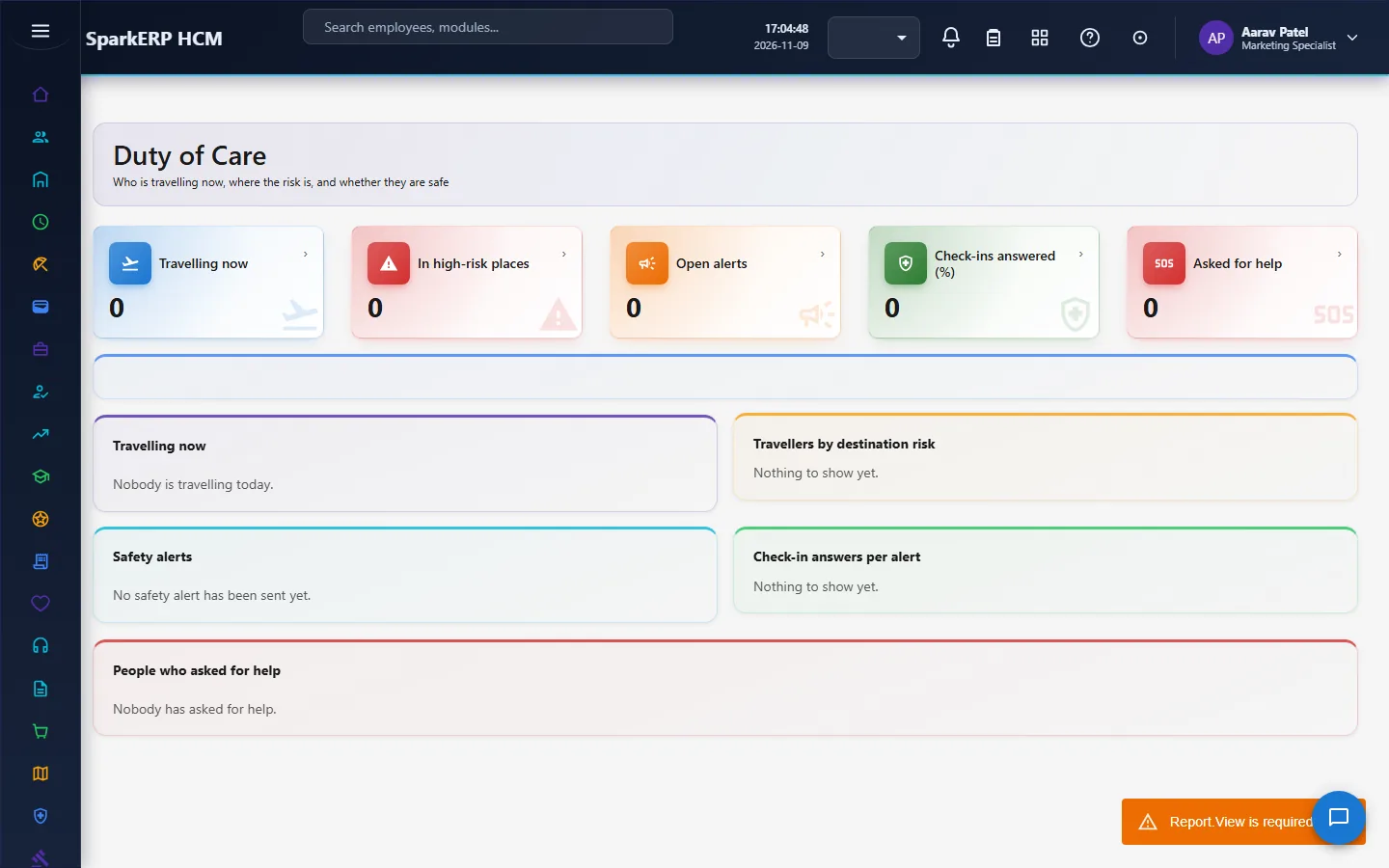
2.9 Duty of care
Duty of care answers who is travelling now and where the risk is.
- A traveller is on a trip now when an approved or in-progress request covers today.
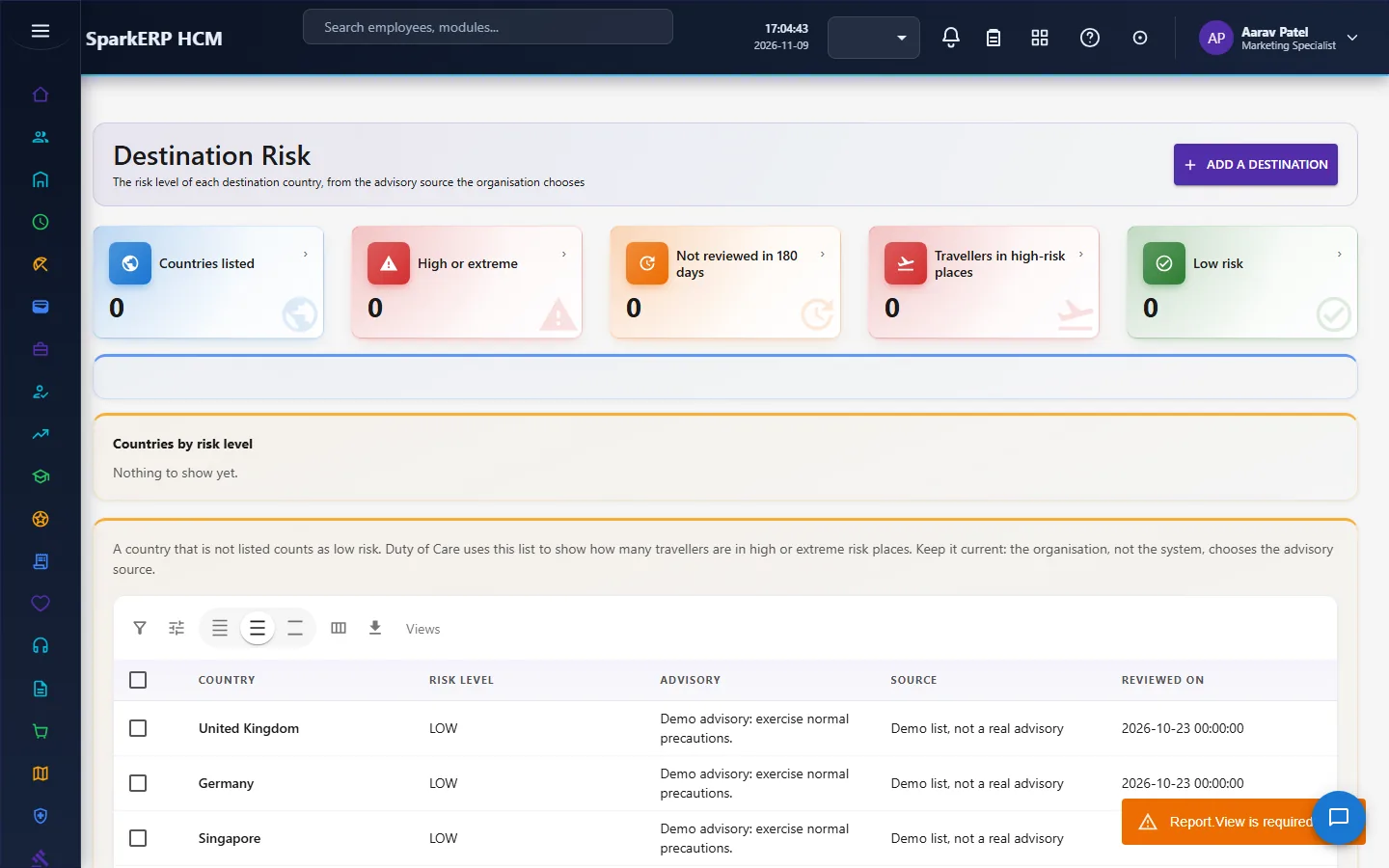
- Destination Risk is the organisation's own list of risk levels by country, from the advisory source it chooses (a government or an assistance provider).
- An alert goes to the travellers whose destination country (and city, when given) matches, through the platform's communication engine; the channel and provider are the tenant's.
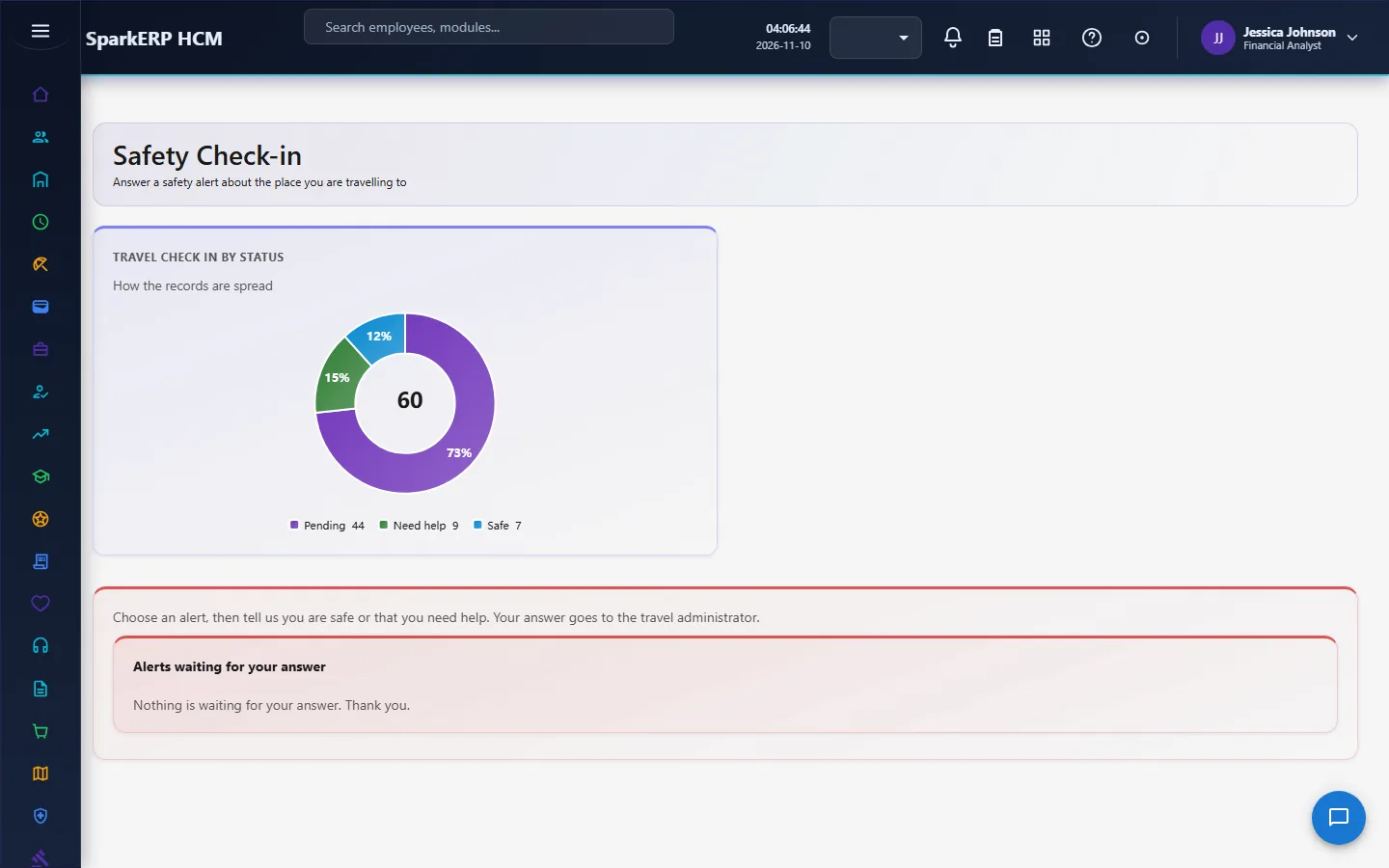
- Each recipient gets a check-in to answer: safe or needs help. A need-help answer is flagged to the administrator on the page.
- Nothing is tracked by location. The only position data is the destination on the approved request.
Reading is for tenant administrators and anyone with the report permission; sending and closing alerts is for tenant administrators; a traveller answers only their own check-in.
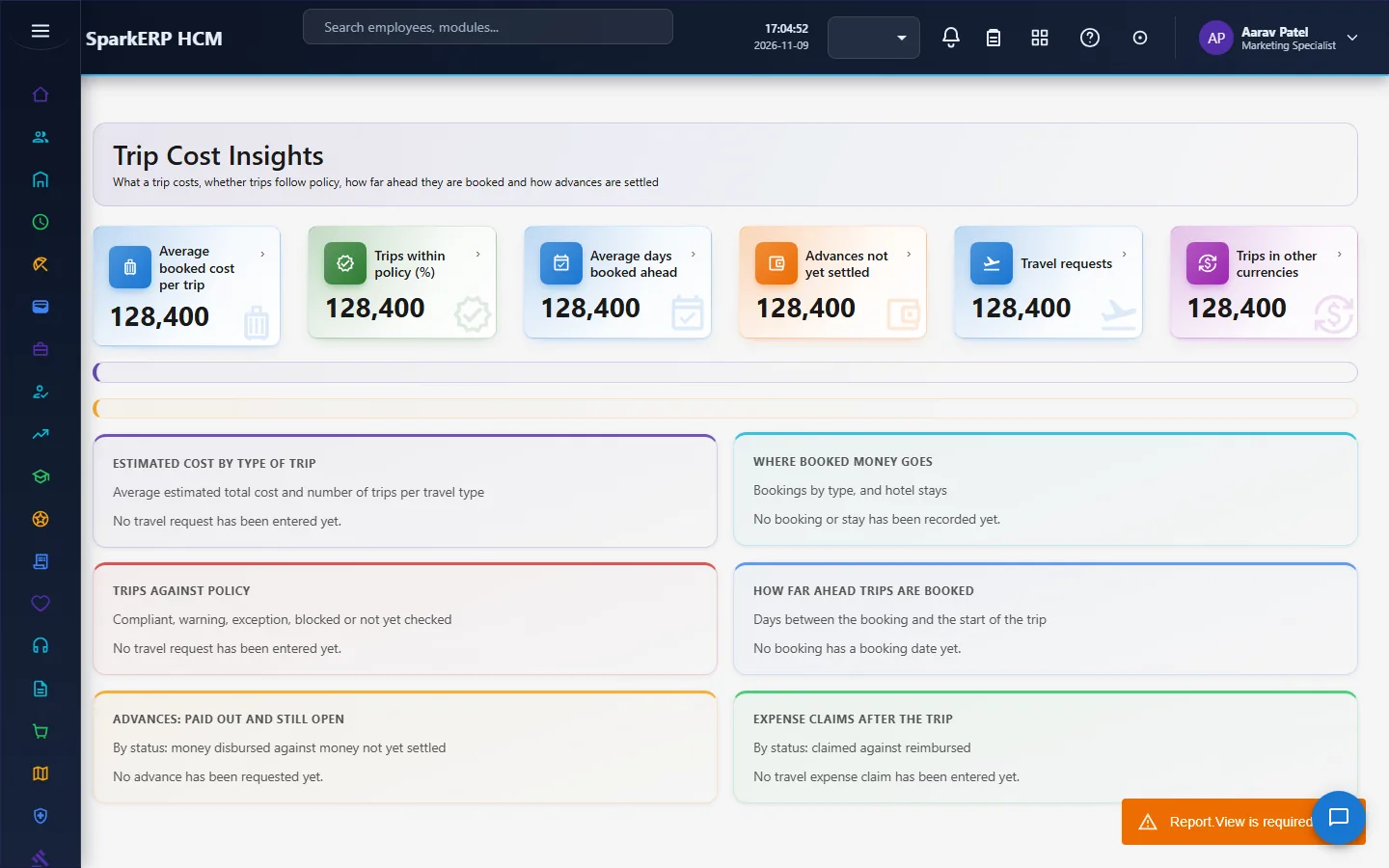
2.10 Cost insights
Trip Cost Insights uses the module's own measures, because there are no standard travel KPIs: cost per trip, the policy compliance rate, days booked ahead and advances outstanding.
3. Who does what
| Role | What they do |
|---|---|
| Traveller (Employee, Travel Self-Service) | Creates requests, asks for advances, claims expenses, answers safety check-ins. |
| Travel Approver | Decides the manager step of requests and advances. |
| Travel Administrator | Decides the second step, books, manages policies, suppliers, risk levels and alerts, and reads every report. |
| HR and the analytics viewer | Read the dashboard and reports. |
Travel administration screens (the dashboard, bookings, booking with a provider, accommodation, policies, suppliers, supplier compliance, destination risk, duty of care, cost insights and reports) are open to the travel administrators, HR and the analytics viewer. Requests, approvals, the safety check-in, advances and expenses stay open to the people who use them.
3a. What each role sees, screen by screen
The employee
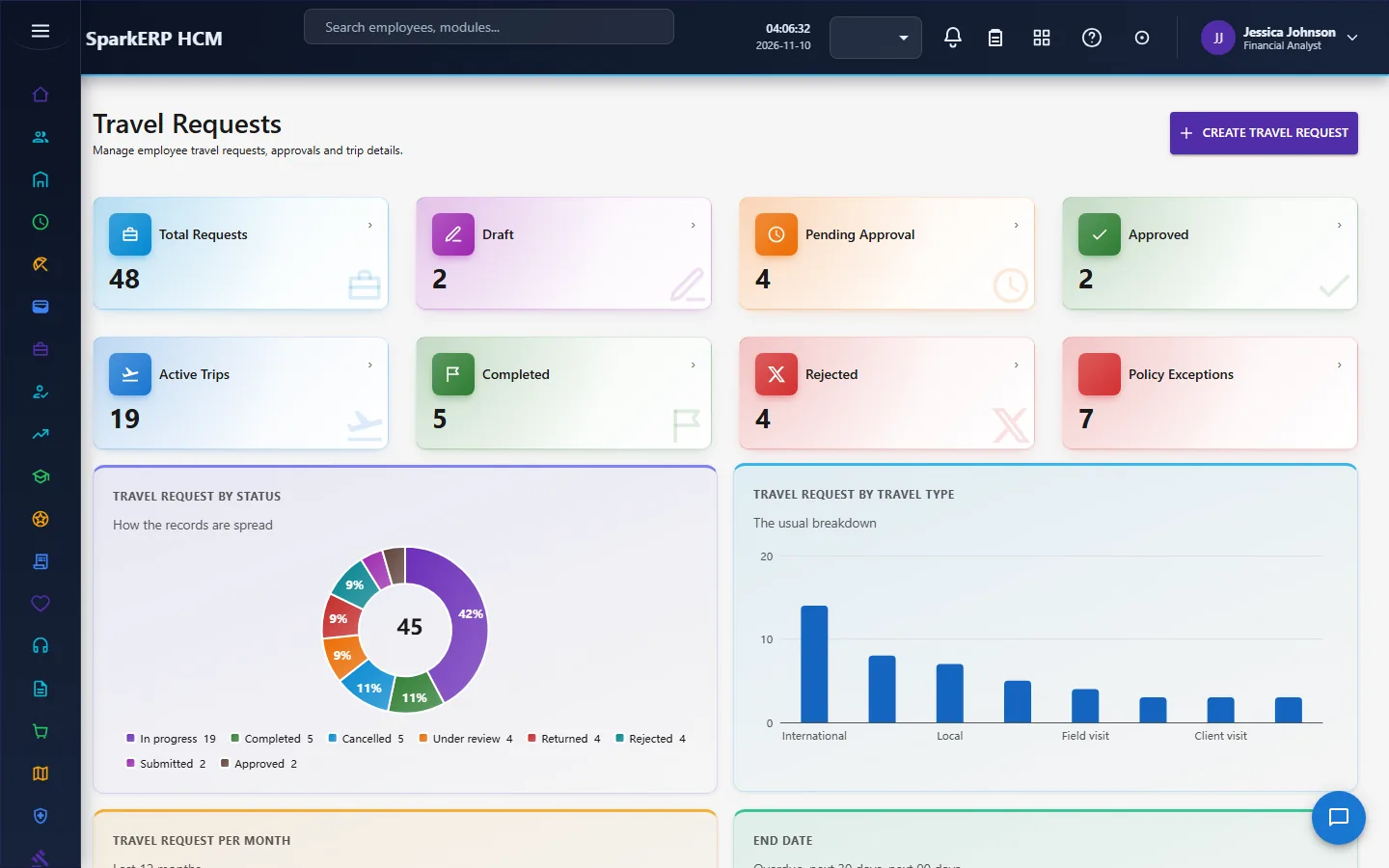
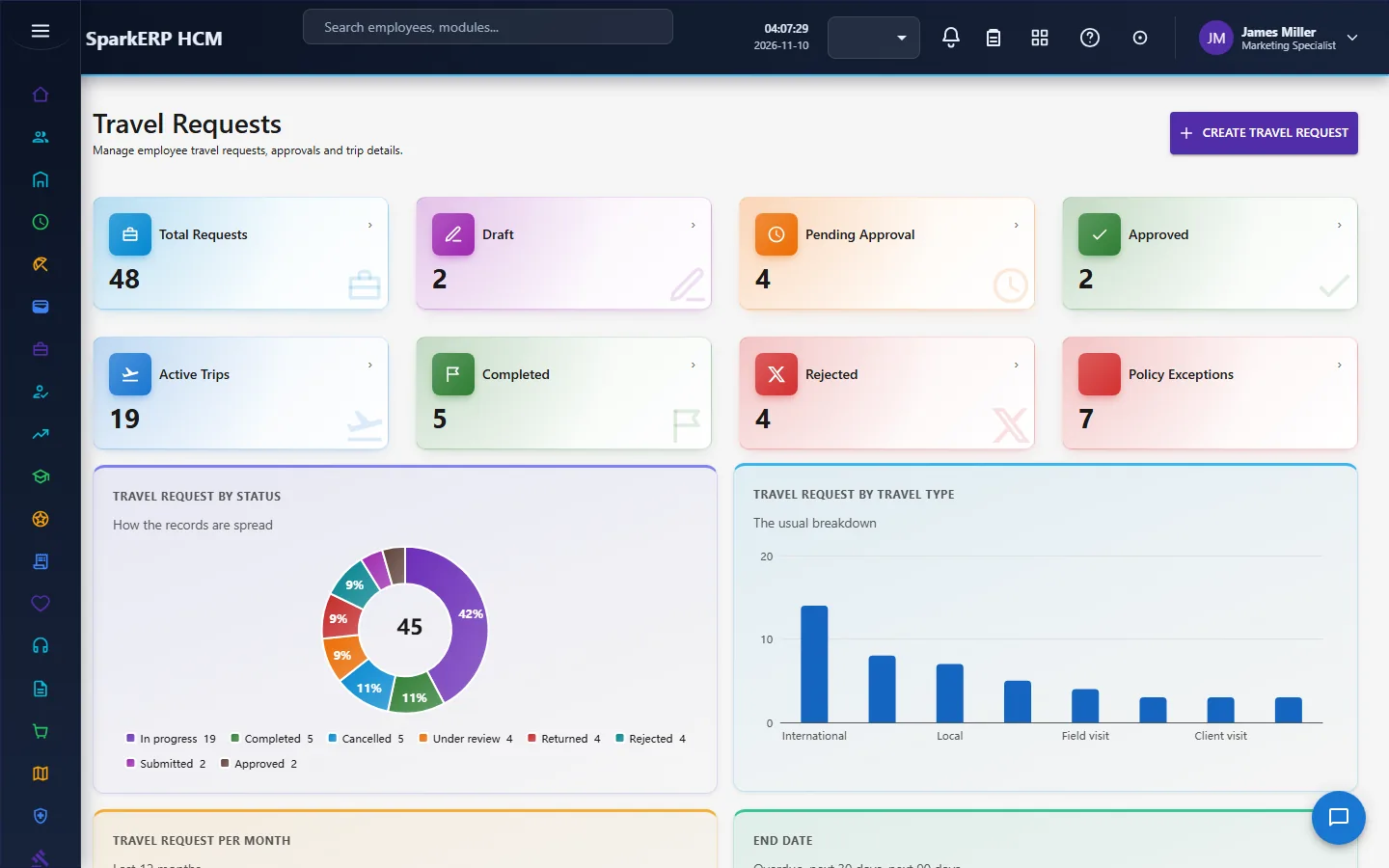
An employee works from Travel Requests and answers Safety Check-in when an alert reaches them.
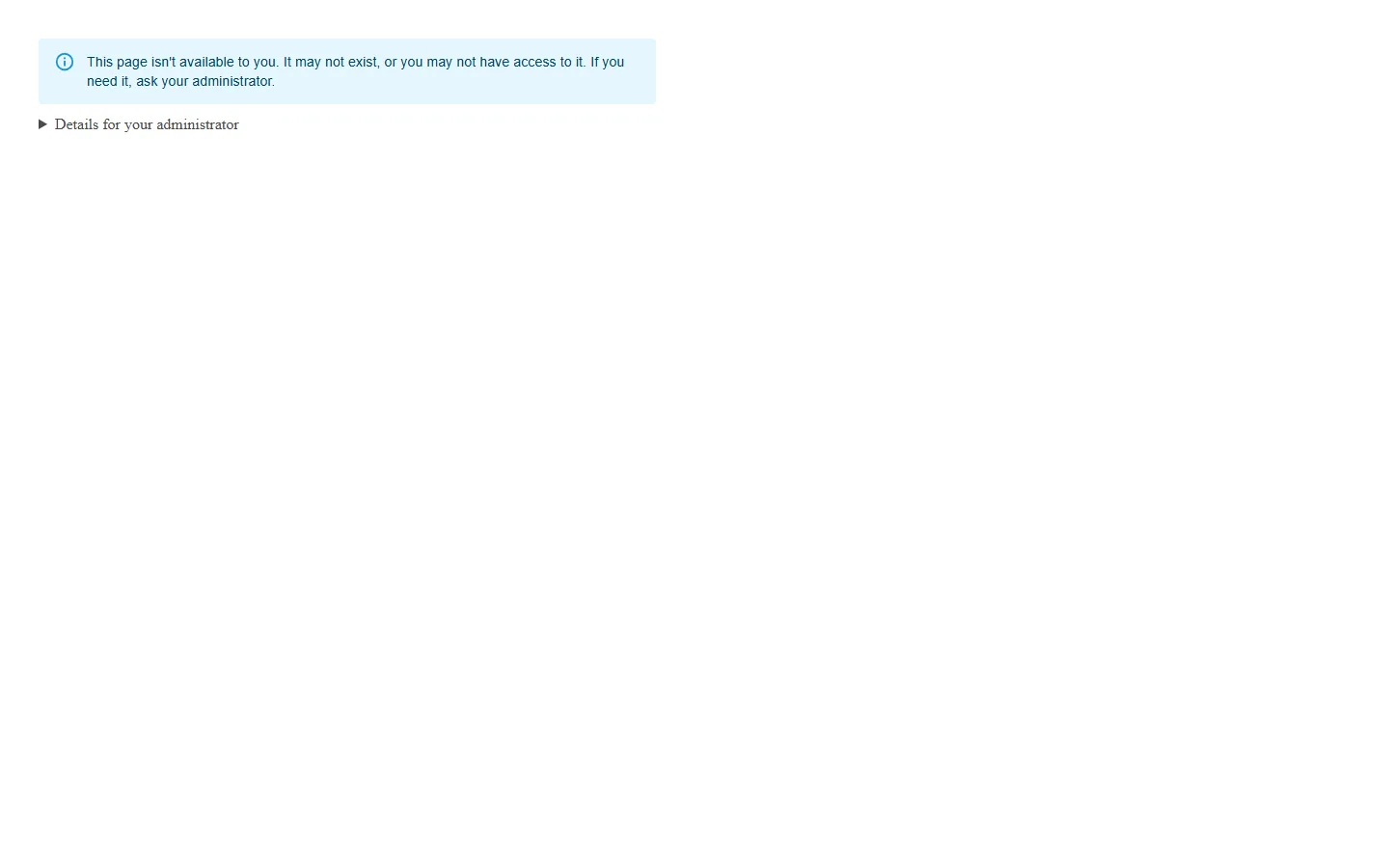
The travel administration screens are not open to them.
The manager
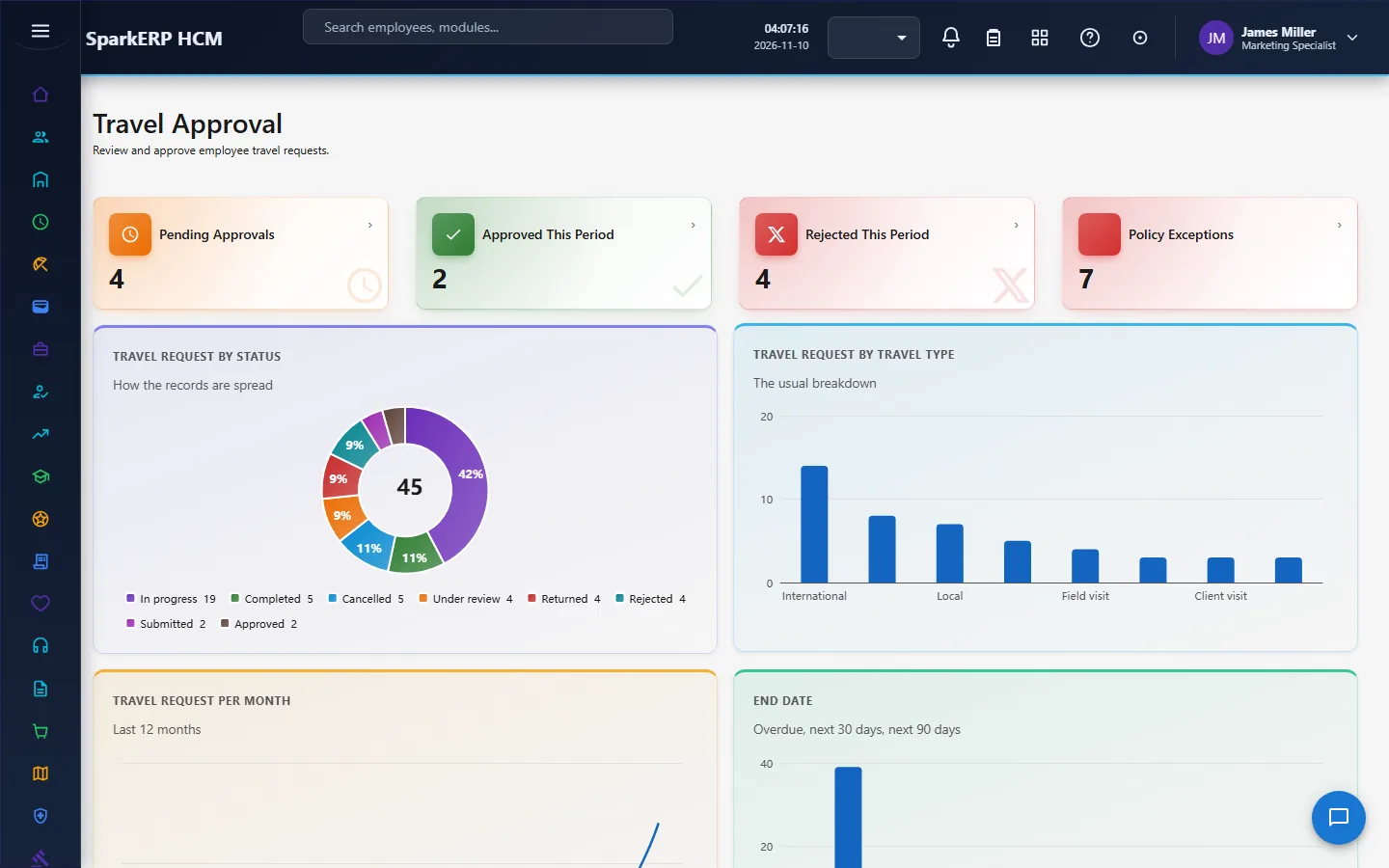
A manager decides on Travel Approval and sees the requests of their team.
The travel administrator
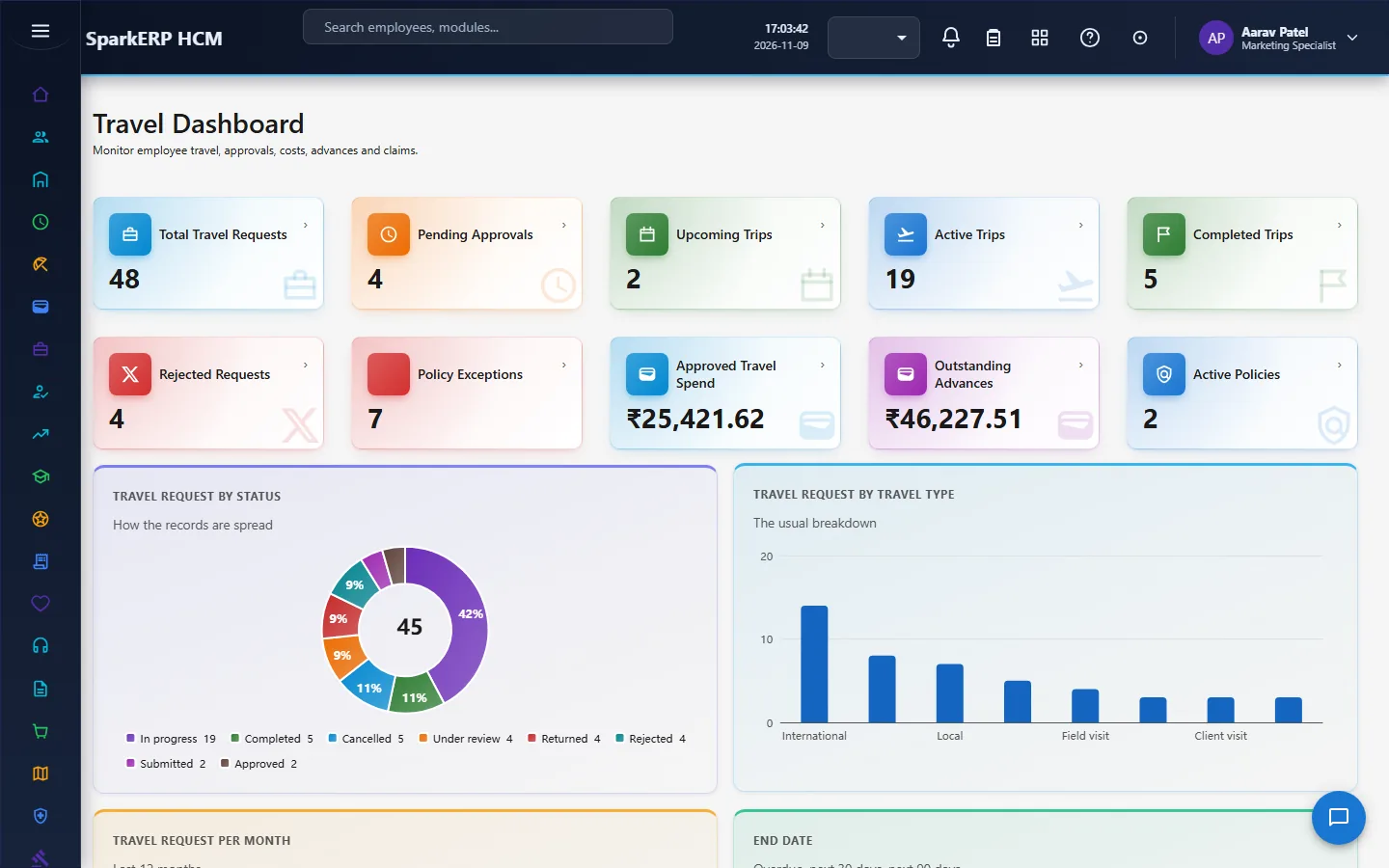
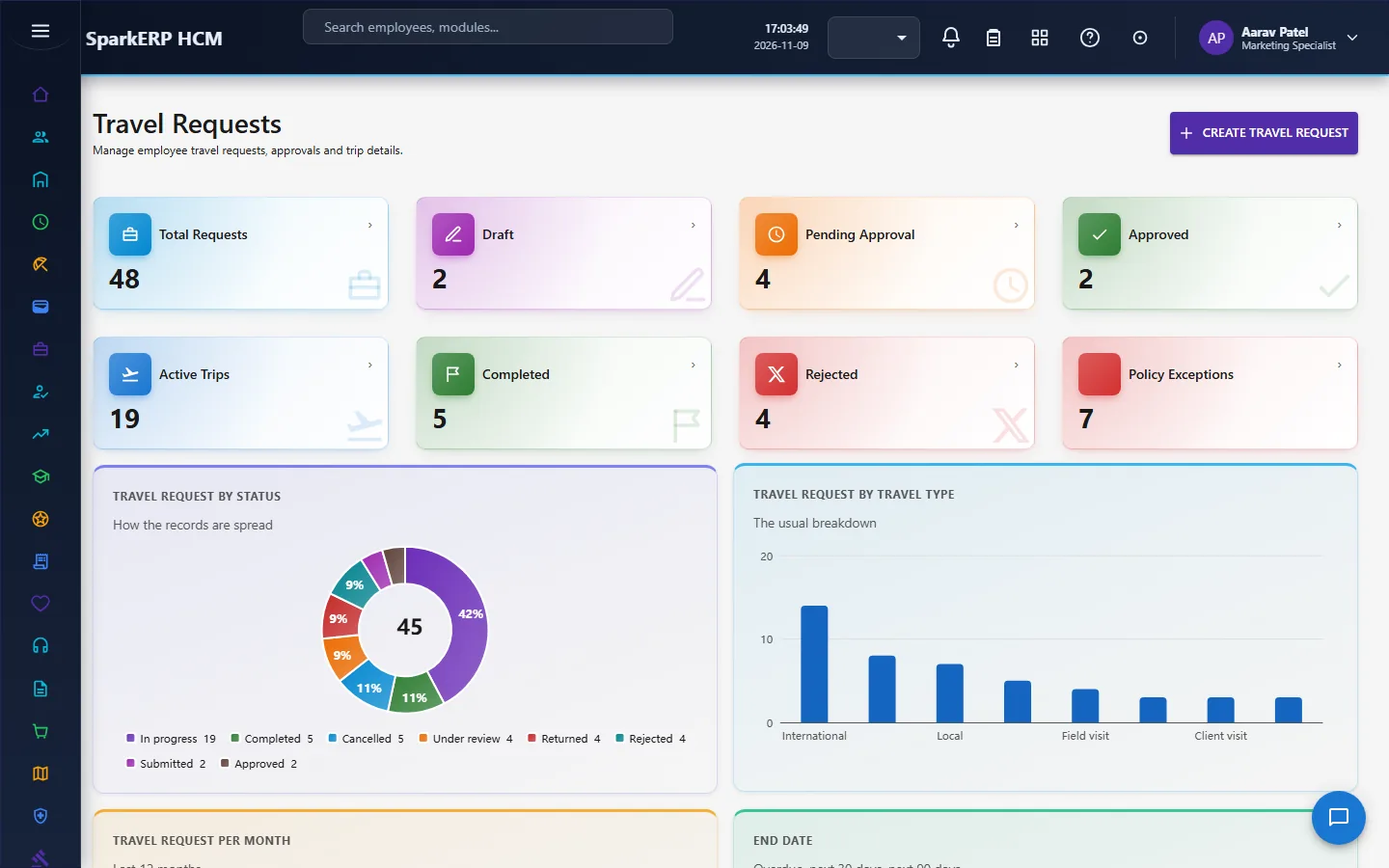
The Travel Dashboard shows the trips, the cost and what needs a decision. Travel Requests and Travel Bookings hold the trips and what was booked.
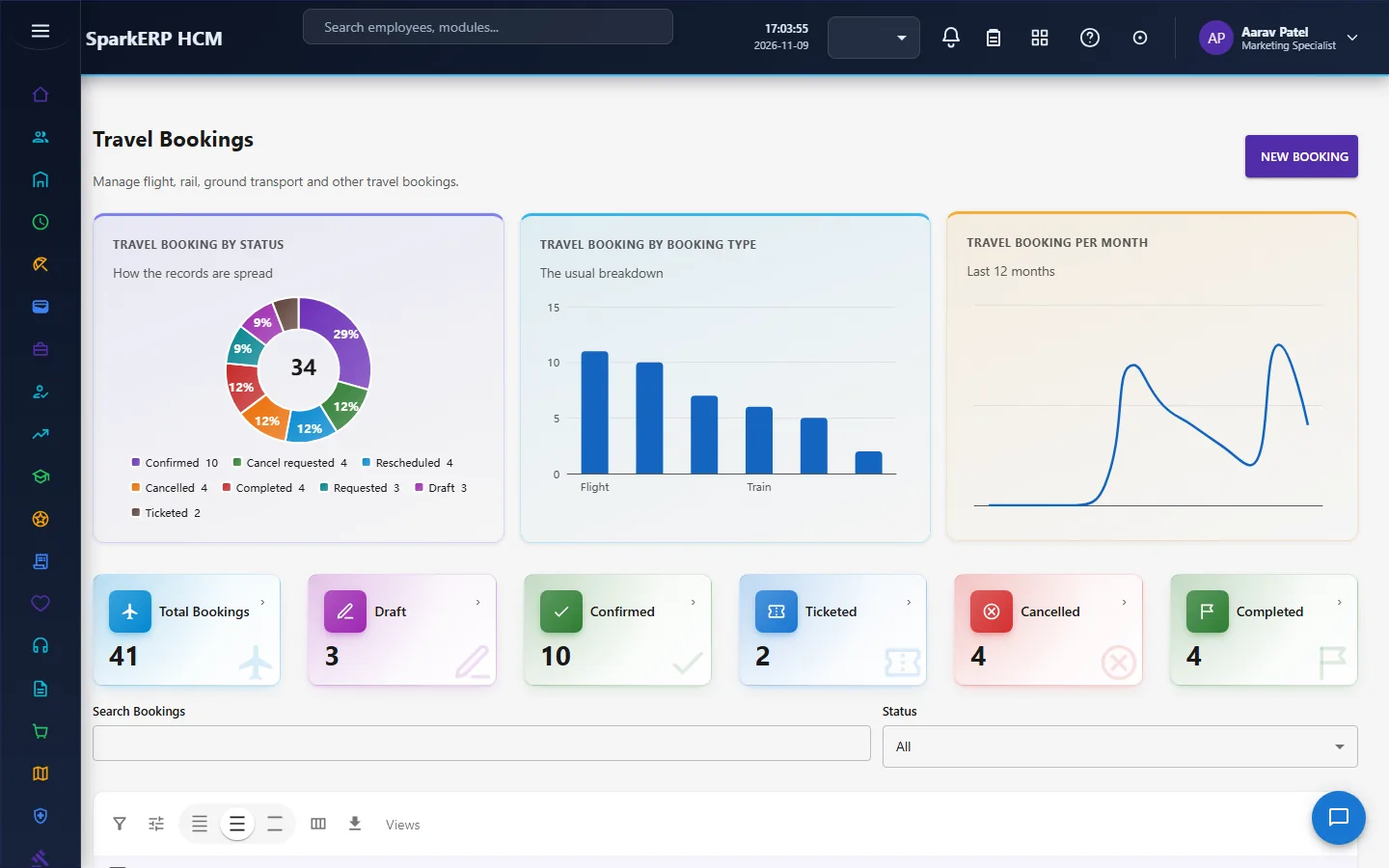
Book with Provider and Accommodation do the booking.
Travel Advances and Travel Expenses handle money.
Travel Policies, Preferred Suppliers and Supplier Compliance set and measure the rules.
Destination Risk and Duty of Care look after travellers.
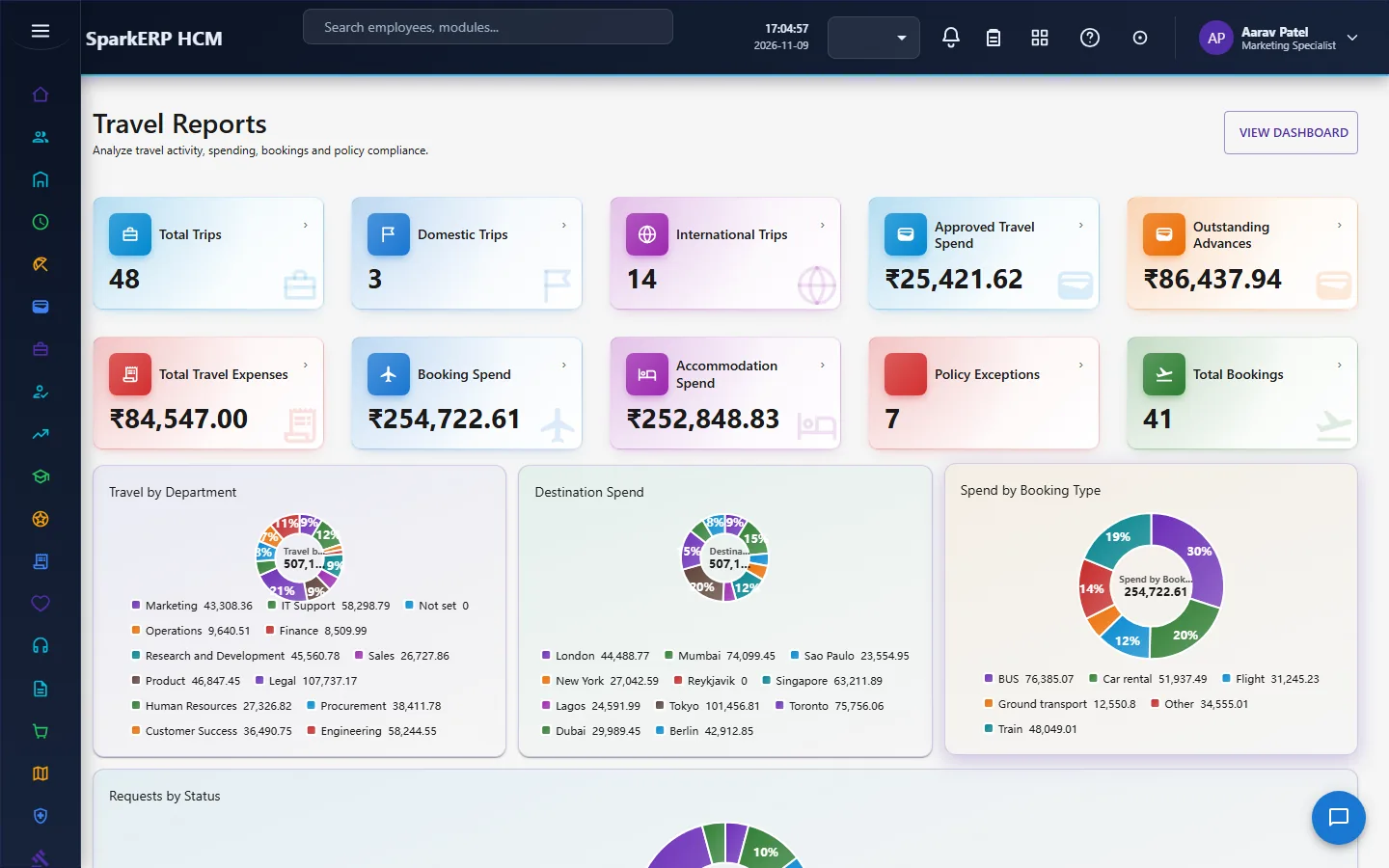
Trip Cost Insights and Travel Reports are the measures.
4. Decide before you set up
| Decision | What to think about |
|---|---|
| Who approves | The manager step (Travel Approver) and the second step (Travel Administrator). |
| Policy limits | Hotel, meals, per diem, mileage, the largest advance, the class of travel, and whether exceptions are allowed. |
| Suppliers | Which are preferred, the contract dates and discounts. |
| Booking | Directly, or through a provider you configure in the Integration Designer. |
| Risk levels | Which advisory source you trust for each country. |
| Alerts | Which channel and provider carry them. |
| Advances | Whether you give them, and the largest share of the estimate. |
5. Set up step by step
- Roles. Give the Travel Administrator and Travel Approver roles.
- Policies. Create a travel policy and activate it. Remember an active policy is not edited: make a new version.
- Suppliers. Add the preferred suppliers with their dates.
- Providers. Configure the search and booking flows in the Integration Designer, if you book through a provider.
- Destination risk. Enter the risk level of each country from your chosen source.
- Communications. Make sure the communication engine has a channel for alerts.
- Trial. In a trial tenant generate the Travel demo pack and follow one trip from request to expense.
6. Daily use
6.1 A trip
- The employee creates a request with the estimates and submits it.
- The manager, and then the travel administrator, approve it.
- Book transport and accommodation against the approved request. Choose preferred offers first.
- If an advance is needed, request it; it goes through the same two steps.
- After the trip, claim the expenses against the request and the advance.
6.2 When something happens
- Open Duty of Care to see who is on a trip now.
- Send an alert to the travellers in a country or city.
- Watch the check-ins; a needs help answer is flagged.
6.3 Reading the numbers
Open Supplier Compliance for the share booked with preferred suppliers, and Trip Cost Insights for cost per trip, compliance and advances outstanding.
7. A calendar of recurring work
| When | What |
|---|---|
| Daily | Approvals waiting; who is on a trip now. |
| Weekly | Open advances; bookings without a confirmation. |
| Monthly | Supplier compliance; cost per trip. |
| Yearly | Review policies (as new versions), suppliers and country risk levels. |
8. Reports and figures
The Travel Dashboard and Travel Reports show trips, spend and status. Supplier Compliance and Trip Cost Insights show the measures defined above. Lists can be exported.
9. Limits you should know about
- No location tracking. Only the destination on the approved request is known.
- A booking needs an approved request.
- An active policy cannot be edited. Make a new version.
- Booking through a provider needs a configured flow. The module names no provider.
- An offer above the estimate is allowed but flagged, and a non-preferred choice is allowed but recorded.
10. Troubleshooting
| Symptom | Cause and fix |
|---|---|
| A booking is refused | The request is not approved. |
| A request cannot be approved by editing it | Approved, rejected and returned come only from the approval workflow. |
| A policy cannot be edited | It is active. Create a new version. |
| Offers do not appear | The search flow is not configured in the Integration Designer, or no provider is attached. |
| A traveller did not get an alert | Their destination country or city does not match the alert, or the communication channel is not set up. |
| A traveller is missing from "on a trip now" | The request is not approved or in progress for today. |
| An employee cannot open a screen | It is an administration screen. |