
Appearance
Talent Management (HCM): from setup to daily use
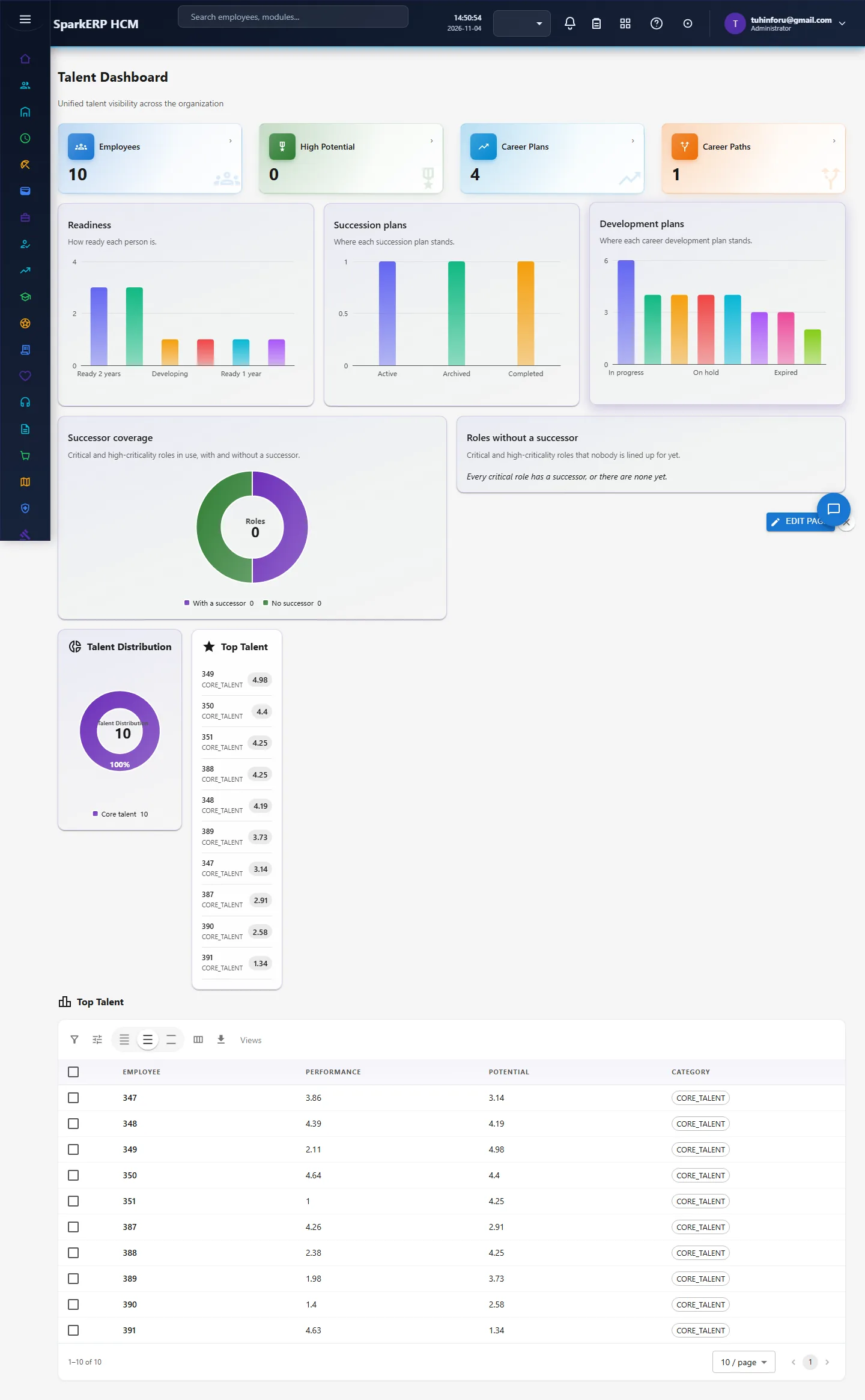
Talent Management keeps what you know about people's strengths and futures: skills and competencies, talent profiles, pools of high potentials, career paths, succession plans for critical roles and talent reviews that place people on the 9-box. Together they show how deep the bench is behind each critical role.
1. Who uses it
| Role | What they do |
|---|---|
| Talent / HR partner | Maintains skills, profiles and pools, runs talent reviews, builds succession plans. |
| Manager | Rates performance and potential of their team and names successors. |
| HR head | Reads bench strength and retention risk, decides on development. |
| Employee | Sees their career paths and development plan. |
2. Before you start
- Installed plugins.
hcm-talent(needs HCM Foundation). Free tier. - Employees must exist in Core HR.
- Trial data. In a trial tenant, generate the Talent management pack in Demo Data.
3. Set up
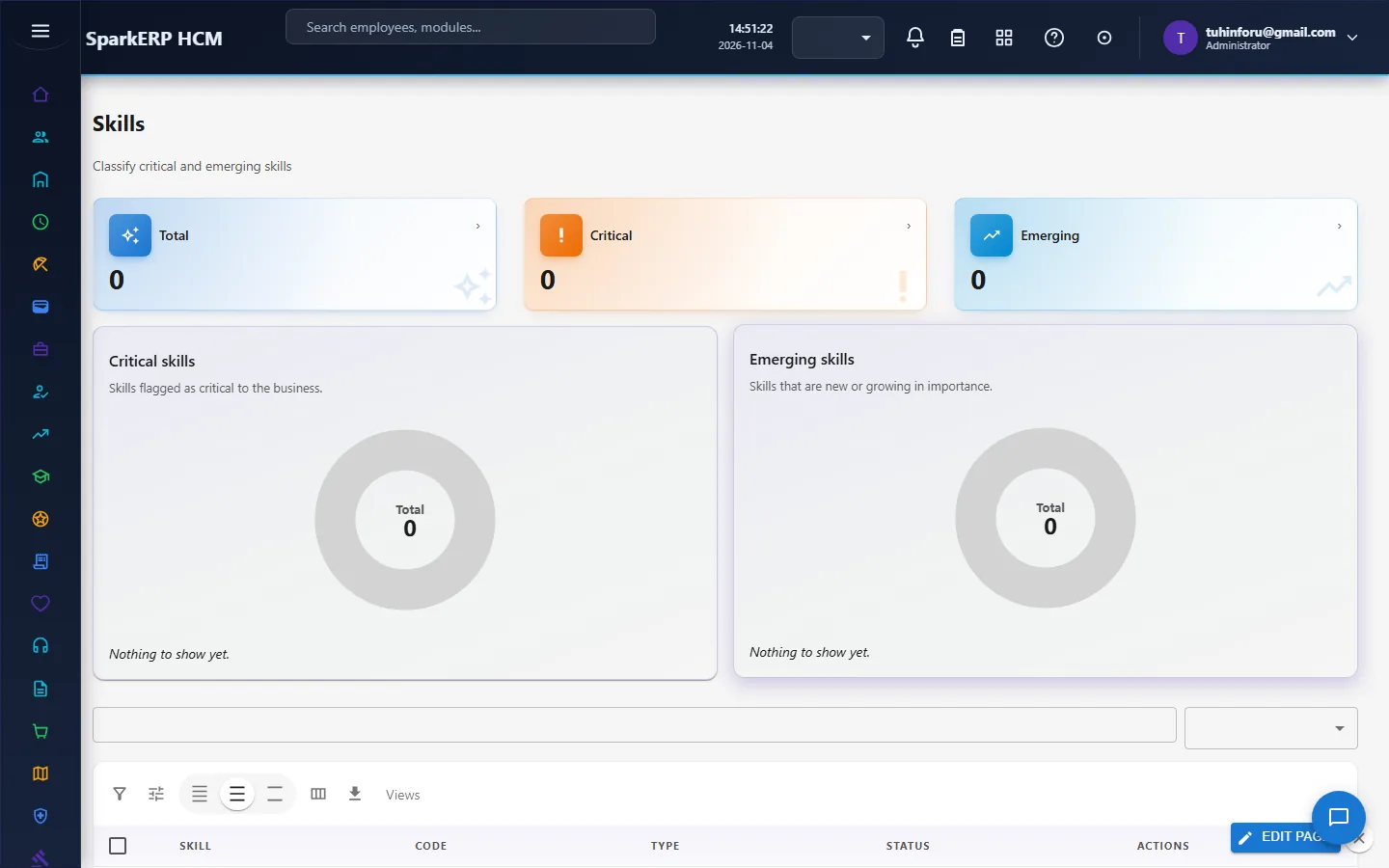
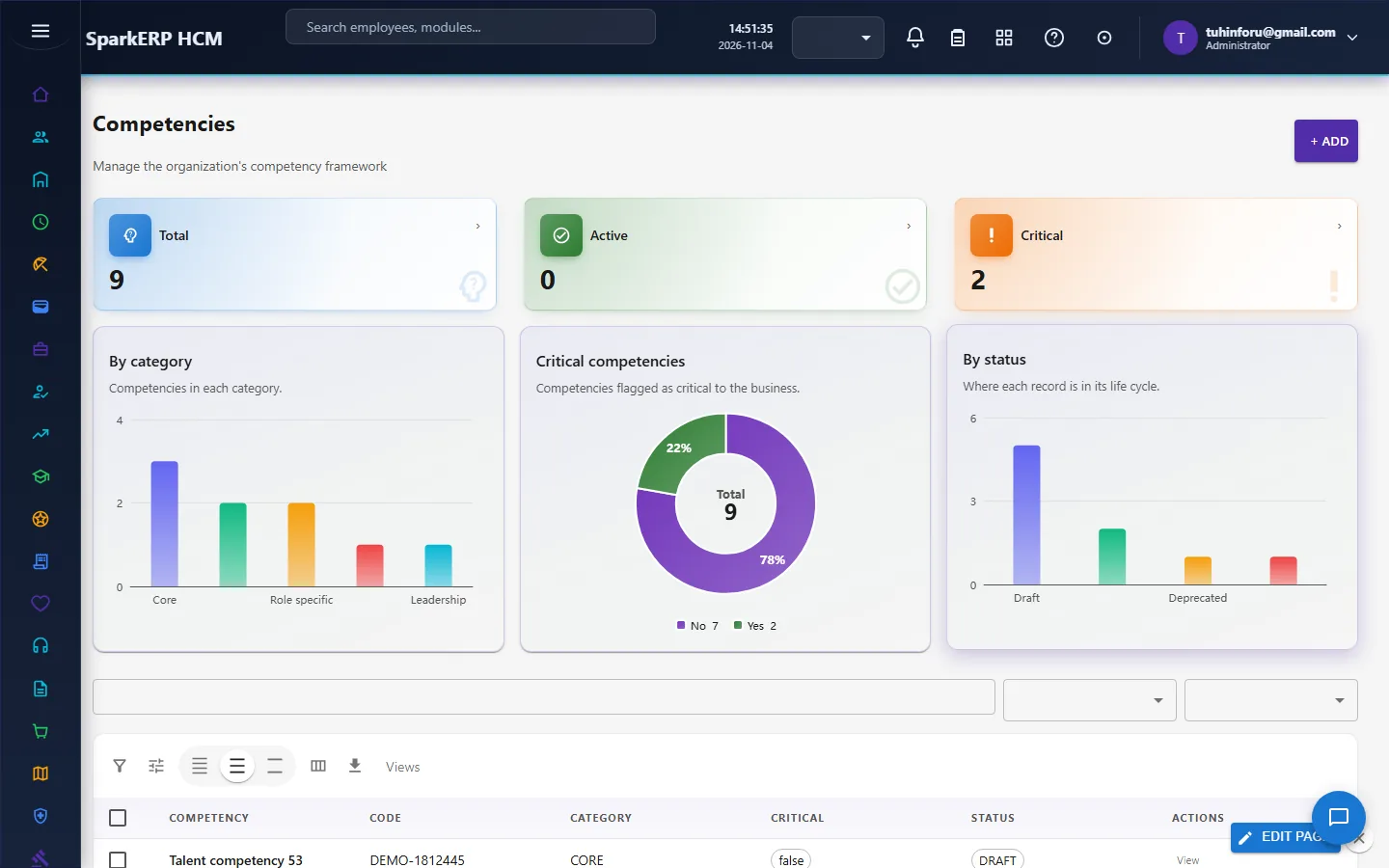
Skills and competencies. Maintain the lists the business uses.
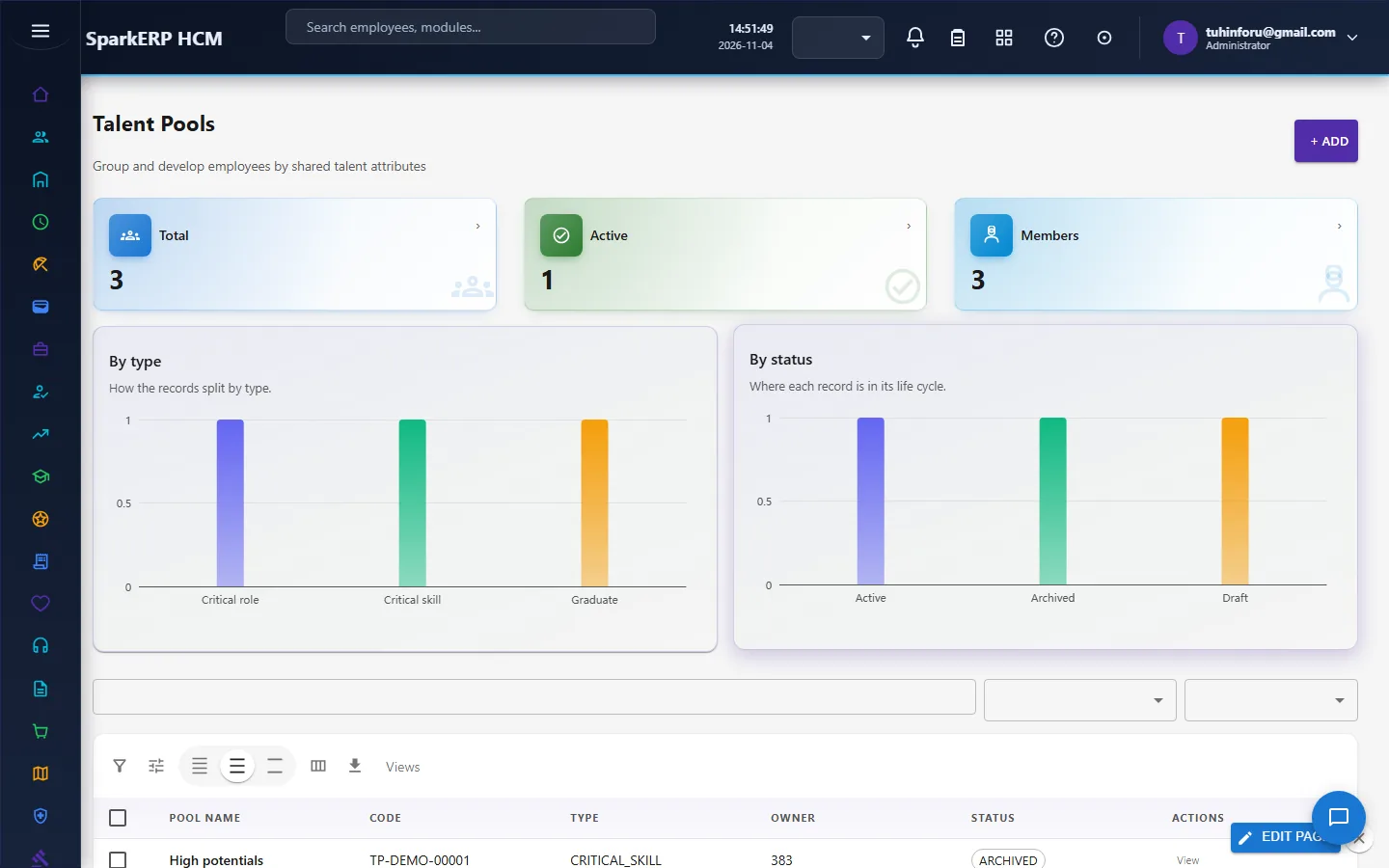
Talent pools. Create pools such as "high potentials" or "future leaders".
4. Daily use
4.1 Profiles and high potentials
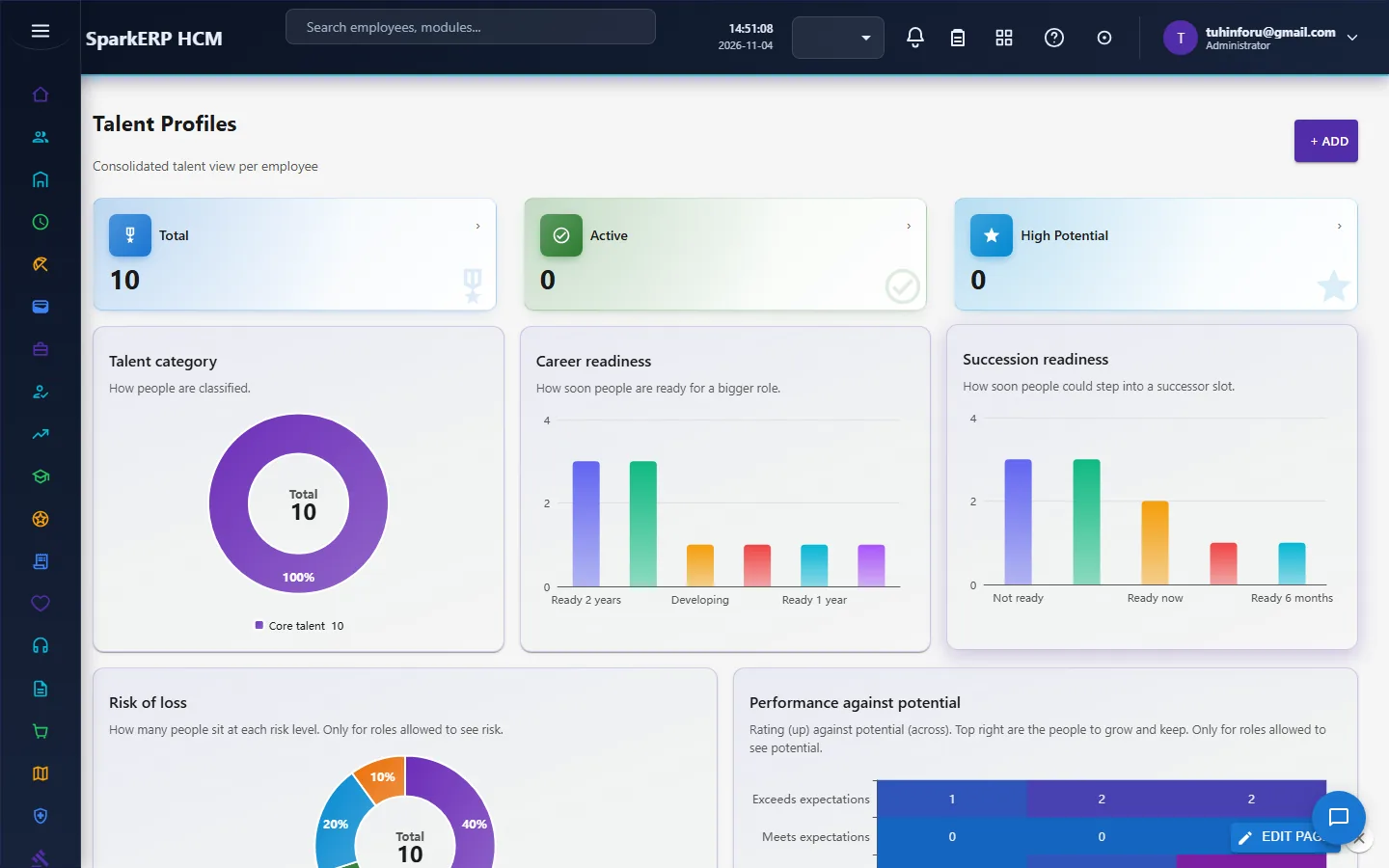
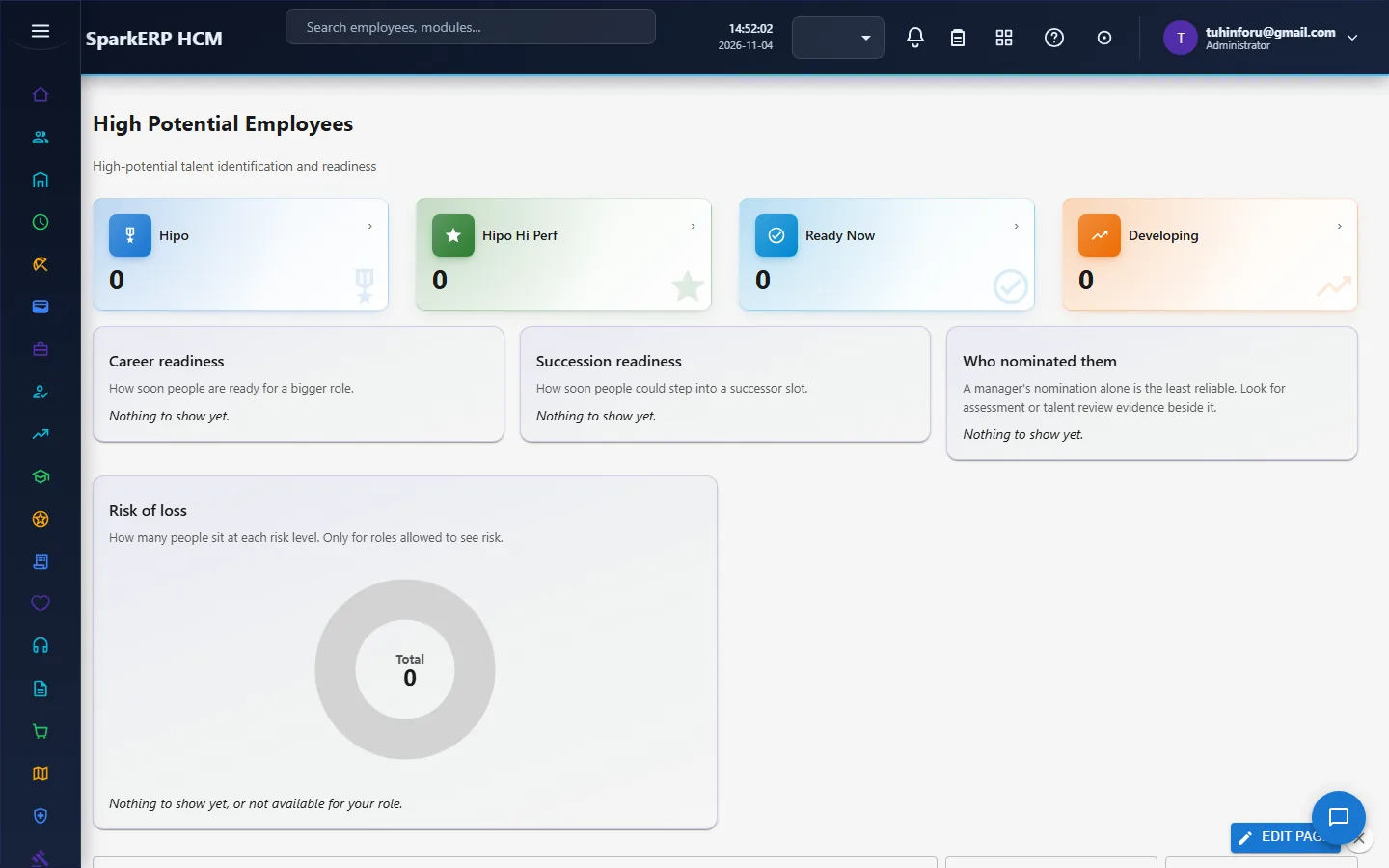
Talent Profiles holds each person's performance and potential rating, category, readiness, retention risk and flight-risk score. High Potential Employees lists the people flagged.
4.2 Succession planning
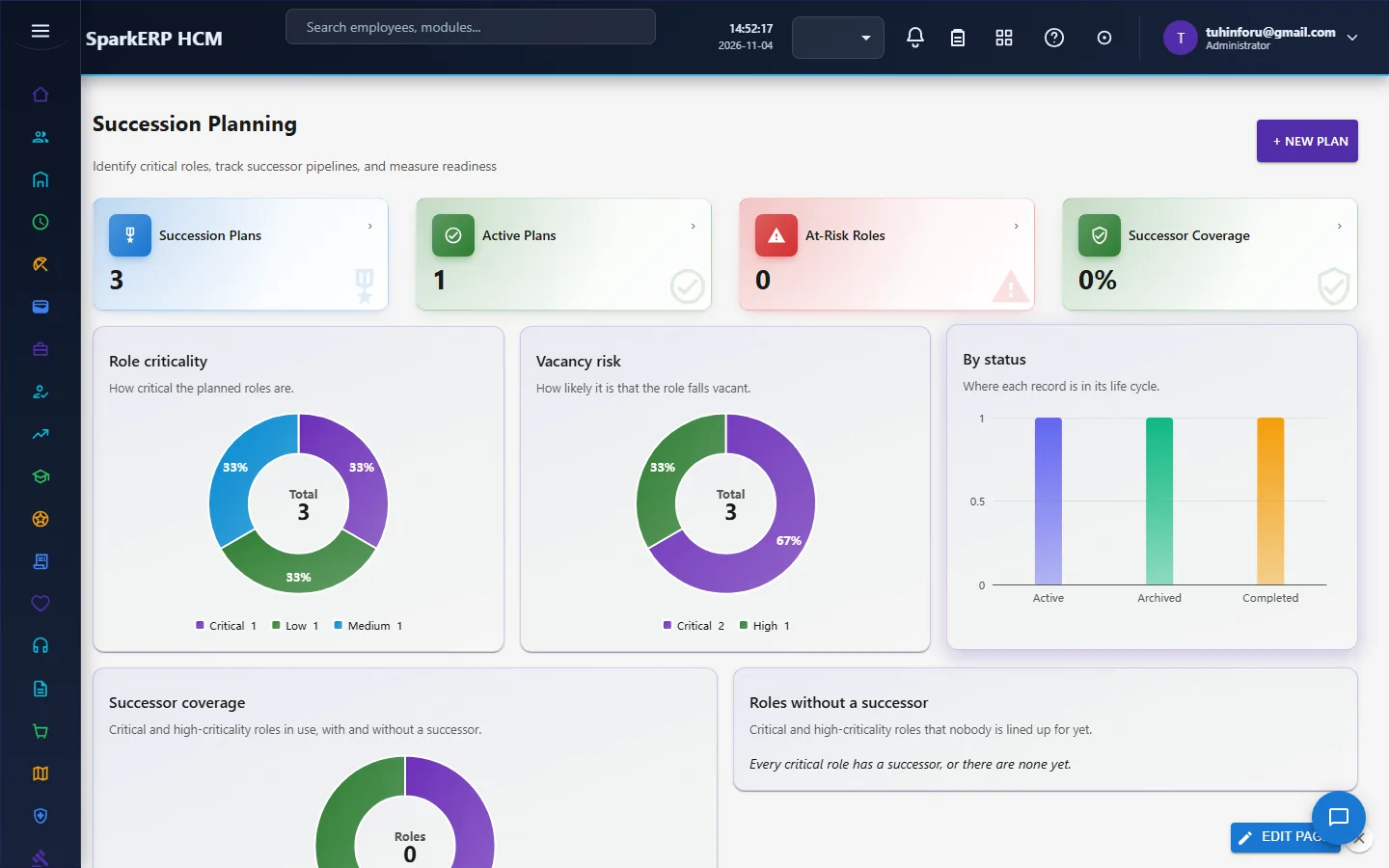
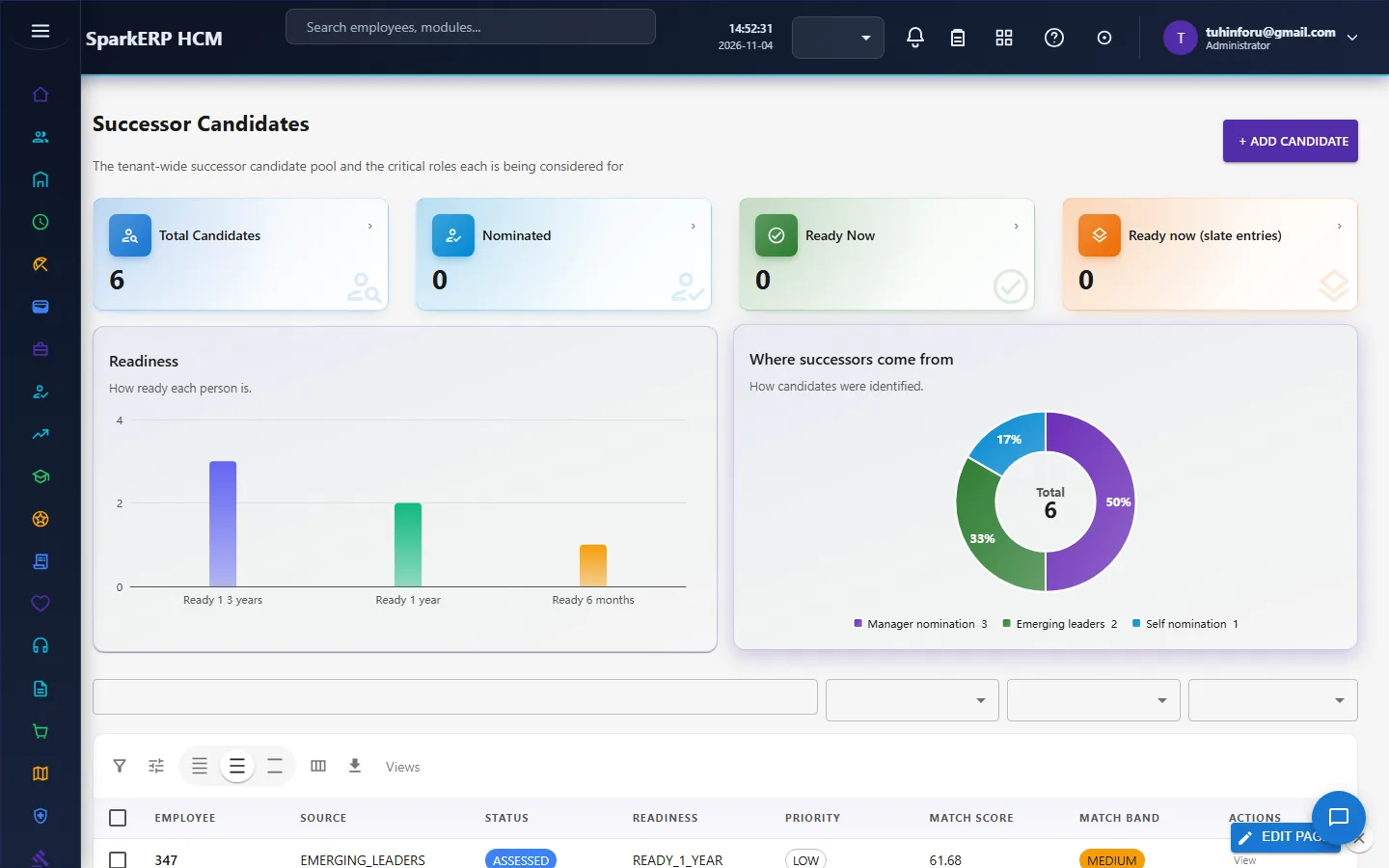
For each critical role, create a Succession Plan (role, criticality, vacancy risk, incumbent, owner, review dates). Name the people who could step in on Successor Candidates with their readiness (ready in 6 months, 1 year, 1 to 3 years) and match scores.
4.3 Talent reviews
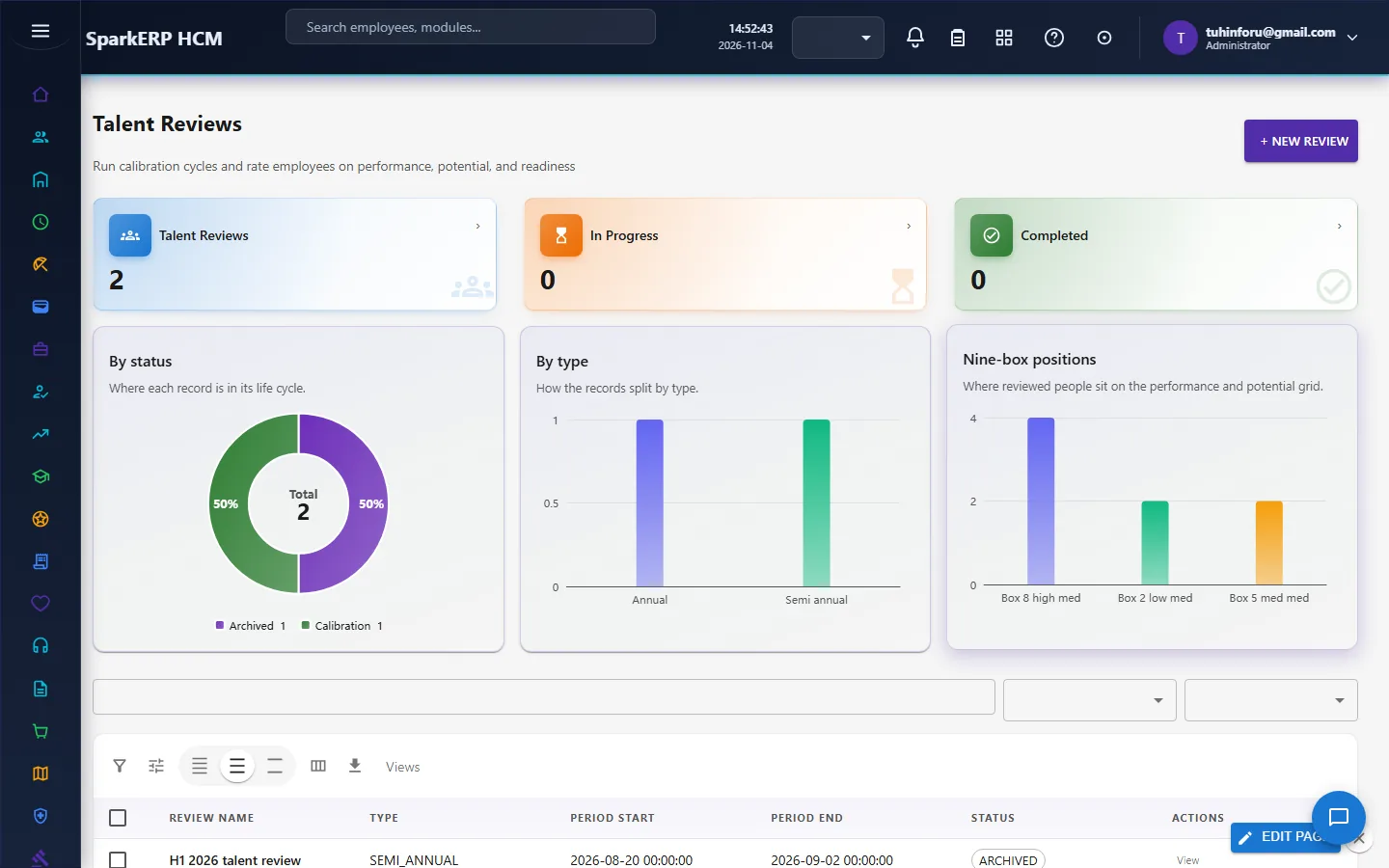
Talent Reviews places each reviewed person on the 9-box (performance against potential), with retention and succession risk; changes are logged in the calibration log.
4.4 Careers
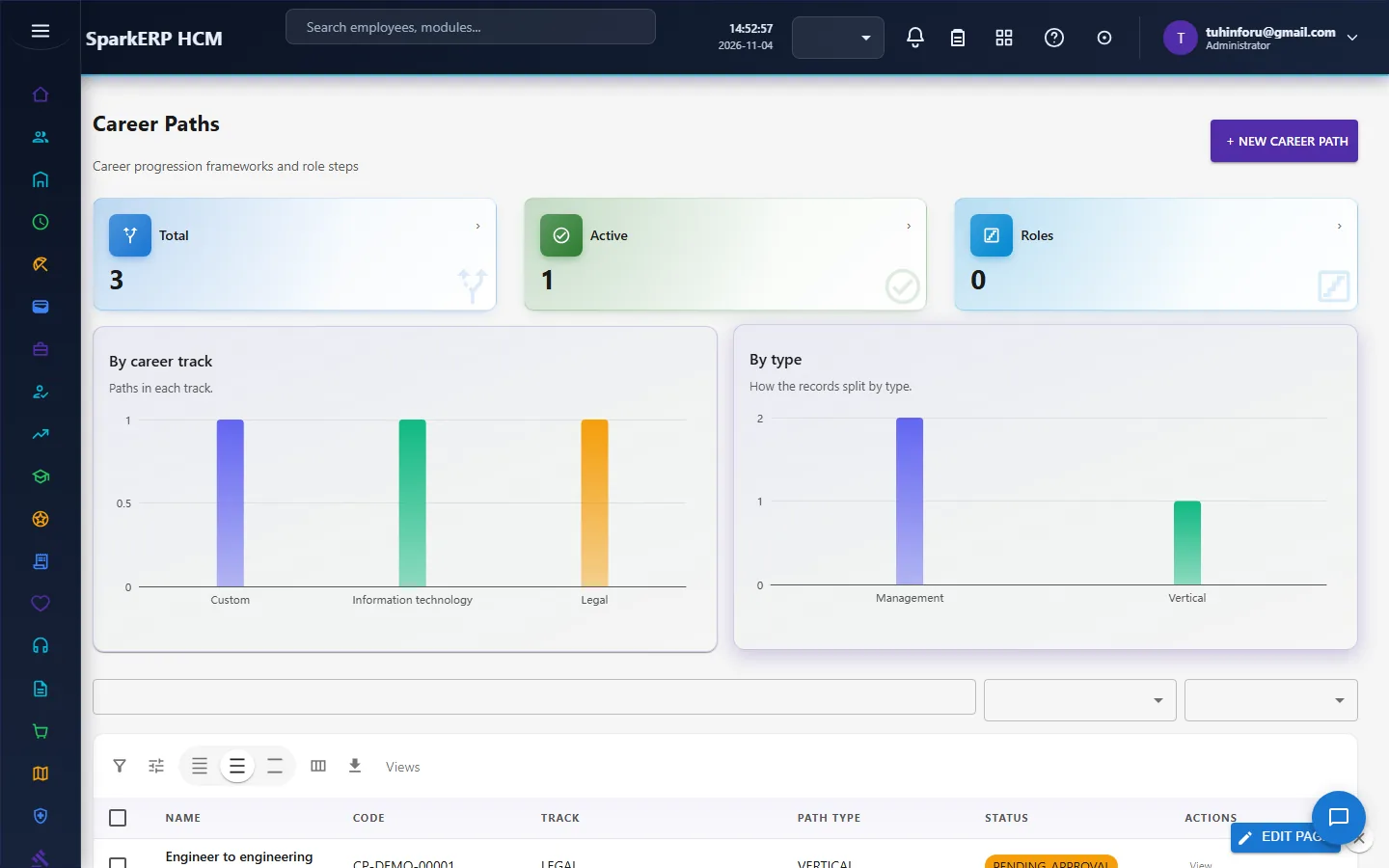
Career Paths and Career Development record the steps people can take and their development plans.
5. Charts and reports
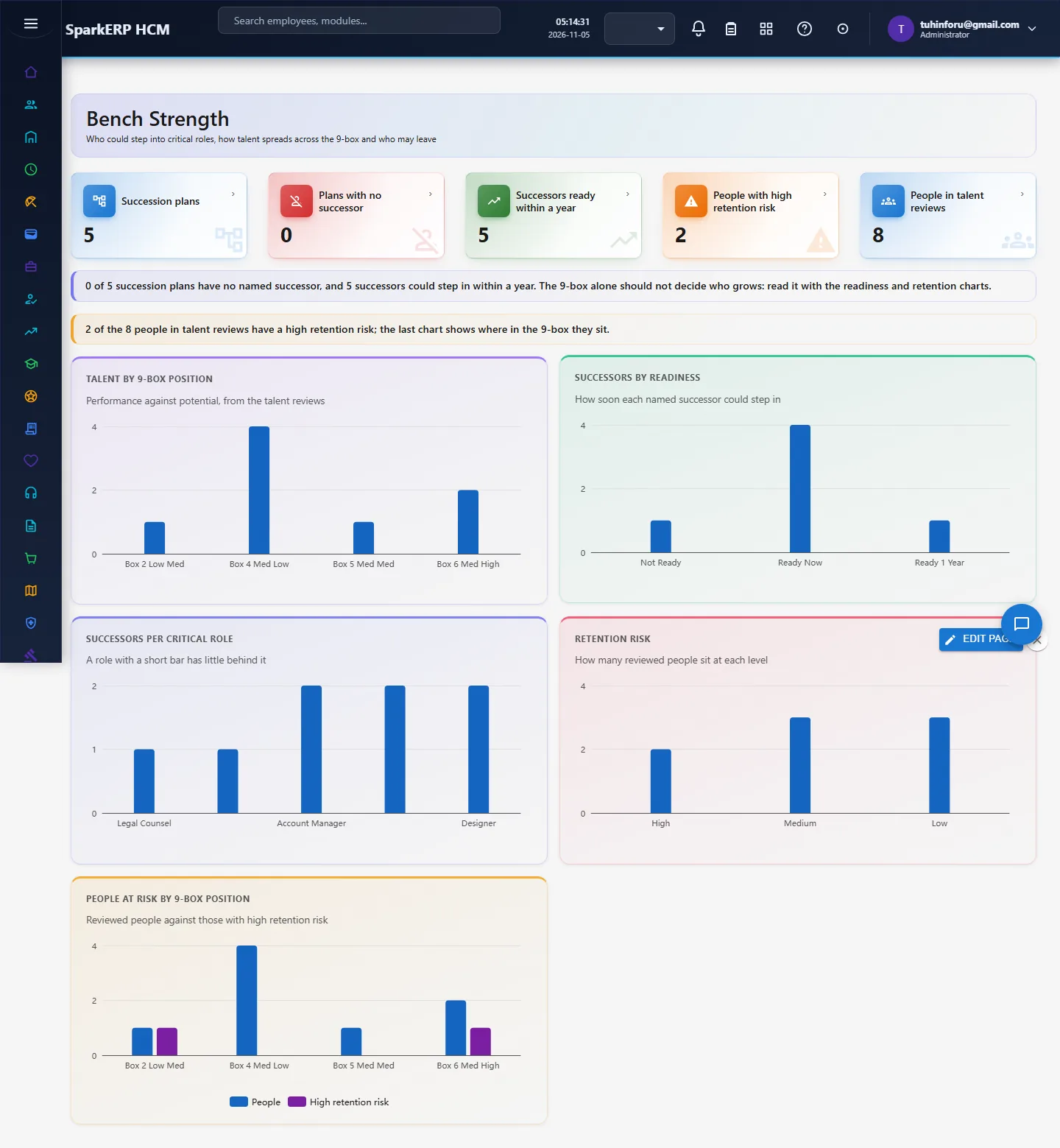
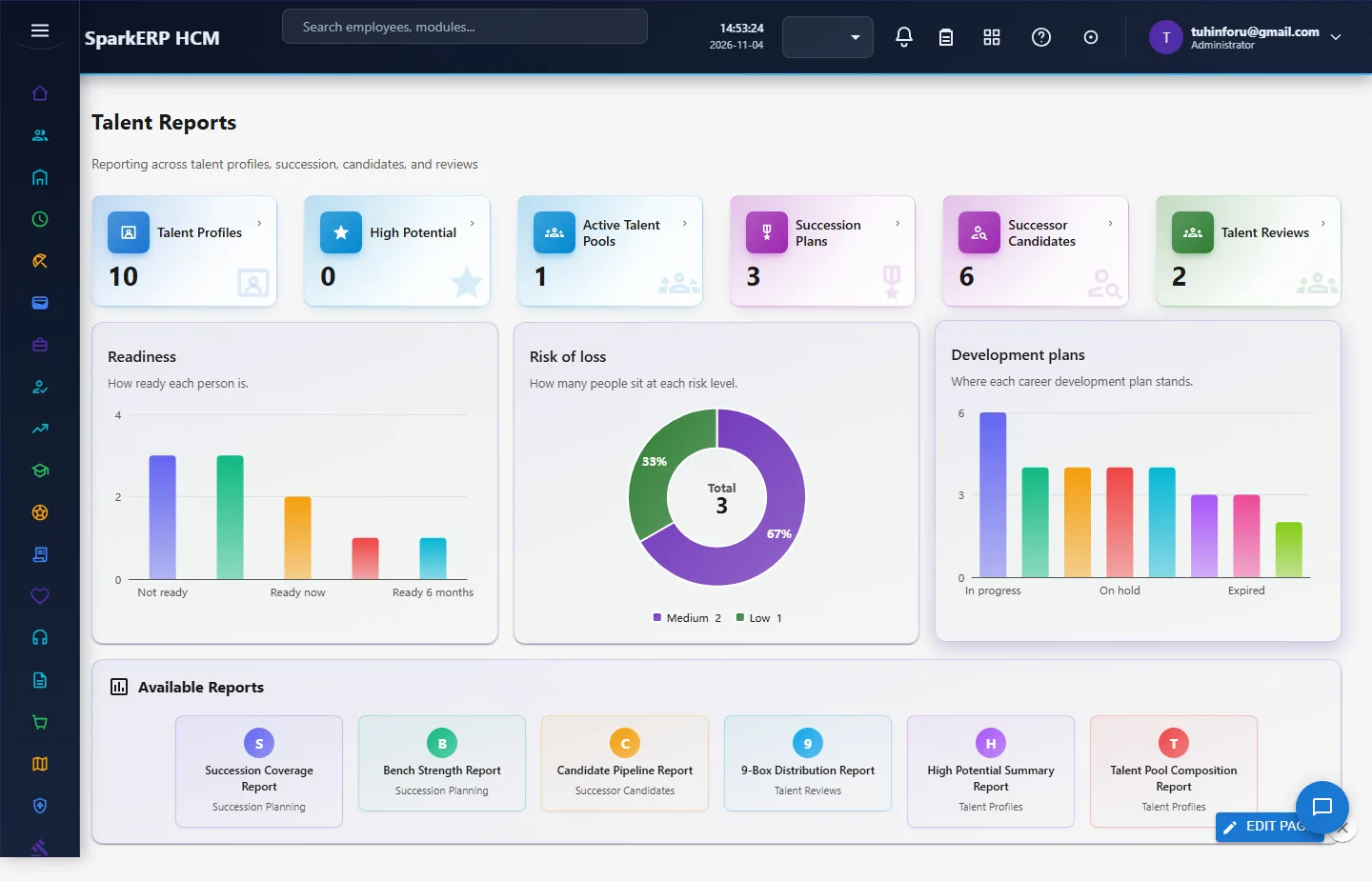
The Talent Dashboard and Talent Reports show the counts and charts of every area. Bench Strength (new) adds the succession view: talent by 9-box position, successors by readiness, successors per critical role (a short bar is a role with little behind it), retention risk, and high retention risk by 9-box position.
6. On a phone or tablet
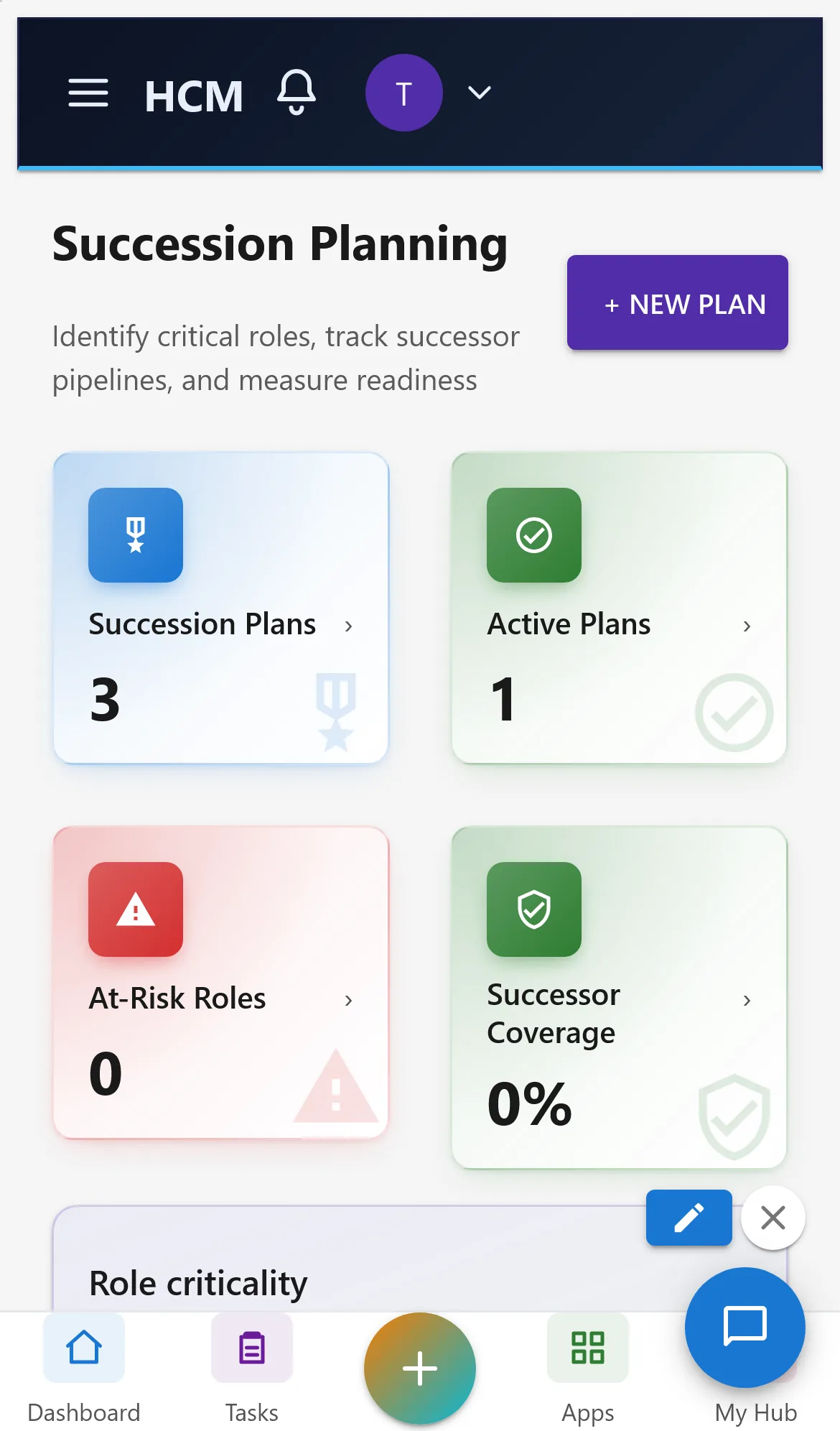
All screens open on a phone: tiles and charts stack one per row.
7. Rules and limits
- The 9-box is one input, not the decision: use it with readiness and retention risk (the Bench Strength page puts them together).
- Retention risk is not an axis of the 9-box; it is recorded on the review and shown beside it.
- Known display issue: the Succession Planning "Successor Coverage" tile reads 0% although successors exist for the plans in the demo data.
- Not built yet: bench ratio targets (successors per role), succession reports by readiness horizon on the dashboard, high performers at risk as an alert.
8. Troubleshooting
| Symptom | Cause and fix |
|---|---|
| Bench Strength says "Report.View is required" | The login lacks the Report view permission. |
| 9-box chart is empty | No talent review has placed anyone on the 9-box. Run a talent review or generate the demo pack. |
| A successor does not appear for a role | The successor is not linked to that succession plan. |