
Appearance
Performance Management: how it works and how to set it up
Performance Management answers the questions a company asks about how its people are doing: what is each person expected to achieve, how are they getting on during the year, what do they and their manager think at review time, how do those views become one rating, who agrees that rating, and what happens to someone who is struggling. This guide explains how the module works from start to finish, then how to set it up, then what each person sees. Every screen has its own page in the Performance section; this guide is the one to read first.
1. What Performance Management does for your business
- Sets expectations. Goals, KPIs and OKRs say what each person is to achieve, with weights and measures.
- Runs a review cycle. A cycle is the period and the stages: set goals, review, rate, calibrate, publish, acknowledge.
- Collects two views. The employee rates themselves; the manager rates them, in separate records, so one never overwrites the other.
- Turns the views into one rating with a weighted formula over goals, KPIs and competencies, then lets HR calibrate it, with a reason.
- Keeps people talking all year. Continuous feedback, recognition and 360 feedback.
- Handles under-performance fairly. A performance improvement plan needs approval and has objectives, actions, check-ins and support.
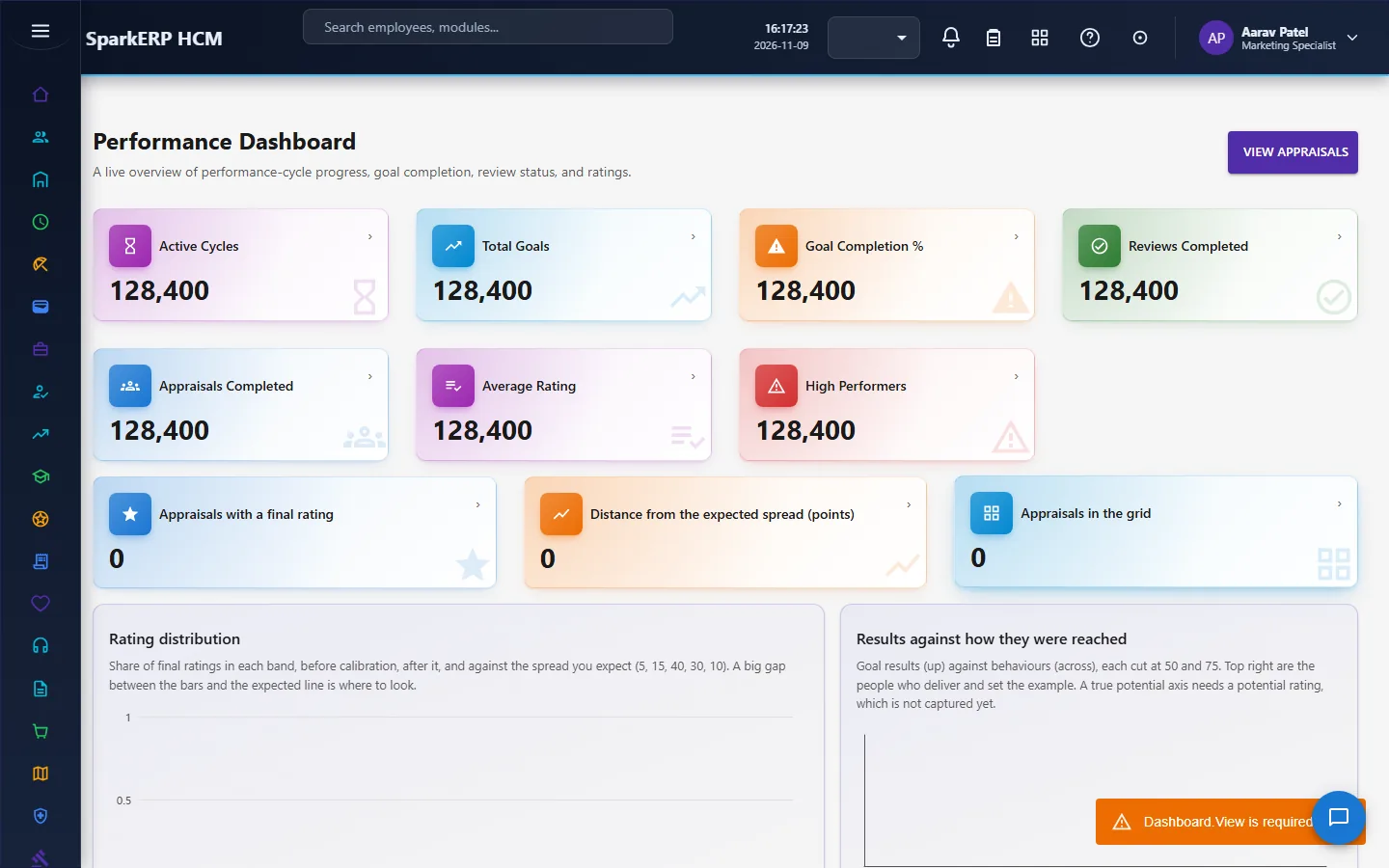
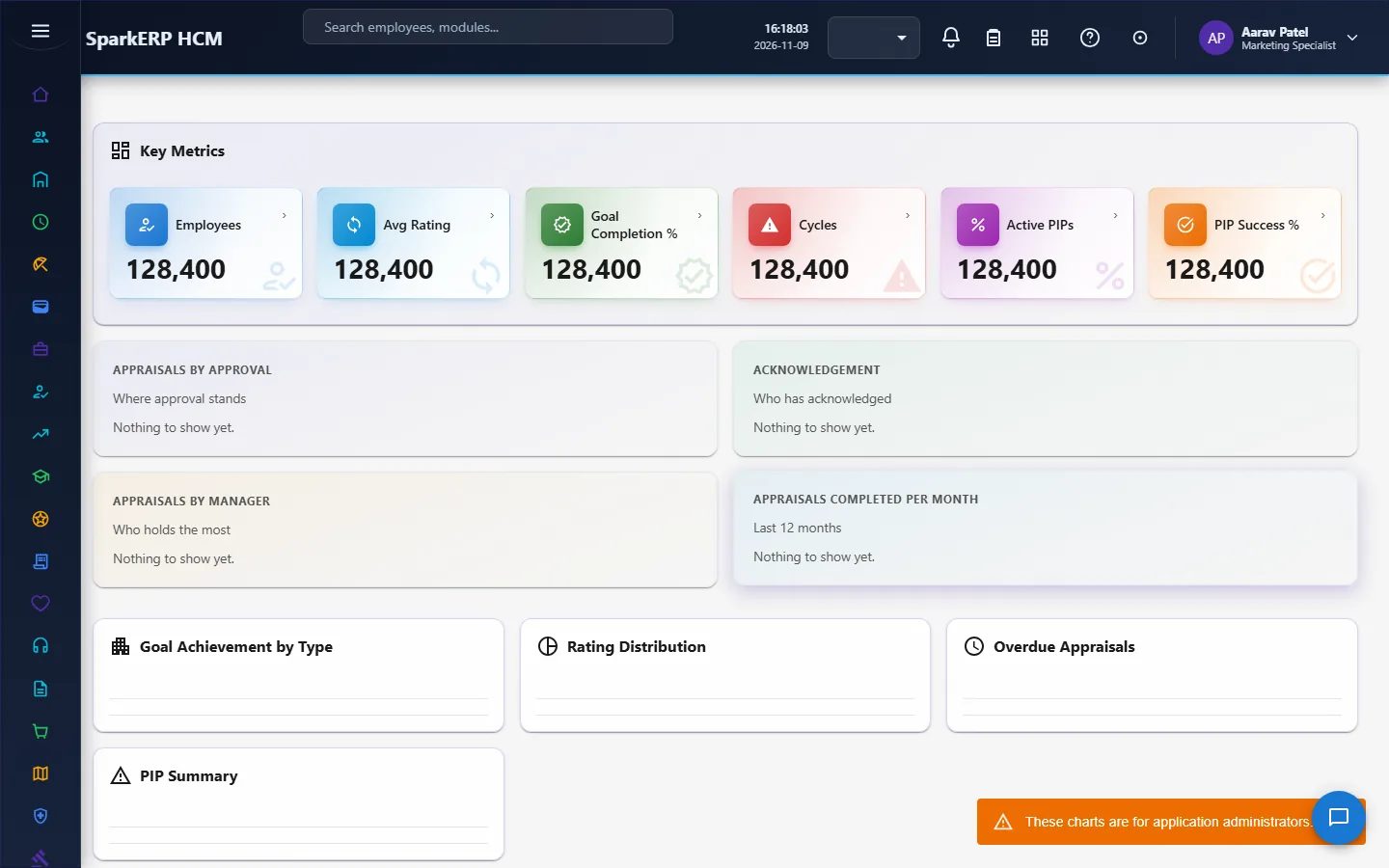
- Shows the pattern. The dashboard and reports show ratings, progress and the plans that are late.
What it does not do: it does not set pay. Ratings are an input to Compensation, not a decision about money. It also does not let AI decide a rating: the settings have a human-review requirement for any AI output, and a separate switch for whether AI may adjust a rating at all.
2. How performance management works, end to end
2.1 The path of one review
- A cycle is created and opened by a performance administrator. It carries the rating scale, the goal settings and the dates.
- Goals are set and approved. Goals, KPIs and OKRs are measured through the year with check-ins.
- An appraisal is initiated for each person in the cycle.
- The employee completes a self assessment, and submits it.
- The manager completes a manager assessment, after the self assessment is submitted.
- The manager reviews the appraisal, and the rating is worked out from goals, KPIs, competencies and the two assessments.
- HR calibrates the rating if needed, with a reason.
- The appraisal is submitted for approval and, once approved, published.
- The employee acknowledges the published appraisal.
- The cycle is finalized, and can be archived.
2.2 The life of a cycle
| Status | Meaning | Action |
|---|---|---|
| Draft / Planned | Being set up or ready. | Publish a draft or planned cycle; open a planned cycle. |
| Open | People are setting goals and reviewing. | Advance through its stages, pause and resume. |
| Completed | The review work is done. | Finalize. A cycle must reach completed before it can be finalized. |
| Finalized | Closed. | Reopen (a reason is required), or archive. |
| Cancelled | Stopped (a reason is required). | Archive. |
A cycle is managed by a single administrator: there is no approval chain for the cycle itself. Every action writes a history line.
2.3 Goals
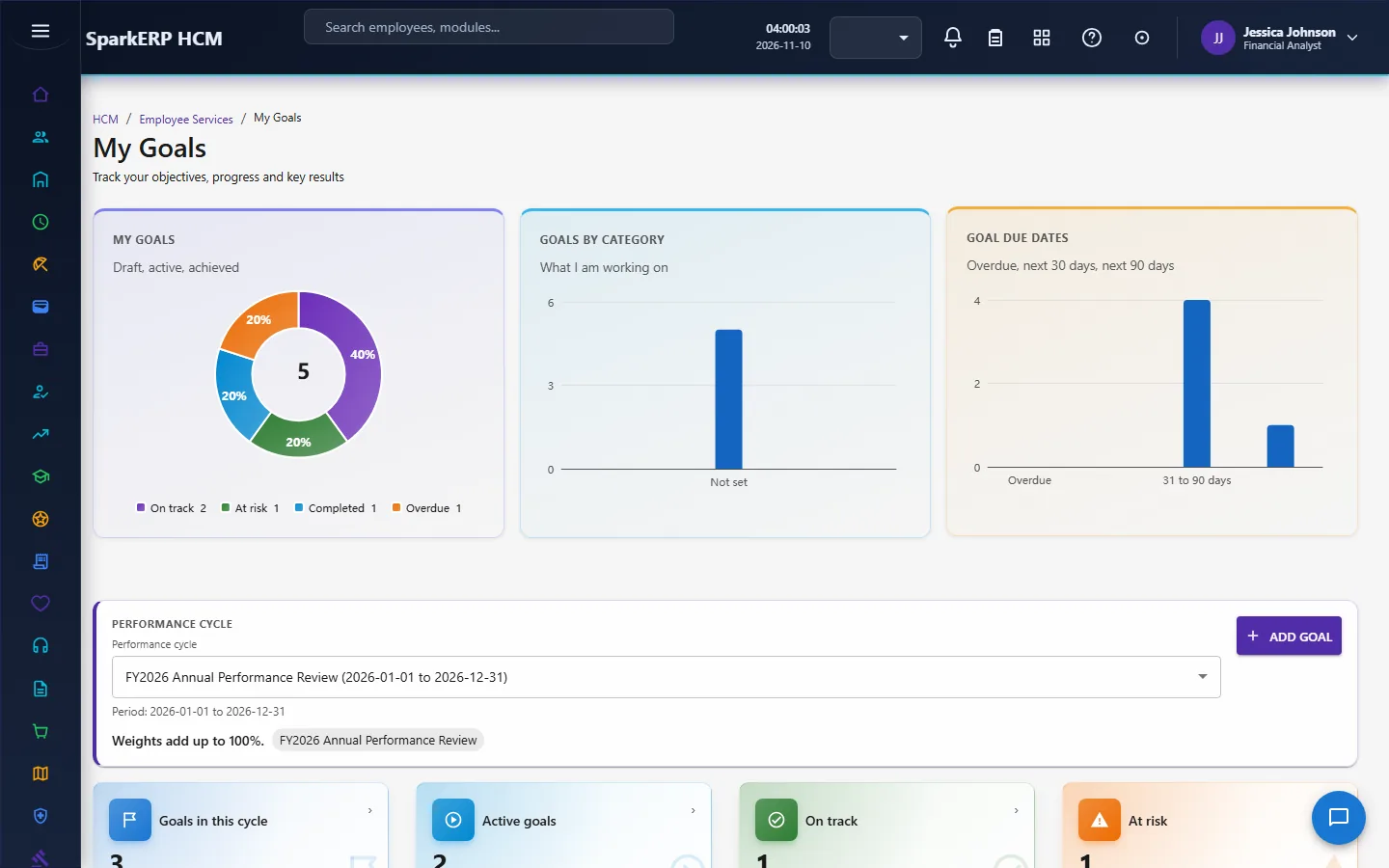
A goal belongs to one employee and one cycle. When the cycle's goal settings require goal weights, the employee's total goal weight in the cycle cannot go above 100. A goal can be aligned to another goal, but a circular alignment is rejected.
A goal goes: draft, submit, pending approval, approved, then progress through check-ins, then complete. You cannot complete a draft goal or one that is waiting for approval. Approval is a two-party step: the employee proposes and a manager-level approval task, due within three days, decides it. The roles with approval permission on it are HR Manager and Performance Administrator.
Goal plans are reusable configuration: a framework that can be cloned, versioned, assigned to many people (with a preview of who gets it) and activated. Approval is optional: when a plan requires approval, activation goes through the approval; otherwise it activates directly.
2.4 KPIs and OKRs
- KPIs are measurable targets for an organisation, department, team, individual, job or role. Only manual KPIs are measured by entering a value; a KPI that names a database, an API or a formula is accepted as configuration, but nothing evaluates it yet. A KPI shows a trend and can be paused, recalculated, archived or cancelled. Approval is optional.
- OKRs hold an objective with several key results, each measured and weighted independently, with its own status and check-ins, and, optionally, a link to a KPI. Approval is optional.
2.5 Self assessment and manager assessment
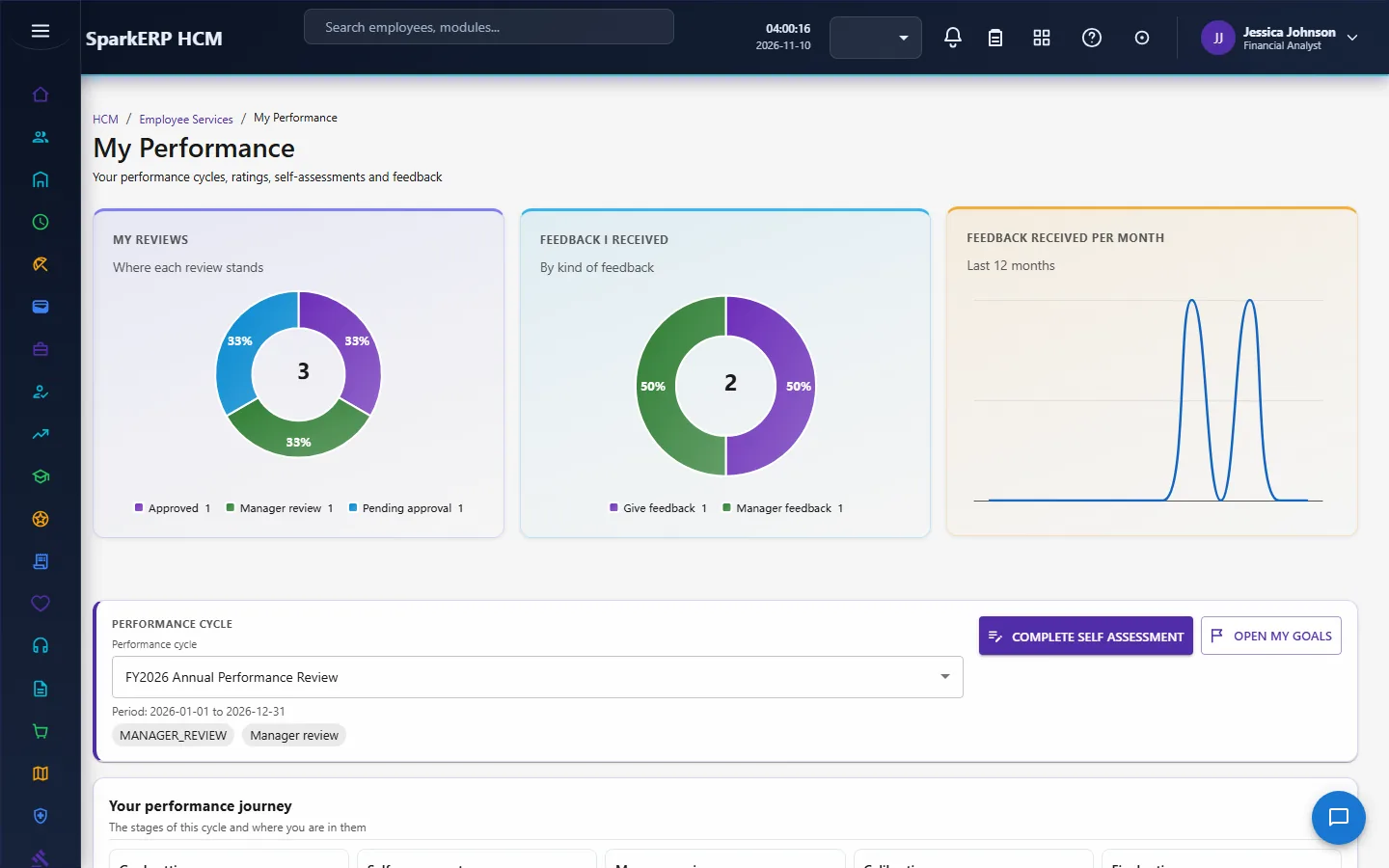
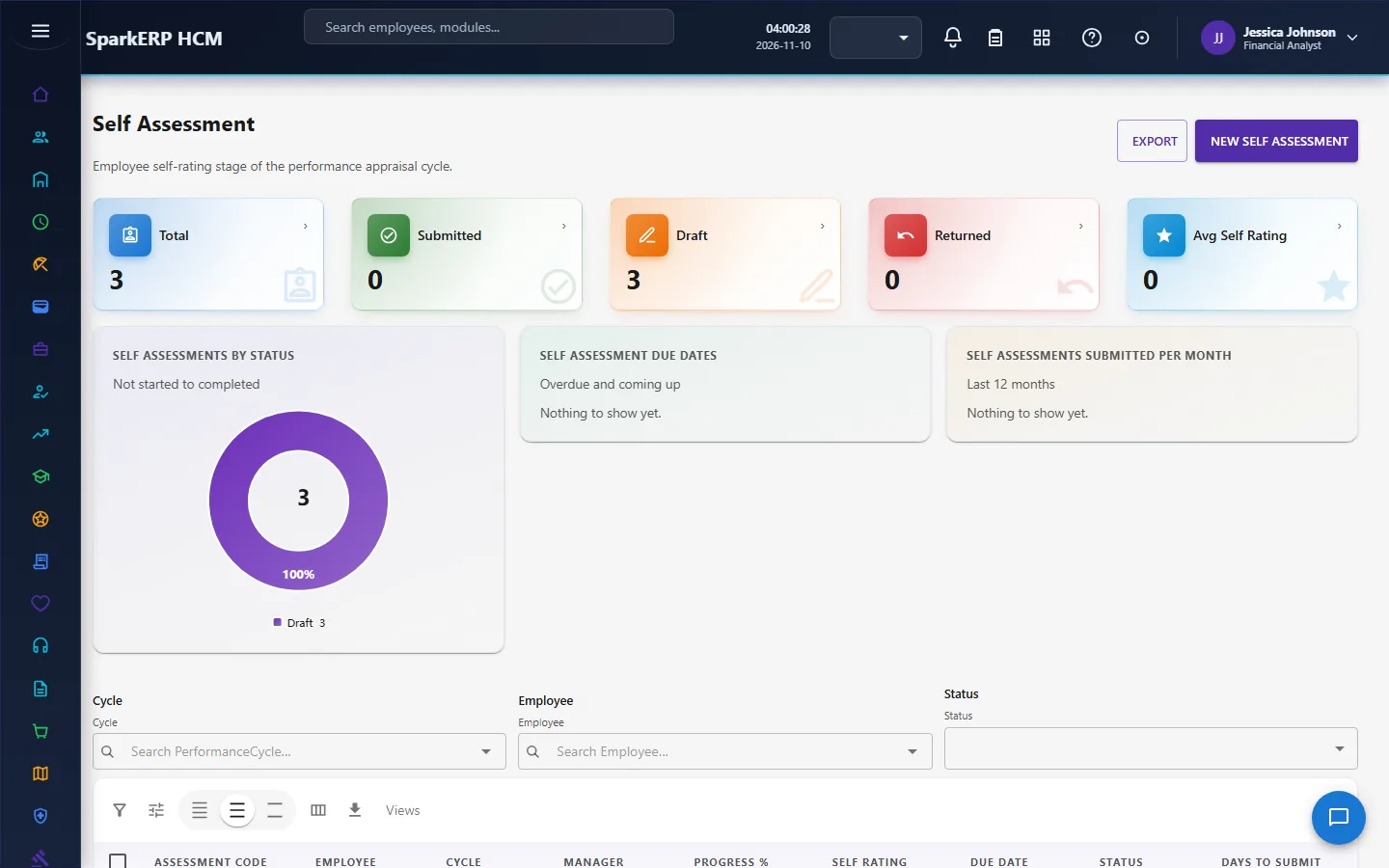
The self assessment is the employee's own ratings. It rolls up the employee's goals and KPIs and applies a configurable weighted overall rating formula that uses the cycle's rating scale. It can be saved as a draft, submitted, returned or reopened by a different role, locked or cancelled. It uses version numbers, so two people editing at once do not overwrite each other.
The manager assessment can start only after the employee's self assessment is submitted. The manager's ratings are stored apart from the employee's, so one never overwrites the other. The page computes the variance between the two. When the variance goes above the configured threshold, the manager must justify it.
Return, reopen and submit are direct actions by a person with the role, not routed approvals.
2.6 The appraisal and the rating
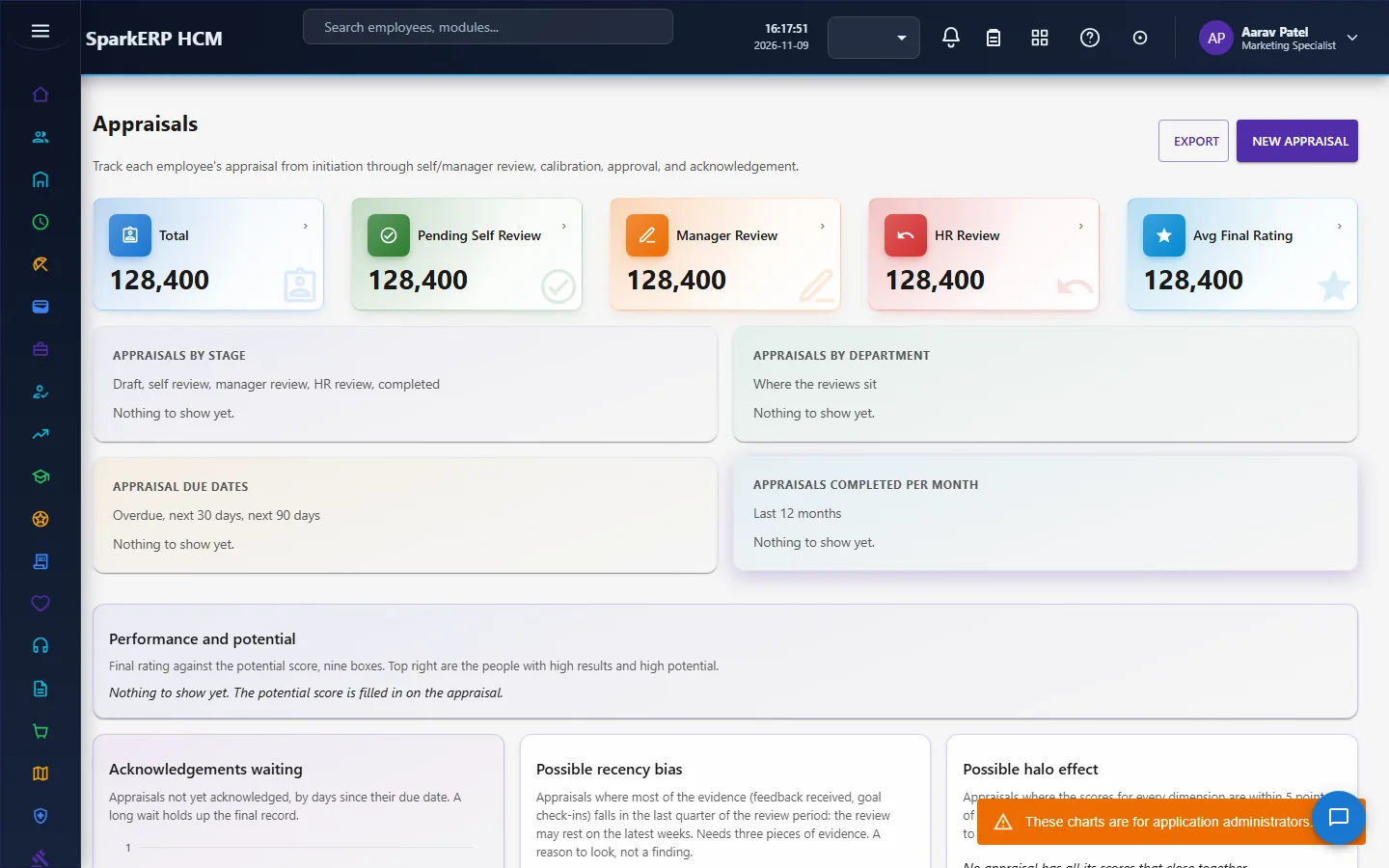
The appraisal is the single record that brings it together. It takes snapshots of the employee's goals and KPIs and pulls the self and manager ratings from the two assessments into one weighted final rating.
Its life: initiated, self review, manager review (and peer review), HR review or calibration, pending approval, approved, published, completed (acknowledged). Settings change the path:
- Self review required off: the self review stage is skipped.
- Calibration enabled off: calibration is refused.
- Require final approval off: a submitted or calibrated appraisal can be published as it is.
- Ratings visible after calibration, show rating to employee and force distribution control what the employee sees and how ratings are spread.
Calibration changes the final rating. A reason is required, the original rating is kept, and an optional potential score can be recorded. The final approval is a single task for the HR Manager or Performance Administrator, due within three days.
Ratings holds the rating scales (the labels and values of a scale) and the individual rating entries.
A check for the halo effect flags appraisals whose scores for every dimension are almost the same, which suggests one impression colouring everything.
2.7 Feedback
- Continuous feedback has three flows in one screen: give feedback, request feedback and recognition. The recipient acknowledges feedback and can turn it into an action.
- 360 feedback lets an administrator assign reviewers. Responses are collected and aggregated with an anonymity threshold, so a result built from too few reviewers is not shown as if anonymous. A request can be launched, closed or reopened. The anonymous peer feedback setting makes reviewers anonymous by default.
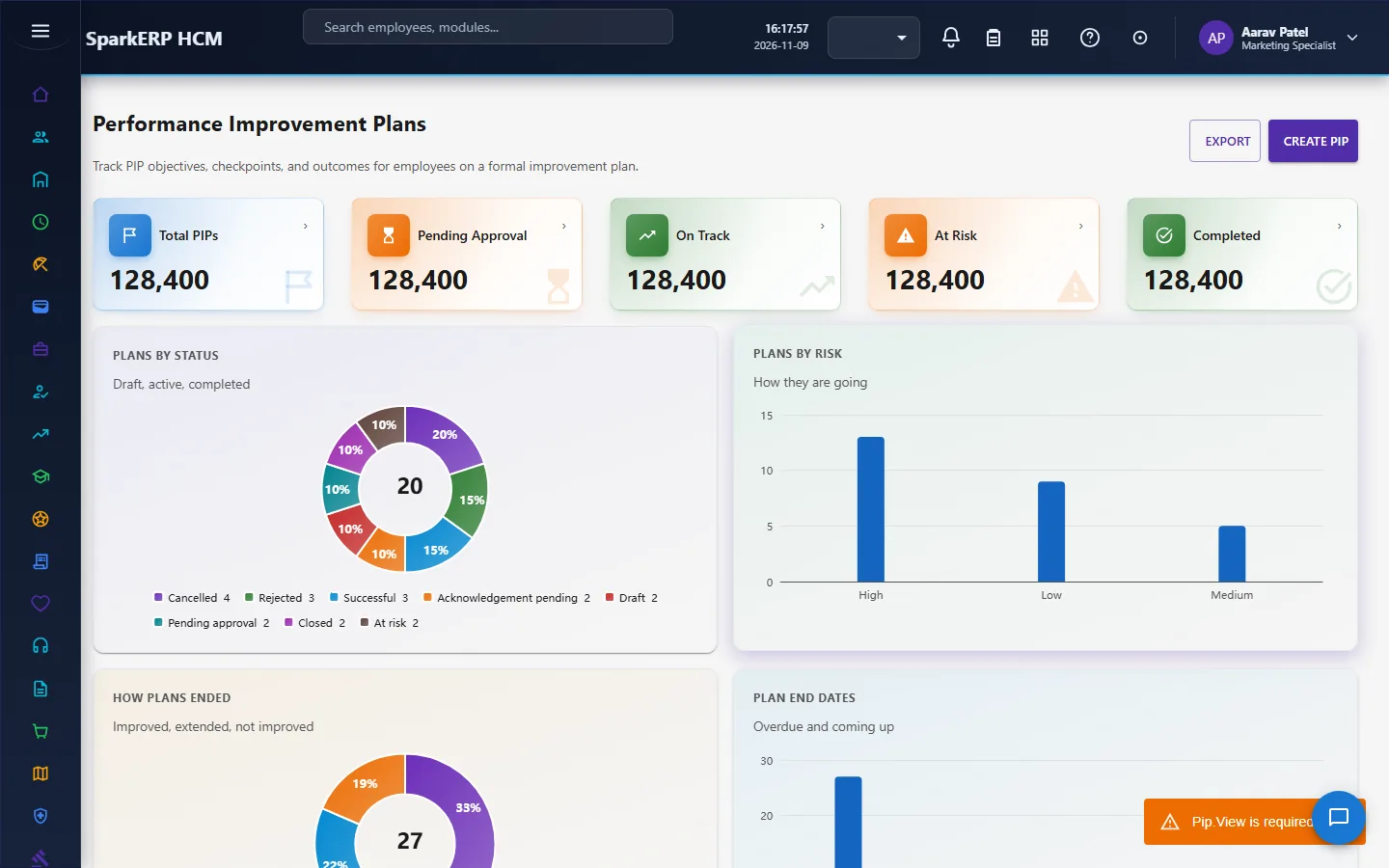
2.8 Performance improvement plans
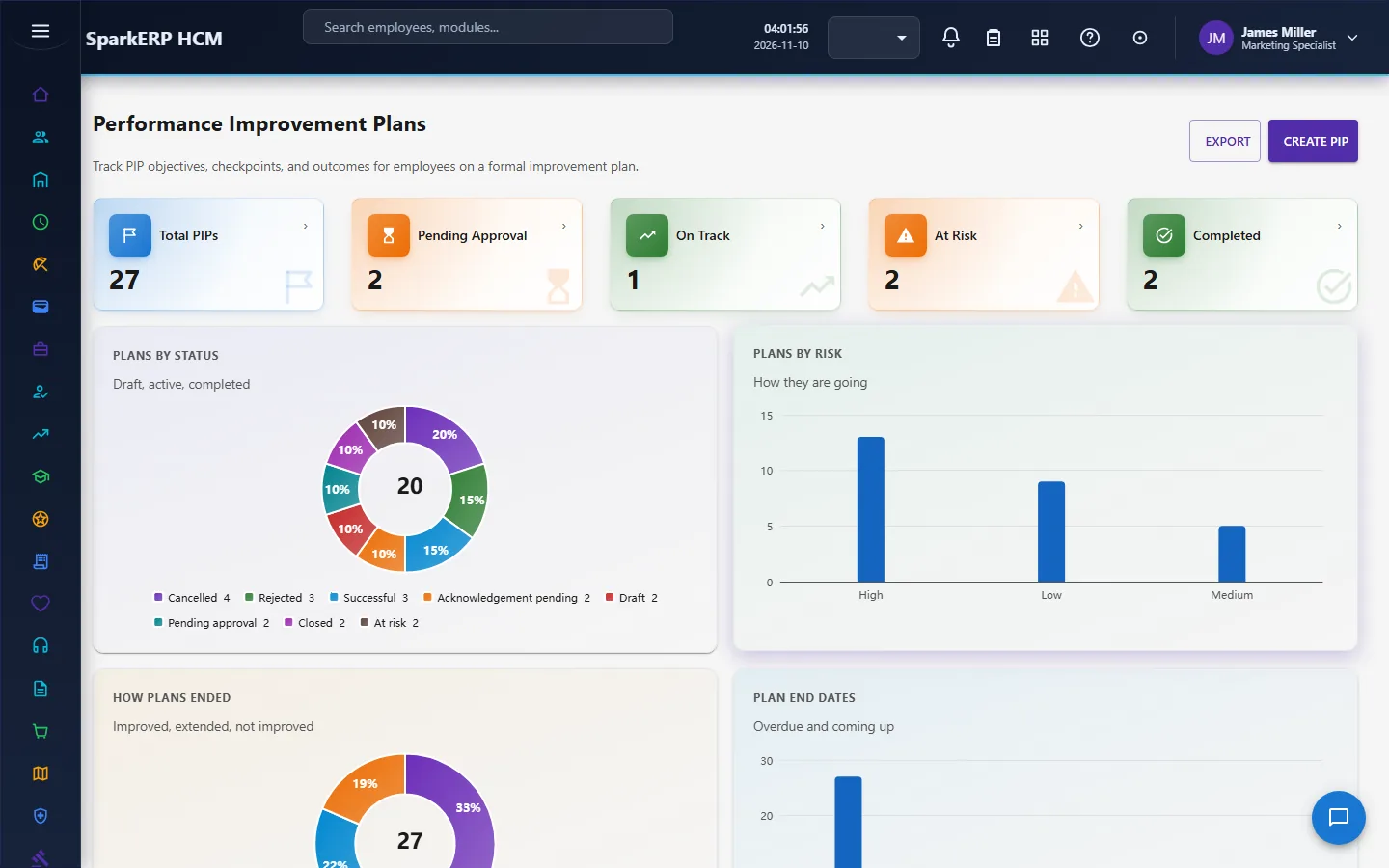
A performance improvement plan (PIP) is for someone whose performance has to improve. A manager cannot place an employee on a PIP alone: the plan goes through an approval (HR Manager or Performance Administrator, due within three days).
A plan holds objectives, actions, checkpoints and support. The employee acknowledges it. A checkpoint is a check-in; the page lists check-ins that are due or late. The plan can be extended: an extension is requested with a reason and approved. A final review closes it, with the outcome. PIPs can be switched off for the whole organisation (PIP enabled).
2.9 What the settings control
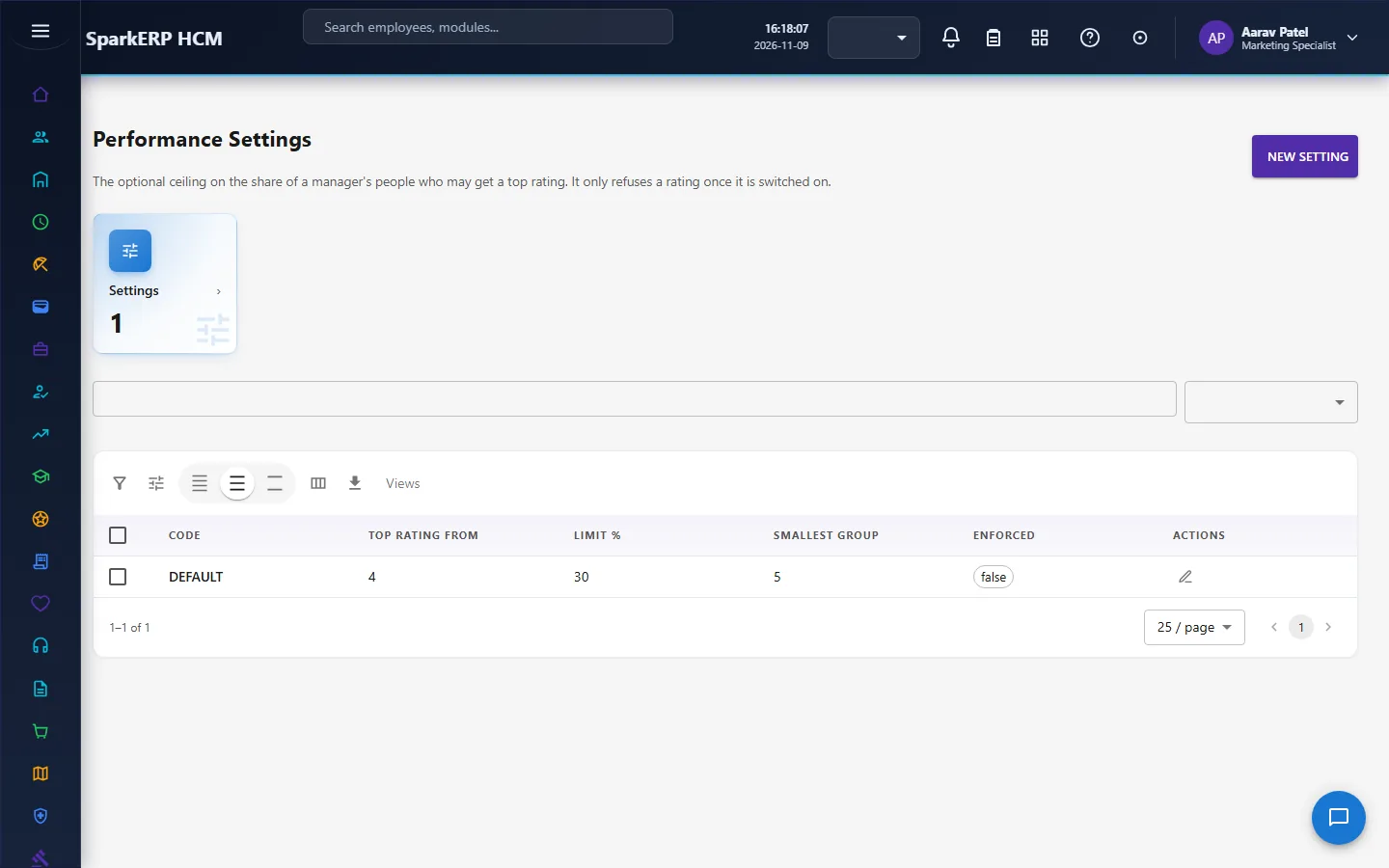
HCM Settings, Performance switches parts on and off and sets the rules:
| Setting | Effect |
|---|---|
| Performance management enabled | The whole module. |
| Goal, KPI, competency, continuous feedback, 360, calibration, PIP enabled | Each part separately. |
| Default model and cycle type, rating scale, decimal ratings | The defaults for a new cycle. |
| Goal, KPI and competency weightage (percent) | The weights of the final rating. |
| Self review required, require final approval | Which stages are compulsory. |
| Show rating to employee, ratings visible after calibration | When the employee sees the result. |
| Force distribution | Whether ratings must follow a distribution. |
| Review reminder days | When reminders go out. |
| Anonymous peer feedback | The default for 360 reviewers. |
| AI summary, AI human review, AI automatic rating adjustment | What AI may do. There is a setting that requires a human to review any AI output and another that decides whether AI may adjust a rating at all; keep the human review on. |
3. Who does what
| Role | What they do |
|---|---|
| Performance Administrator | Sets up cycles, goal plans, KPIs, OKRs and rating scales; runs the cycle; calibrates; decides approvals. |
| Performance Manager | Sets and approves goals for the team, writes manager assessments and appraisal reviews, runs 360 and PIPs for the team. |
| Performance Employee | Sets and tracks their own goals, completes the self assessment, gives and receives feedback, acknowledges the appraisal. |
| HR Manager | Decides the approval tasks for goals, goal plans, KPIs, OKRs, appraisals and PIPs. |
| HR roles and the analytics viewer | Read the dashboard and reports. |
Cycle set-up, goal plans, KPIs, OKRs, rating scales, the dashboard, reports and settings are open to the performance administrators, HR and the analytics viewer. The screens a person or their manager works from stay open to them.
3a. What each role sees, screen by screen
The employee
An employee works from My Goals and My Performance under Employee Services, and from Self Assessment and Continuous Feedback.
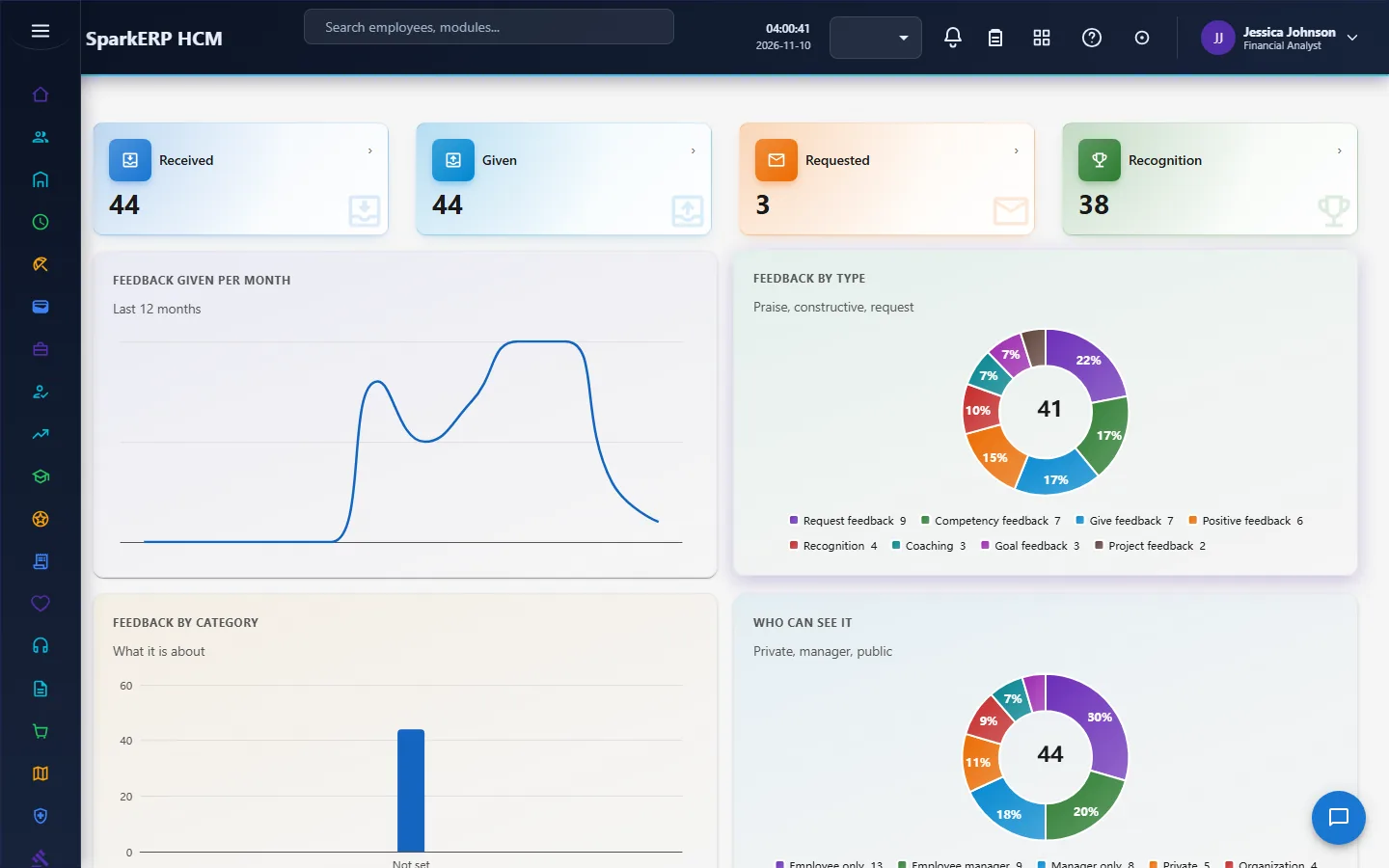
The cycle set-up screen is not open to them.

The manager
A manager works from Goals, Manager Assessment, Appraisals, 360 Feedback and Performance Improvement Plans for the people in their team.
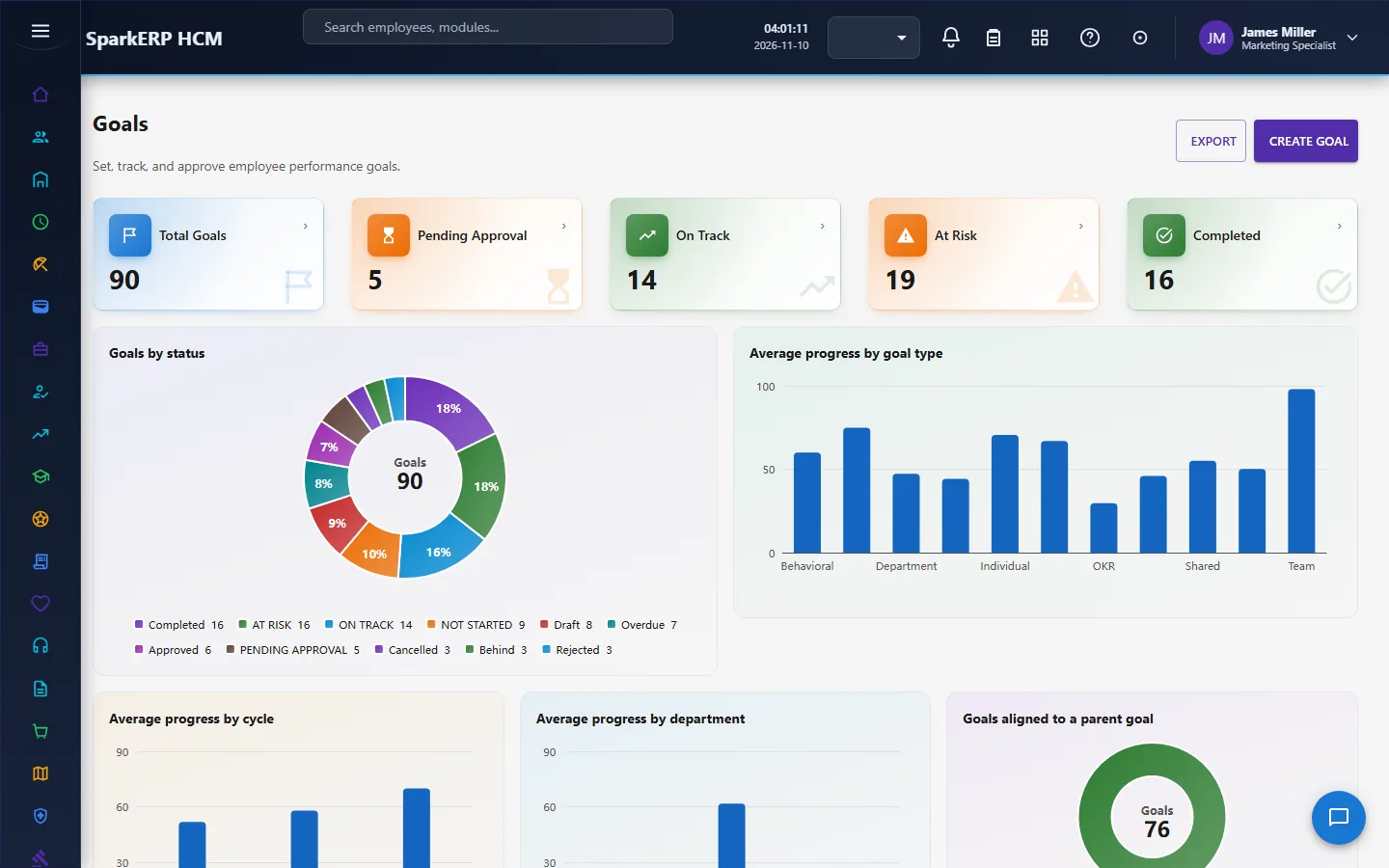
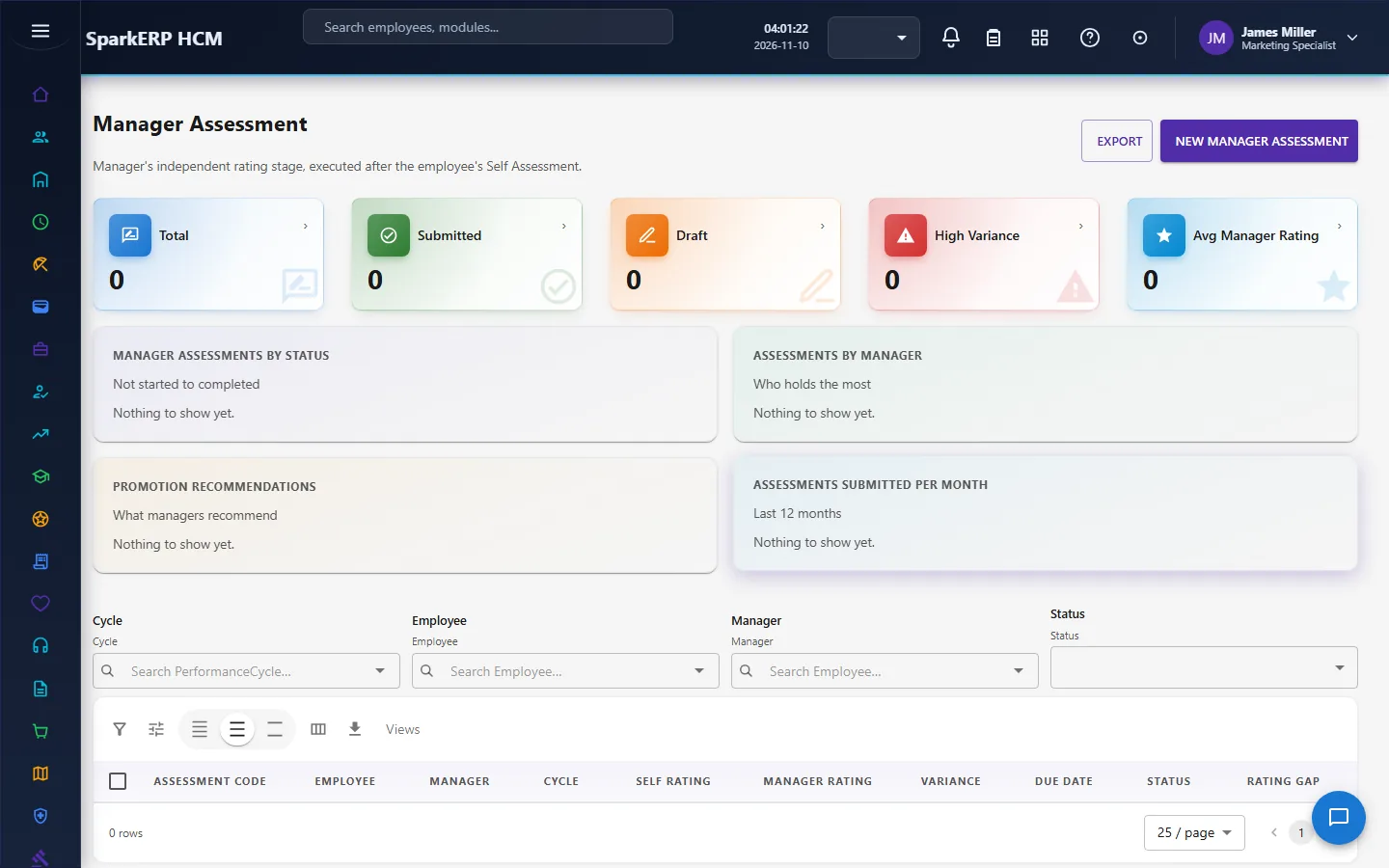
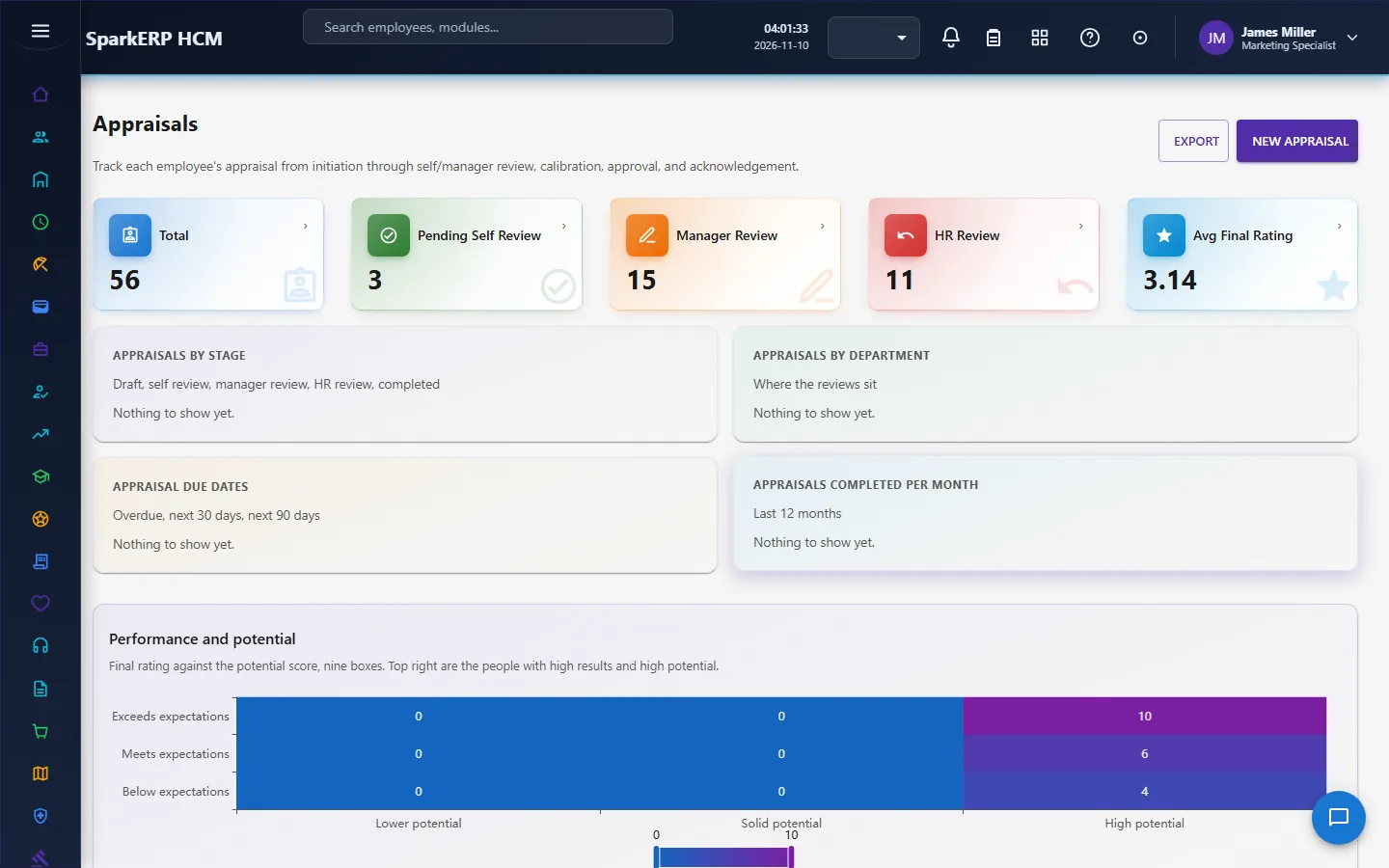
The HR administrator
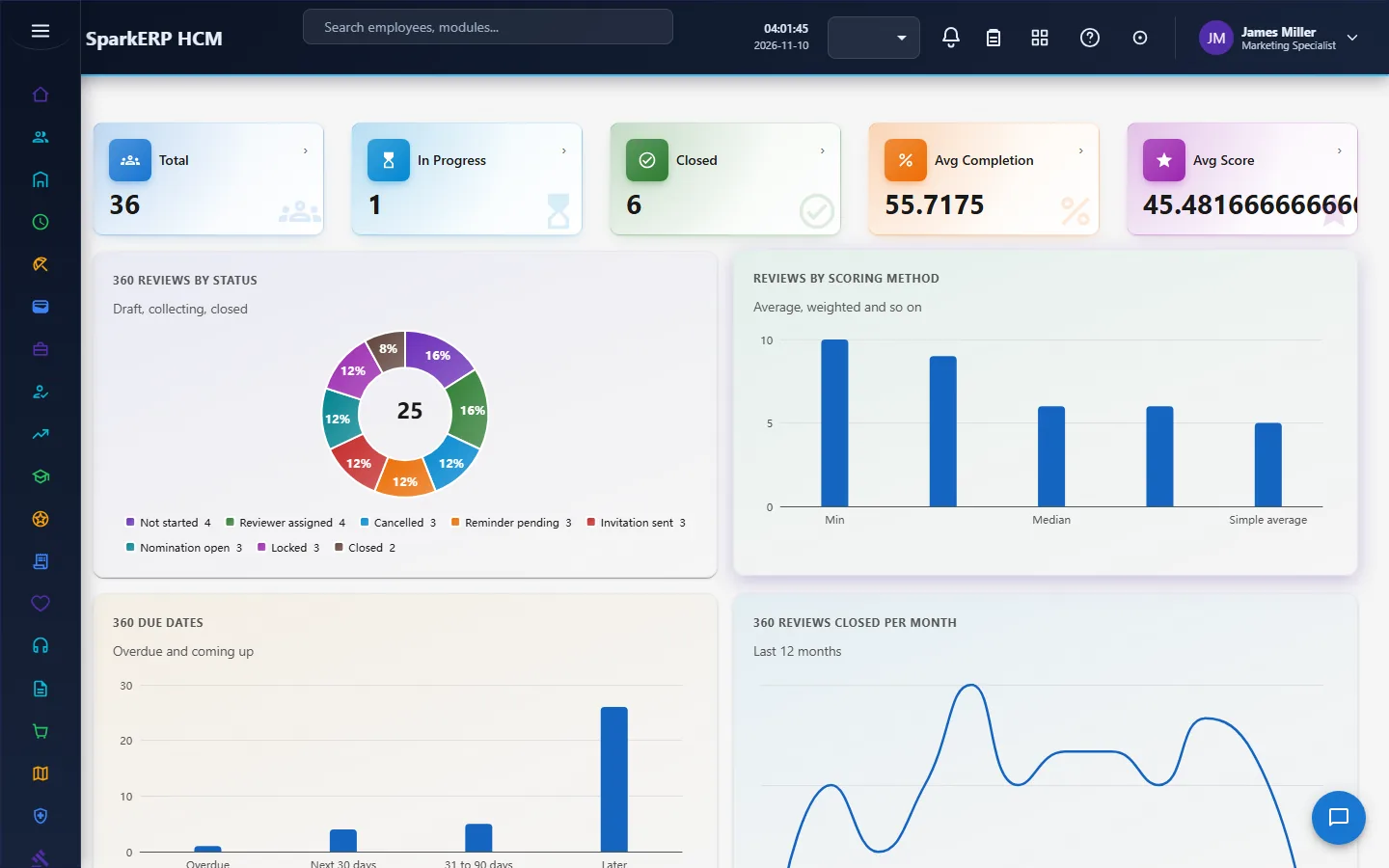
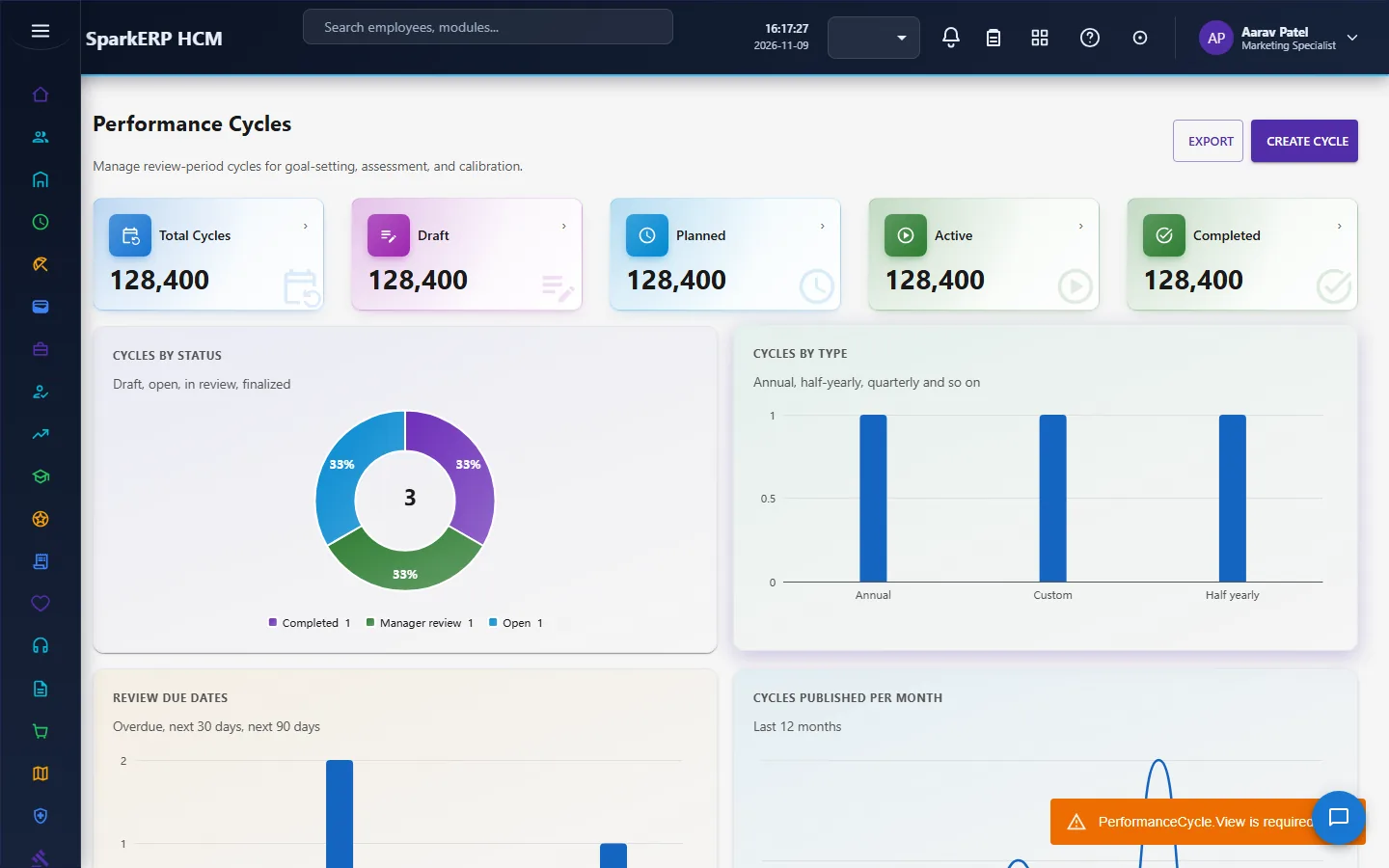
The Performance Dashboard shows ratings, progress and what is late. Performance Cycles runs the review period.
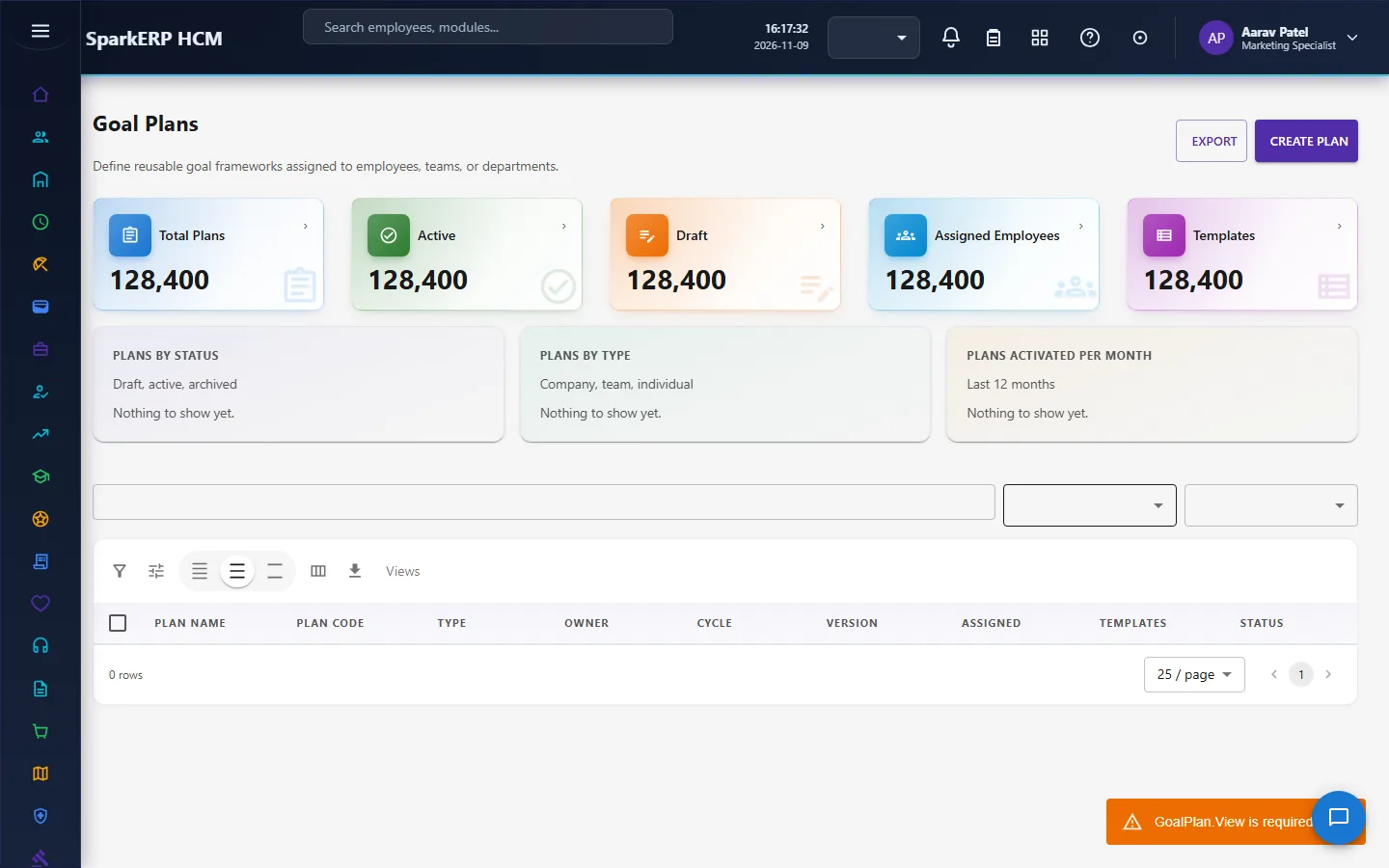
Goal Plans, KPIs, OKRs and Ratings hold the framework.
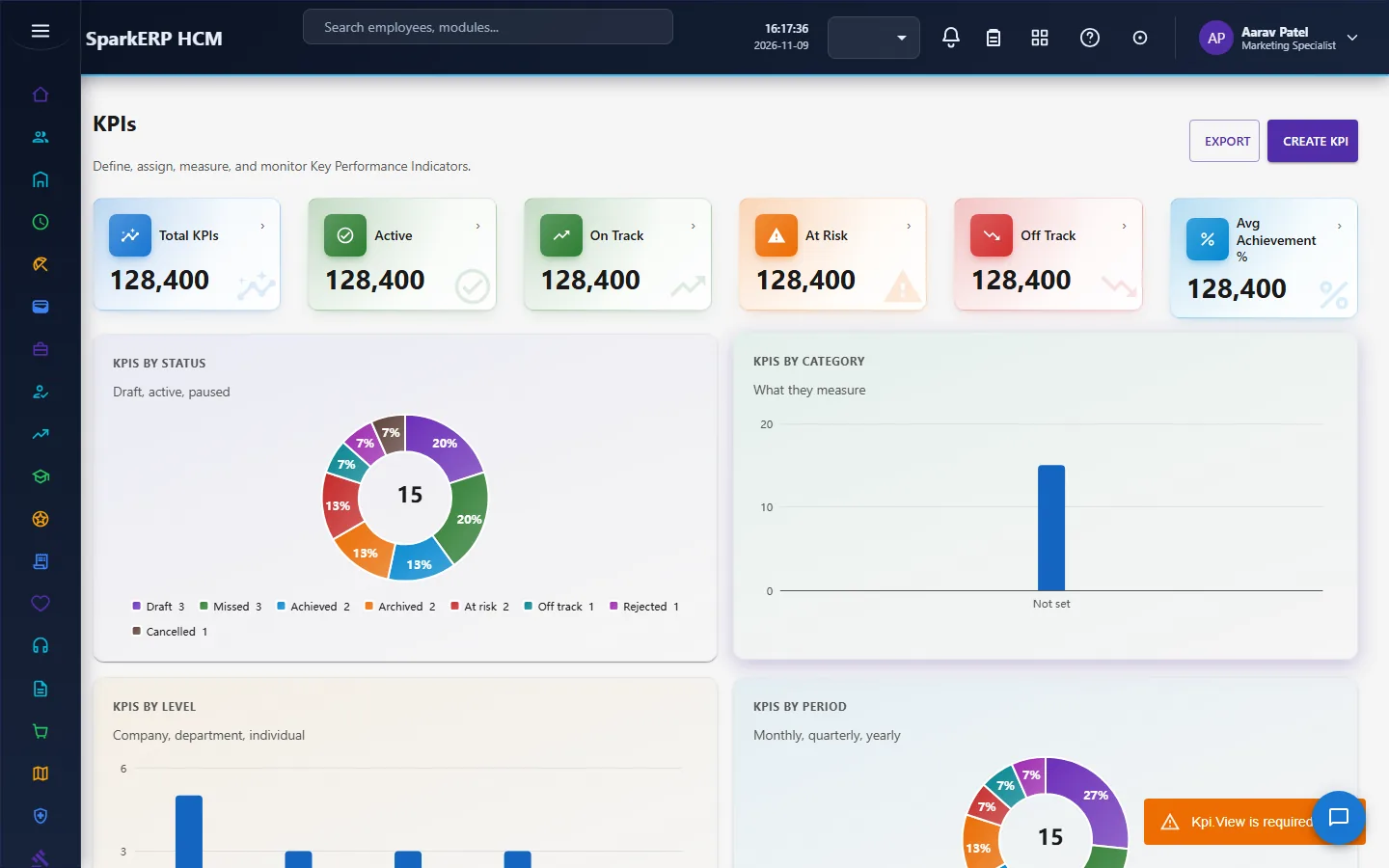
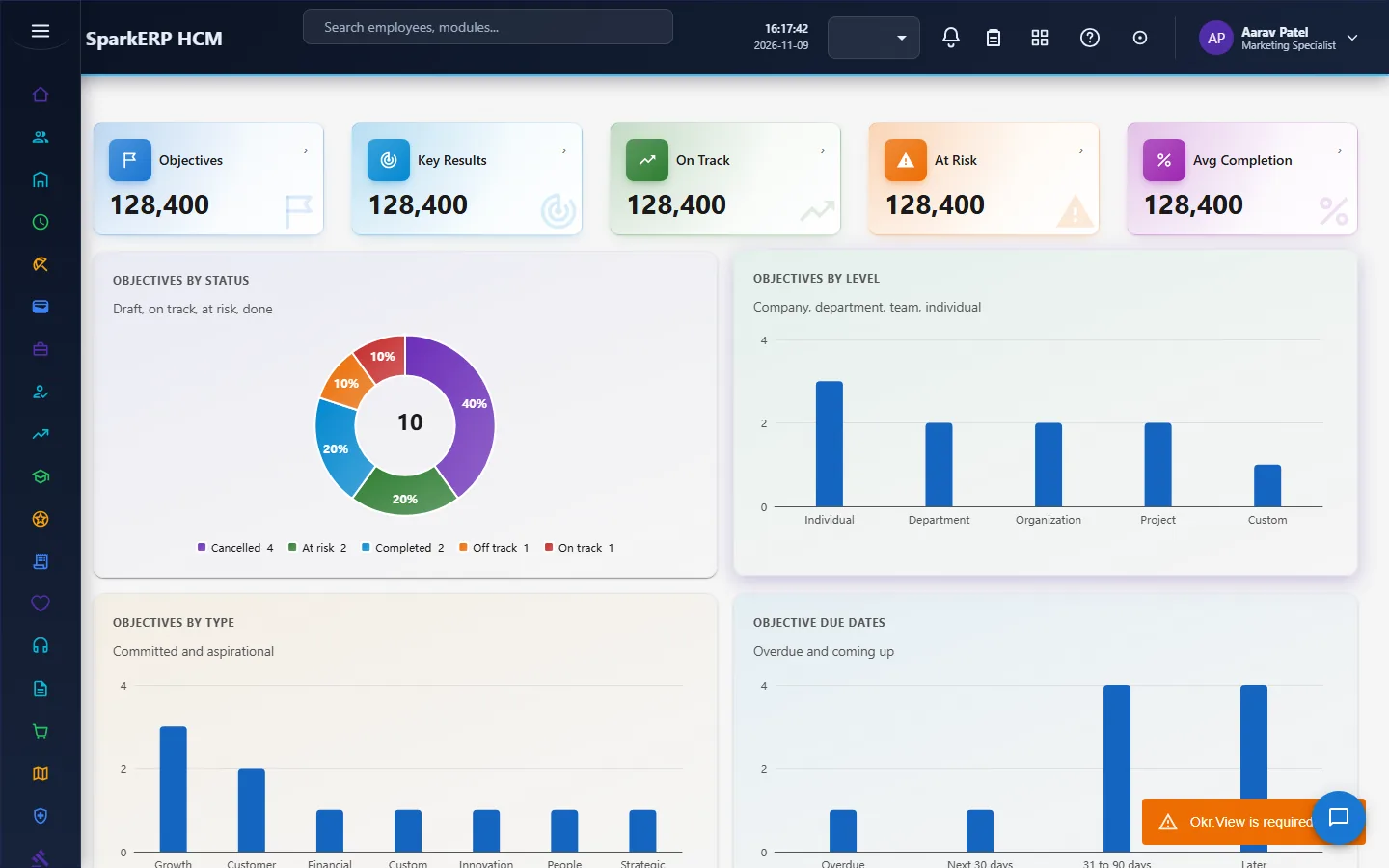
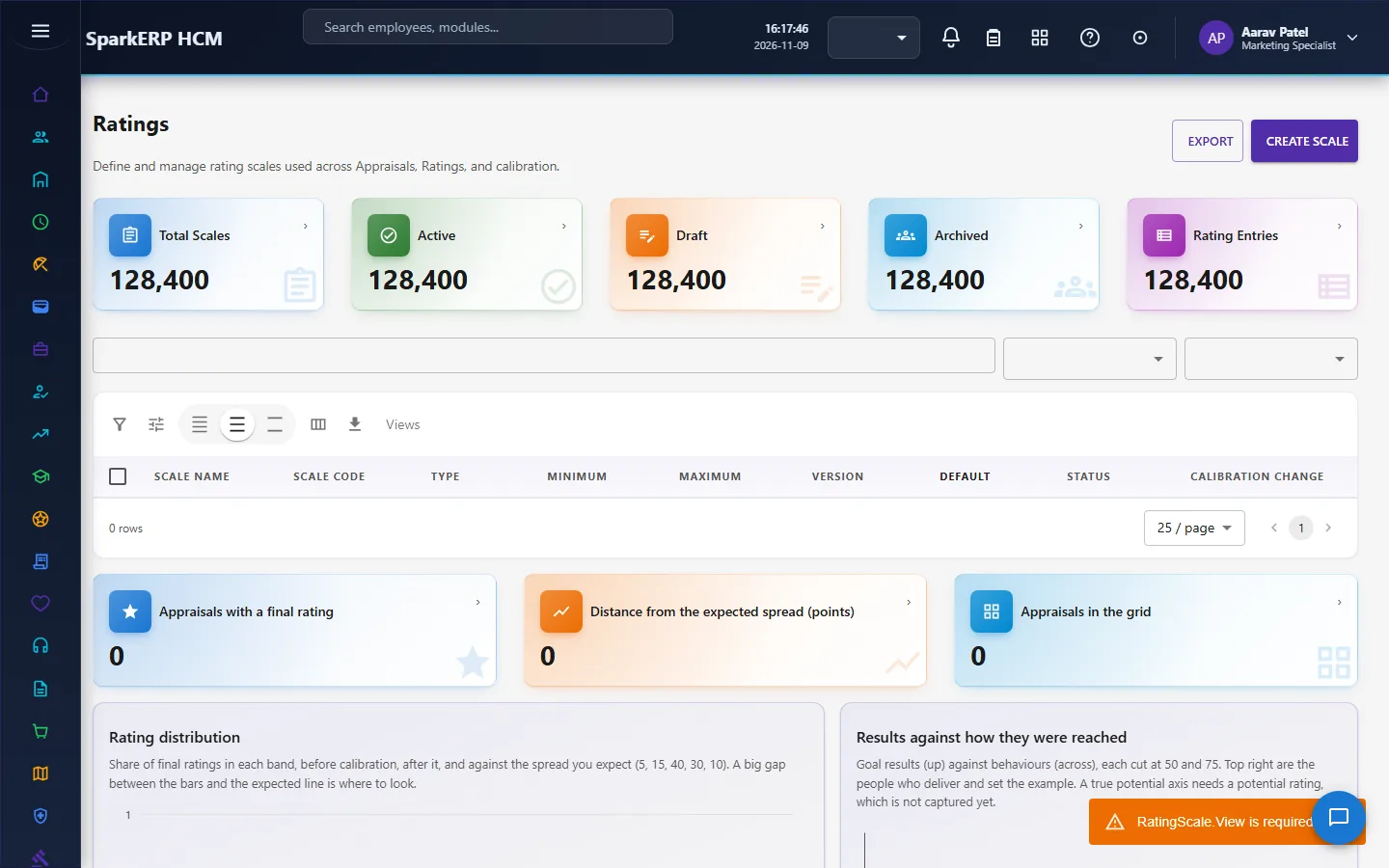
Appraisals and Performance Improvement Plans hold the outcomes; Performance Reports and Performance Settings close the loop.
4. Decide before you set up
| Decision | What to think about |
|---|---|
| The model | Goals, KPIs, OKRs, competencies, or a mix; what each counts for in the final rating. |
| The rating scale | How many points, labels, whether decimals are allowed. |
| Weights | Goal, KPI and competency percentages that add up to the whole. |
| Stages | Is self review compulsory? Is there calibration? Is a final approval required? |
| Visibility | Does the employee see the rating before or after calibration? |
| Distribution | Whether to force a distribution. Think about whether it fits your culture before you switch it on. |
| Approvals | Which of goal plans, KPIs and OKRs need approval. |
| Feedback | Whether 360 is used, and whether reviewers are anonymous. |
| PIPs | Switch on only when HR has a process for them. |
| AI | Whether summaries are used, and keep a human review. |
5. Set up step by step
- Settings. In HCM Settings, Performance, switch the parts on, choose the model, rating scale, weights, stages, visibility, reminders and AI rules.
- Rating scale. Create the scale on Ratings.
- Roles. Give the Performance Administrator, Performance Manager and Performance Employee roles; give HR Manager to those who decide approvals.
- Goal plans, KPIs and OKRs. Build the framework and assign it. Preview who a plan reaches before you activate it.
- Cycle. Create the cycle, publish it and open it. Set the goal settings (for example, goal weights required).
- Competencies. If you use them, set them up in the Employee module.
- Trial. In a trial tenant generate the Performance demo pack and follow one appraisal from initiation to acknowledgement.
6. Daily use
6.1 Setting goals
- The employee opens My Goals and adds goals with weights that add up to no more than 100.
- The employee submits; the manager approves or returns it.
- During the year the employee adds check-ins; the manager comments.
6.2 The review
- HR initiates the appraisals.
- The employee completes and submits the self assessment.
- The manager completes the manager assessment and justifies any large difference.
- The manager reviews the appraisal and submits it.
- HR calibrates where needed, with a reason, and submits for approval.
- After approval, HR publishes; the employee acknowledges.
- HR finalizes the cycle.
6.3 Feedback and recognition
- Give recognition at any time on Continuous Feedback.
- Launch a 360 for a person, assign reviewers, and aggregate the results when enough have answered.
6.4 A performance improvement plan
- The manager prepares the plan with objectives, actions, checkpoints and support, and submits it.
- HR approves it.
- The employee acknowledges it. The manager records each checkpoint.
- If more time is needed, request an extension with a reason; HR approves it.
- The final review closes the plan.
7. A calendar of recurring work
| When | What |
|---|---|
| Start of the cycle | Open the cycle; set goals; approve them. |
| Throughout | Check-ins, feedback and recognition; PIP checkpoints. |
| Before the review | Reminders; self assessments due. |
| Review window | Manager assessments; appraisal reviews. |
| After the review | Calibration; approval; publish; acknowledge. |
| End of the cycle | Finalize; archive; read the reports. |
8. Reports and figures
The Performance Dashboard and Performance Reports show ratings by group, goal progress, completion of the stages, PIPs and feedback activity. Two special reads help managers: PIP check-ins that are due or late, and appraisals with almost identical scores (the halo effect).
9. Limits you should know about
- Performance does not decide pay. Ratings go to Compensation as an input.
- The final rating is a weighted formula. The result is only as good as the weights and the evidence behind them.
- Only manual KPIs are measured automatically; database, API and formula KPIs are configuration only.
- 360 anonymity needs enough reviewers. A small group is not truly anonymous.
- The cycle has one administrator, not an approval chain.
- Keep a human in the loop for AI. Switch the human-review setting on and leave automatic rating adjustment off unless you have decided otherwise.
10. Troubleshooting
| Symptom | Cause and fix |
|---|---|
| A goal cannot be completed | It is a draft or waiting for approval. |
| A goal is refused for its weight | The employee's goal weights in the cycle would go above 100. |
| The manager assessment will not start | The self assessment has not been submitted yet. |
| A cycle cannot be finalized | It has not reached completed. |
| "Calibration is switched off" | Switch it on in HCM Settings, Performance. |
| An appraisal cannot be published | It is not approved, and the setting requires a final approval. |
| A PIP cannot be created | PIPs are switched off, or the plan is waiting for approval. |
| An employee does not see their rating | Show rating to employee is off, or ratings are visible only after calibration. |
| An employee cannot open a screen | It is an administration screen. |