
Appearance
Separation: how it works and how to set it up
Separation answers the questions a company asks when someone leaves: has the resignation been approved, what is the last working day, has everything been handed back and signed off by every department, what does the company owe the person and what do they owe it, did we hold an exit interview and learn from it, can we issue the experience and relieving letters, and how is offboarding going across the company. This guide explains how the module works from start to finish, then how to set it up, then what each person sees. Every screen has its own page in the Separation section; this guide is the one to read first.
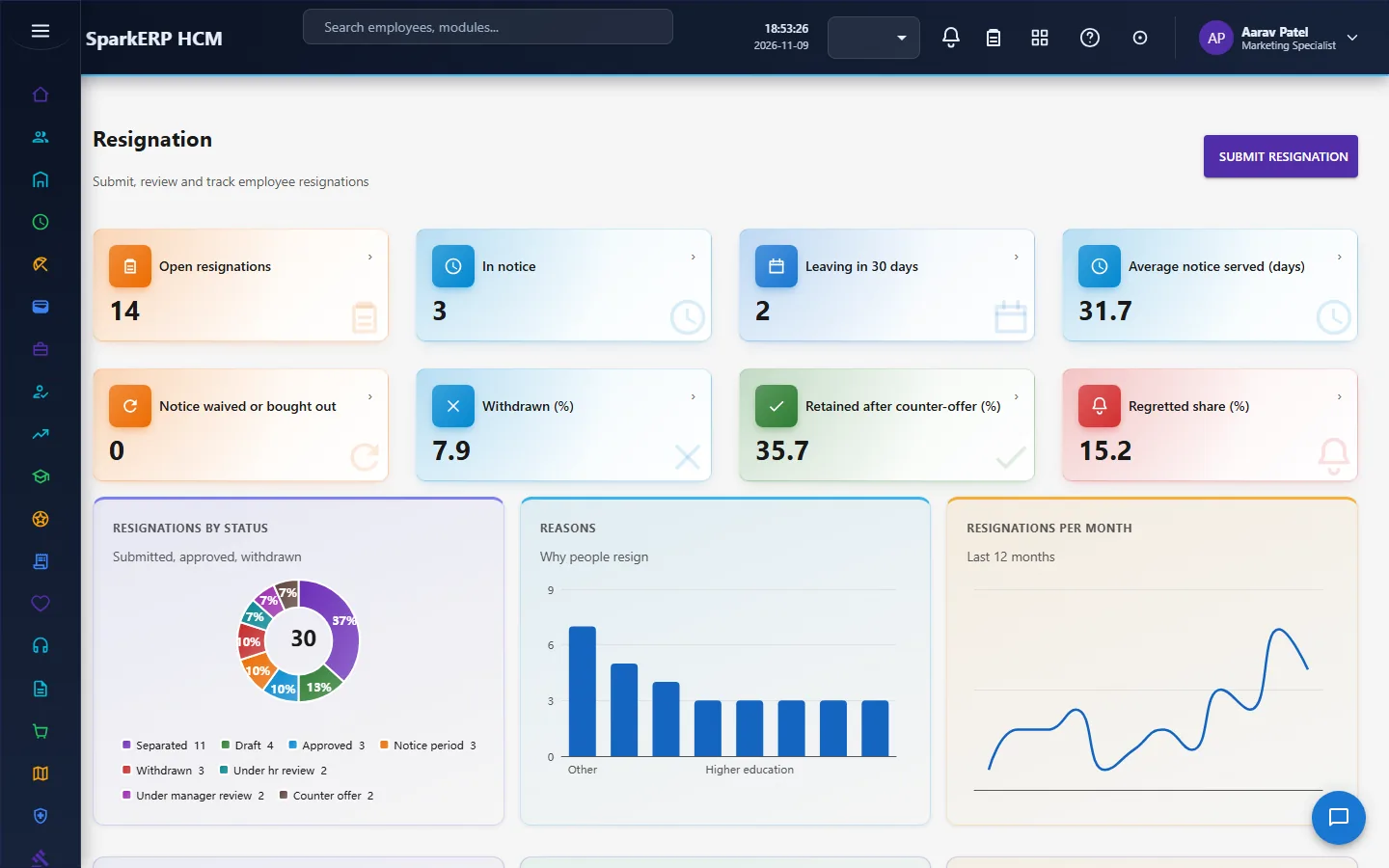
1. What Separation does for your business
- Approves the resignation in two steps, manager then HR, with a reason for a rejection or a return.
- Starts everything that follows automatically. The first approval creates the offboarding checklist, the clearance case and the final settlement.
- Runs a checklist of tasks with owners and due dates counted from the last working day.
- Clears the leaver department by department, including the dues they still have and the assets they still hold.
- Calculates the final settlement as lines, each showing where its number came from.
- Holds an exit interview and an after-exit survey, and turns the answers into themes for the reports.
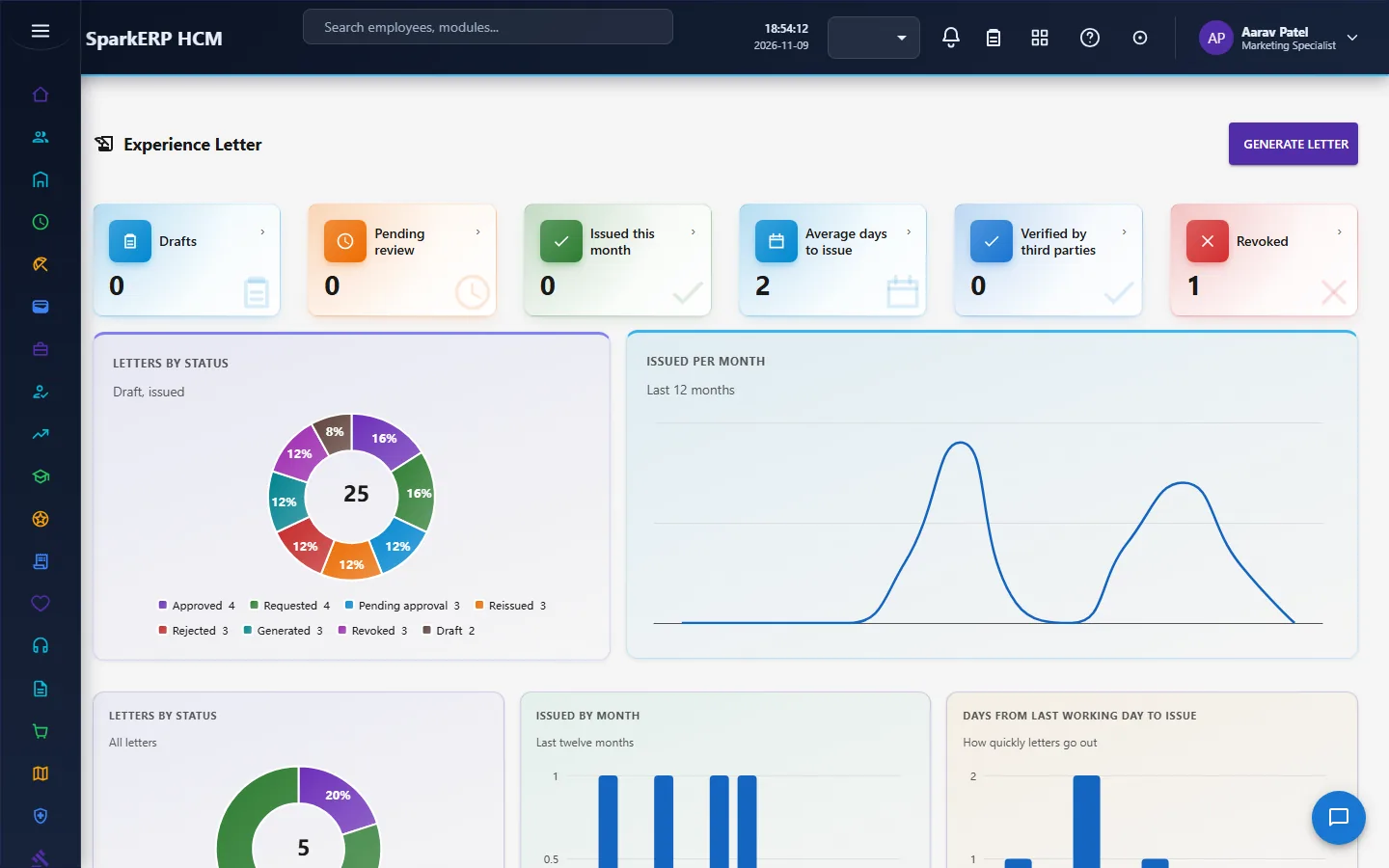
- Issues the experience letter and the relieving letter, each with a verification code.
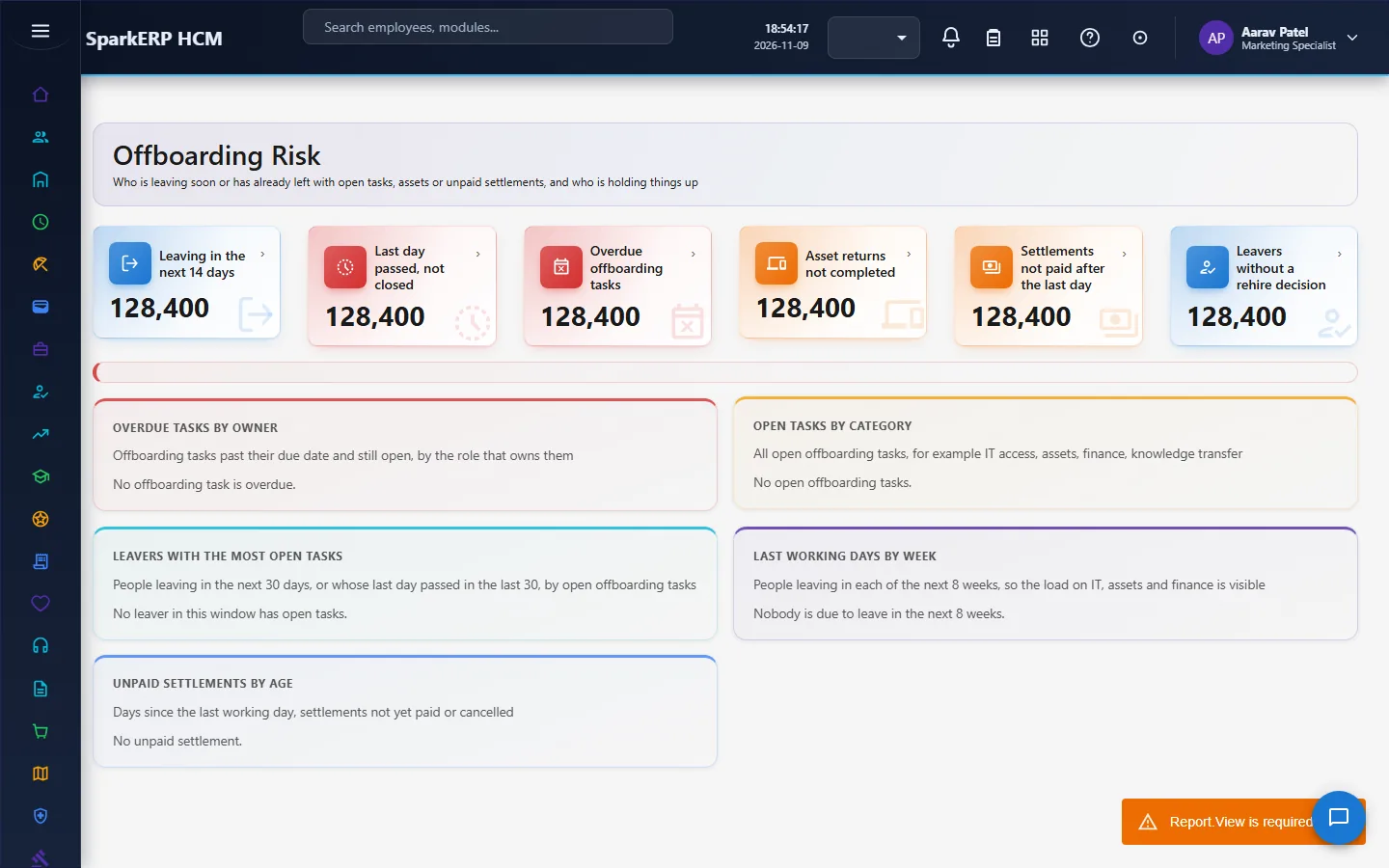
- Watches offboarding risk, such as tasks overdue, assets not returned and access not removed.
What it does not do: it does not know what the person is paid. The settlement lines that depend on pay (pending salary, leave encashment, notice recovery, gratuity) come from Payroll, which fills the settlement from payroll data (see the Payroll guide); when no pay source is available this module says so instead of guessing. It also keeps its own resignation record: this resignation in Separation is a separate record from the one in Core HR's Resignation screen, so decide which one your organization uses and avoid keeping both for the same person.
2. How separation works, end to end
2.1 The path of one leaver
- The resignation is submitted with a date, a reason (a reason of "other" needs details), a proposed last working day and the notice period.
- The manager reviews it, and sends it to HR.
- HR approves it. Either step can reject it or return it, with a reason.
- The first approval creates three records at once: the offboarding checklist, the clearance case and the final settlement. Creating them twice is impossible: a record that already exists is left alone.
- The checklist is worked, the assets are returned, the departments sign off the clearance, and the exit interview is held.
- The settlement is calculated, reviewed and approved, and paid.
- The letters are issued, only when the clearance and the settlement are confirmed.
2.2 The resignation and its approval
A resignation has a number, the employee, the manager and an HR owner, the resignation date, the reason, the proposed, calculated and final last working day, the notice period and the notice served, the separation type, the counter-offer status and whether retention is required.
Approval moves it like this:
| From | Decision | To |
|---|---|---|
| Submitted or under manager review | Advance | Under HR review |
| Under HR review or pending approval | Approve | Approved |
| Any step in review | Reject (a reason is required) | Rejected |
| Any step in review | Return (a reason is required) | Draft, so the employee corrects it or withdraws |
Nobody decides their own resignation. Each decision is checked, written to the decision history with who, when and the words given, and gives the next step a deadline of two days. Employee withdrawal is a separate request with a reason.
2.3 The offboarding checklist
The task list comes from the most specific active template: by separation type and by whether the leaver is a people manager. Every task has a due date counted from the last working day (a negative offset is before it), a person to do it by role, a priority, and some tasks complete themselves when the clearance, the asset return, the exit interview or the settlement ends. When the last working day moves, the open tasks follow. The checklist starts and finishes with its tasks, and running a step again changes nothing that is already right.
2.4 Clearance
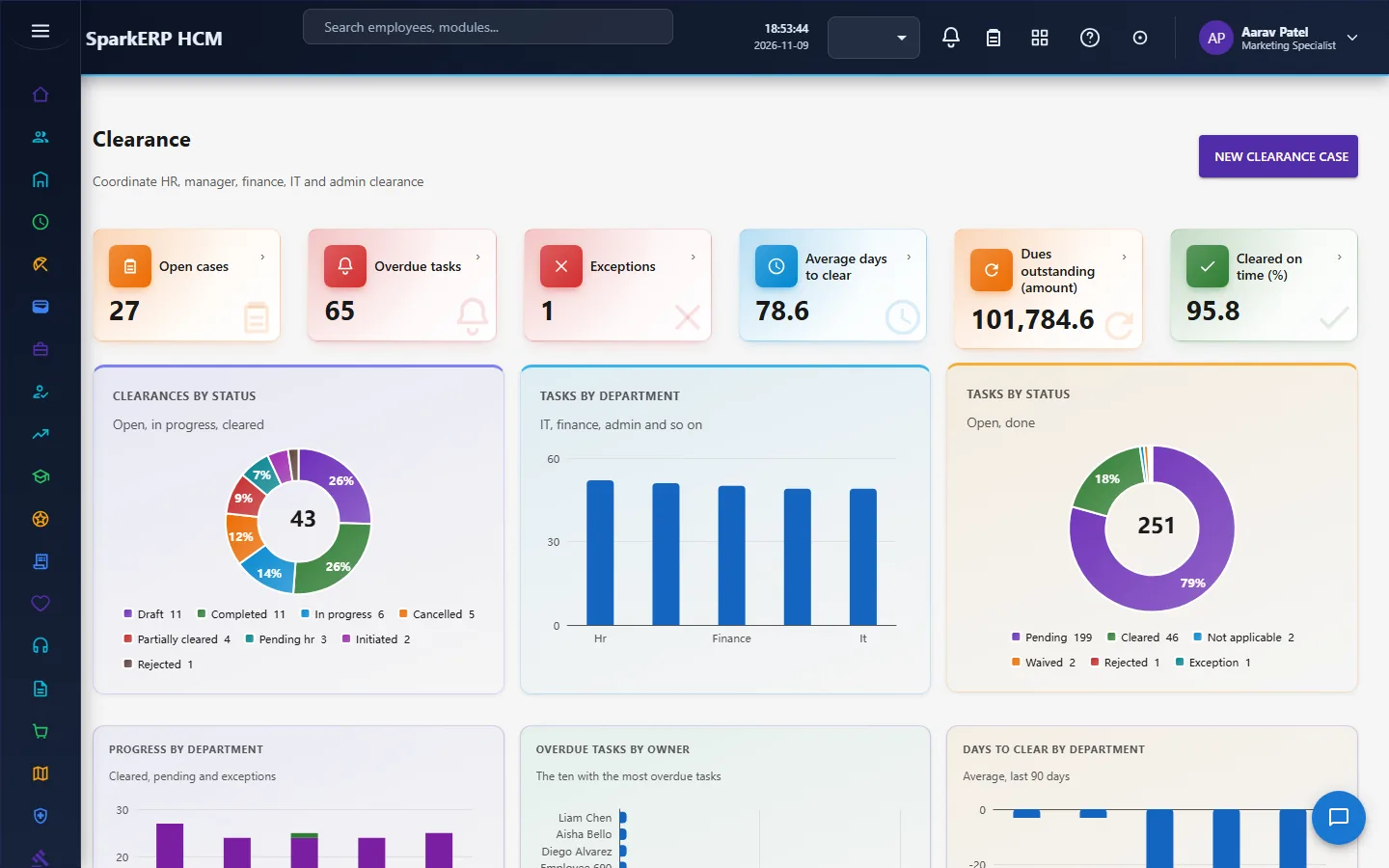
A clearance case has one task per department (the owner by role, due a few days around the last working day), the dues the person still has, a waiver that needs a reason (and a request), and a progress percentage. The dues are read from the other modules: the leaver's advances and the assets they hold, and the leave balance for information. The blockers stop the settlement and the letters. A clearance case cannot be completed without a recorded completion time, so completion is a deliberate, auditable act. The clearance goes through a final HR approval task due within three days.
2.5 Asset return
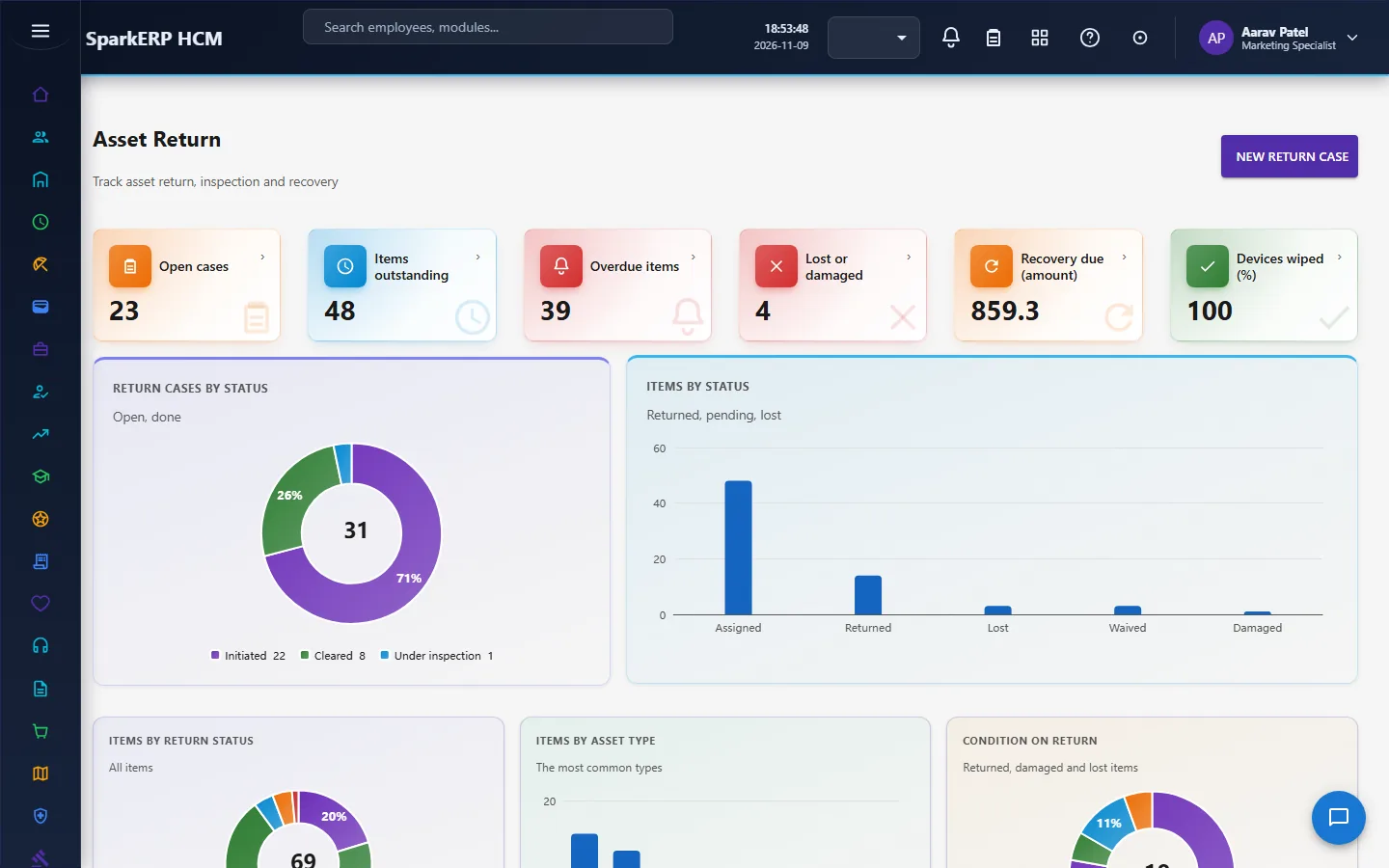
The assets a leaver still holds come from the Assets module when the case starts, so the list is the register's and not typed. Each item has a return status, a condition, a return method and a received-by and time. A lost or damaged item cannot be recorded without a recovery amount, and HR confirms it. A device that holds company data cannot be marked returned until its data has been wiped. Confirmed recovery amounts go to the settlement as one deduction line. Reminders go out when the case is past its due date with items still out.
2.6 The final settlement
The settlement is computed lines. Each line keeps where it came from (a source key and reference), so a number can be explained. The module makes lines for the leaver's open advances, approved unpaid expense claims (both read through the platform's API) and the confirmed asset recoveries. Lines the module makes are replaced on every calculation, and lines a person typed are never touched. Pay-dependent lines are filled from Payroll's final settlement calculation, which proposes them from payroll data.
The gate is strict:
- A settlement cannot be approved until it has been calculated (the gross amount is above zero).
- A settlement cannot go for approval, or be approved, while anything still holds it back (an open clearance, an unreturned asset, no lines), unless a person overrides it with a reason. The open blockers are listed on the settlement and the override reason is kept.
- Every change to a line is kept as an adjustment with the old and new amount, the reason and who changed it.
The approval has two steps, HR review and final approval, each due within two days. The settlement is paid through payroll as a Final Settlement run; the Payroll guide describes it.
2.7 Exit interviews and surveys
An exit interview has an interviewer, a scheduled and completed date, a reason category, feedback, ratings, would you recommend and would you rejoin, and what would have made the person stay. The questionnaire (the standard one is created on first use) has questions with an answer kind and a theme. The structured answers feed the reports, so the reports need no text analysis. Actions from an interview have an owner and a due date. Private notes are kept apart and are for the people holding the Exit Interview Confidential Notes role.
The after-exit survey is sent to the person as a link with a random token (only its hash is kept), expires and works once. The page is public because the person can no longer sign in; the answers are checked question by question.
2.8 The letters
The experience letter and the relieving letter each get a verification code. Someone with a code can check it and learn only the name, the role dates and the status, never the letter. A wrong code and an unknown tenant look the same, and every check is counted. The relieving letter lists what it is waiting on (the clearance, the settlement and the last working day) read from those records, so nobody ticks it by hand. A relieving letter cannot be issued unless the clearance and the settlement are both confirmed, and an override needs a reason. A letter can be revoked with a reason, and its code then answers "revoked". An experience letter can include salary only if the setting allows it.
2.9 Offboarding risk and reports
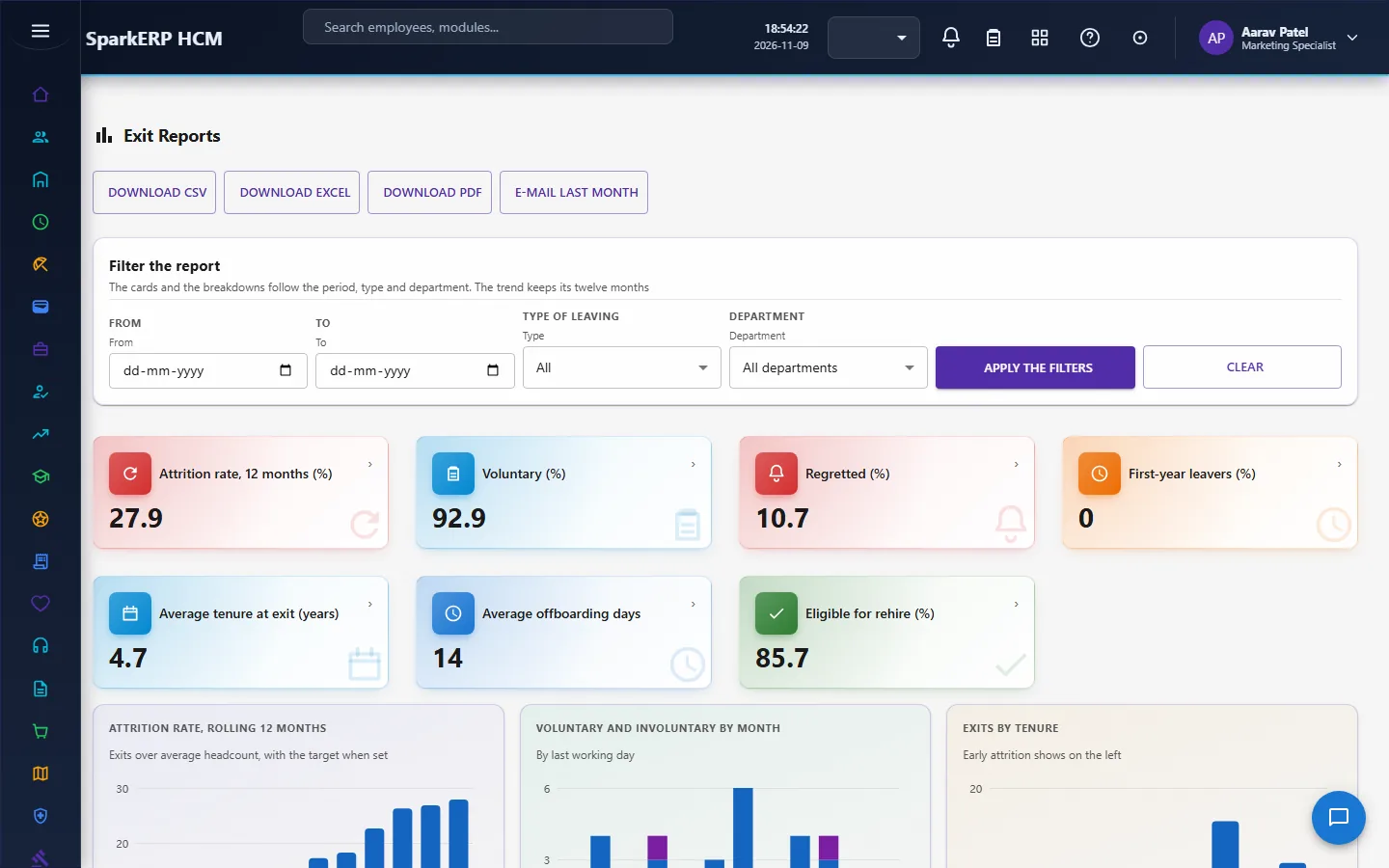
Offboarding Risk reads the leavers in notice, in clearance or in settlement for open tasks, assets not returned and tasks overdue by owner, with alerts before the last working day. Exit Reports show reasons, themes, attrition against a target and the answers of the exit interviews, in groups large enough to protect anonymity (a minimum group size is a setting). A report can be sent by email each month to the recipients in the settings.
2.10 The hourly sweep
One sweep runs every hour for each tenant: approval deadlines and escalations, the records of approved resignations (a repair step that creates anything missing), and the reminders for clearance, assets, interviews and settlement deadlines. Each part is safe to run again, and a failure in one part does not stop the others.
2.11 Settings
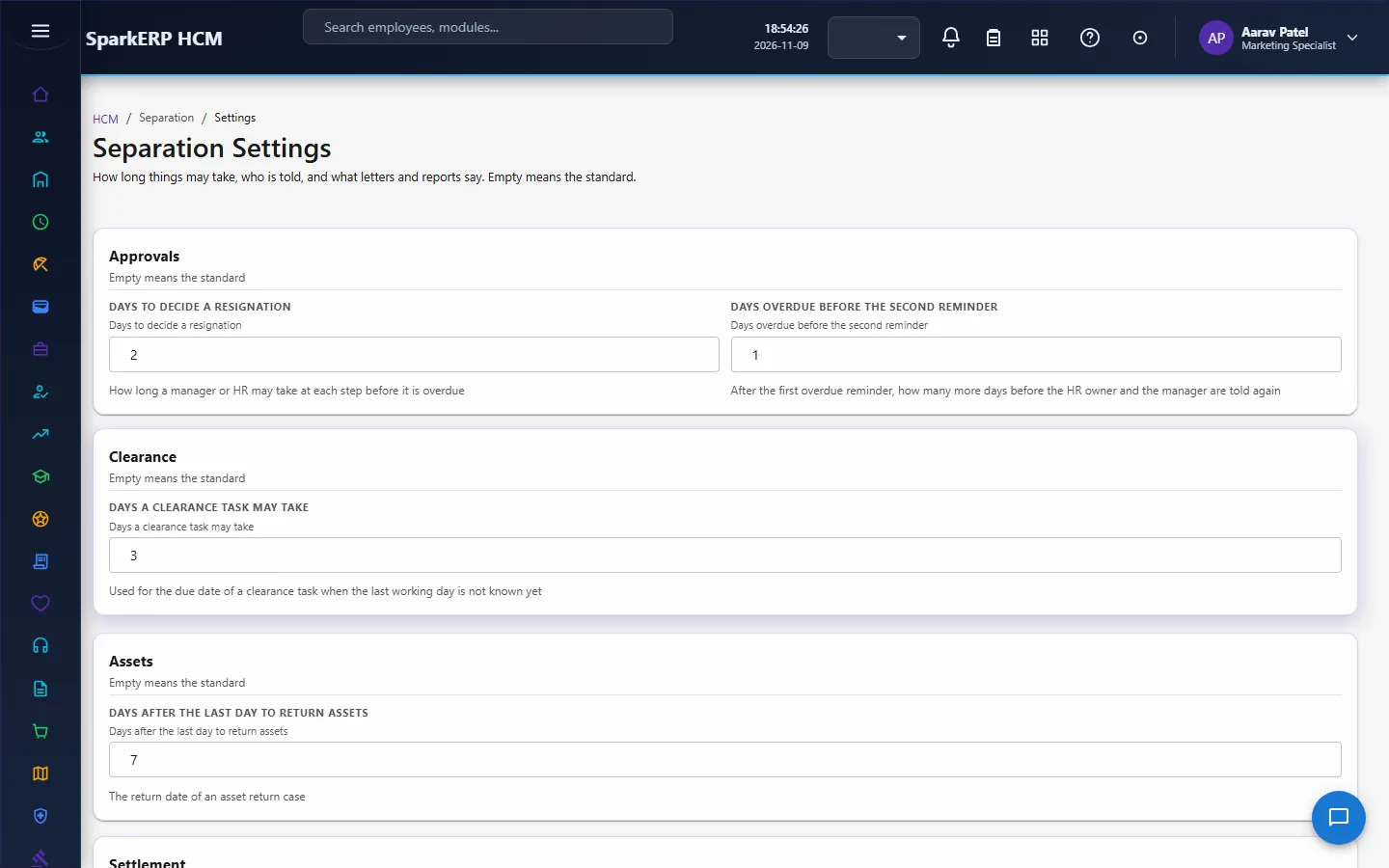
The Separation Settings page is built from one catalog, and a value is checked before it is stored, so a typo cannot silently turn a rule off. An empty value means "use the standard". The settings include: the days allowed for each approval step, the days after which an overdue item is escalated, the clearance step days, the asset return days, the settlement due days, the exit survey days and how long a survey link stays valid, the attrition target, the minimum group size for reports, the report recipients, whether letters may include salary, and the text, signatory and footer of the letters.
3. Who does what
| Role | What they do |
|---|---|
| Separation Administrator | Sets up the module; approves; runs everything. |
| Separation HR Officer | Handles the resignation, clearance, settlement, interviews and letters; decides the HR steps. |
| Separation Manager | Decides the manager step of a resignation. |
| Exit Interview Confidential Notes | Reads the private notes of exit interviews. |
| Employee (Separation Self-Service) | Submits and follows their own resignation, and withdraws it. |
| HR and the auditor | Read the records and reports. |
Separation screens show everyone's departure records, including settlements and interview notes, so they are open to the separation roles, HR and the auditor. A line manager works from their approvals.
3a. What each role sees, screen by screen
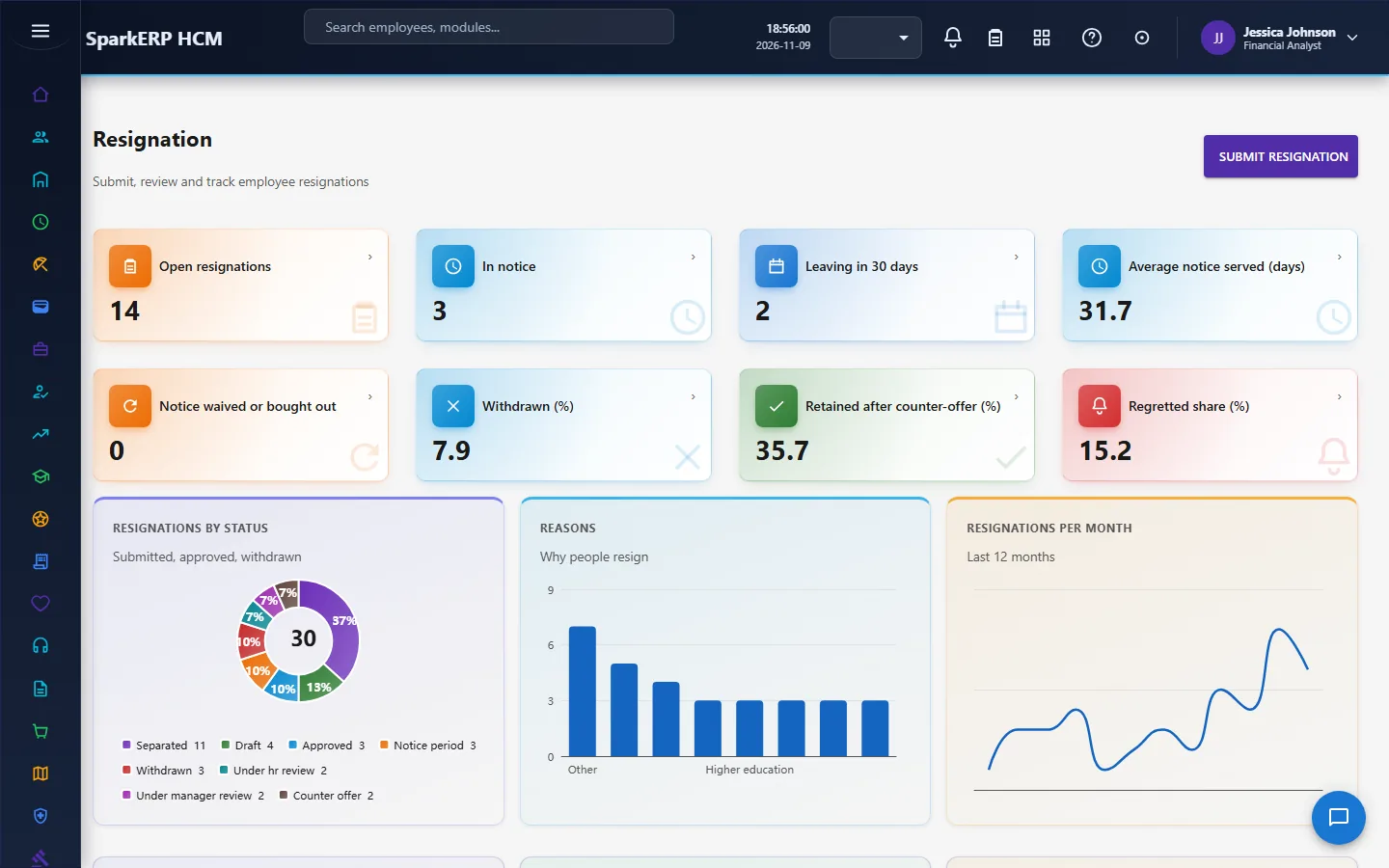
The employee
An employee submits and follows their own Resignation. The clearance and the settlement are staff screens.


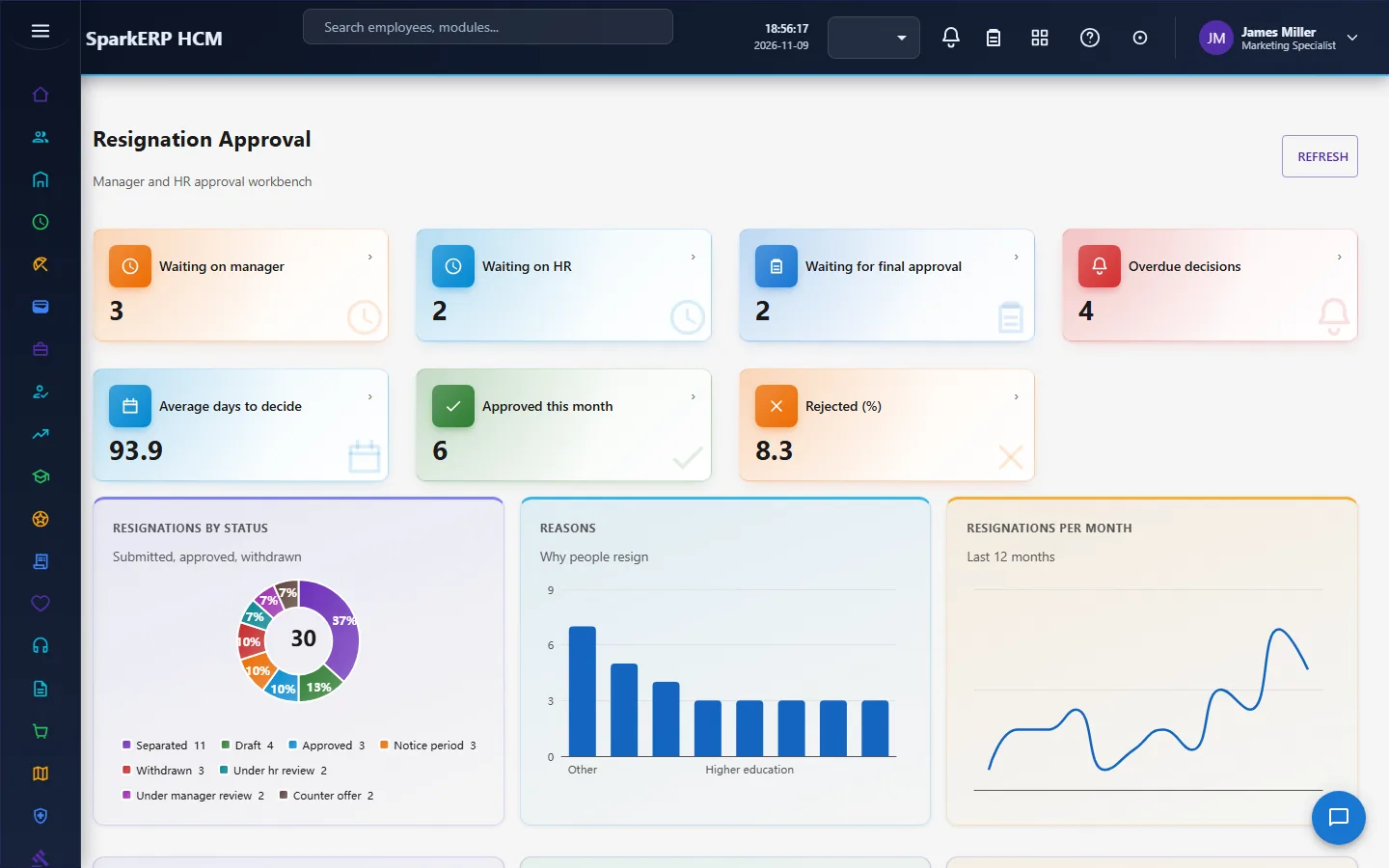
The manager
A manager decides the manager step on Resignation Approval for the people who report to them.

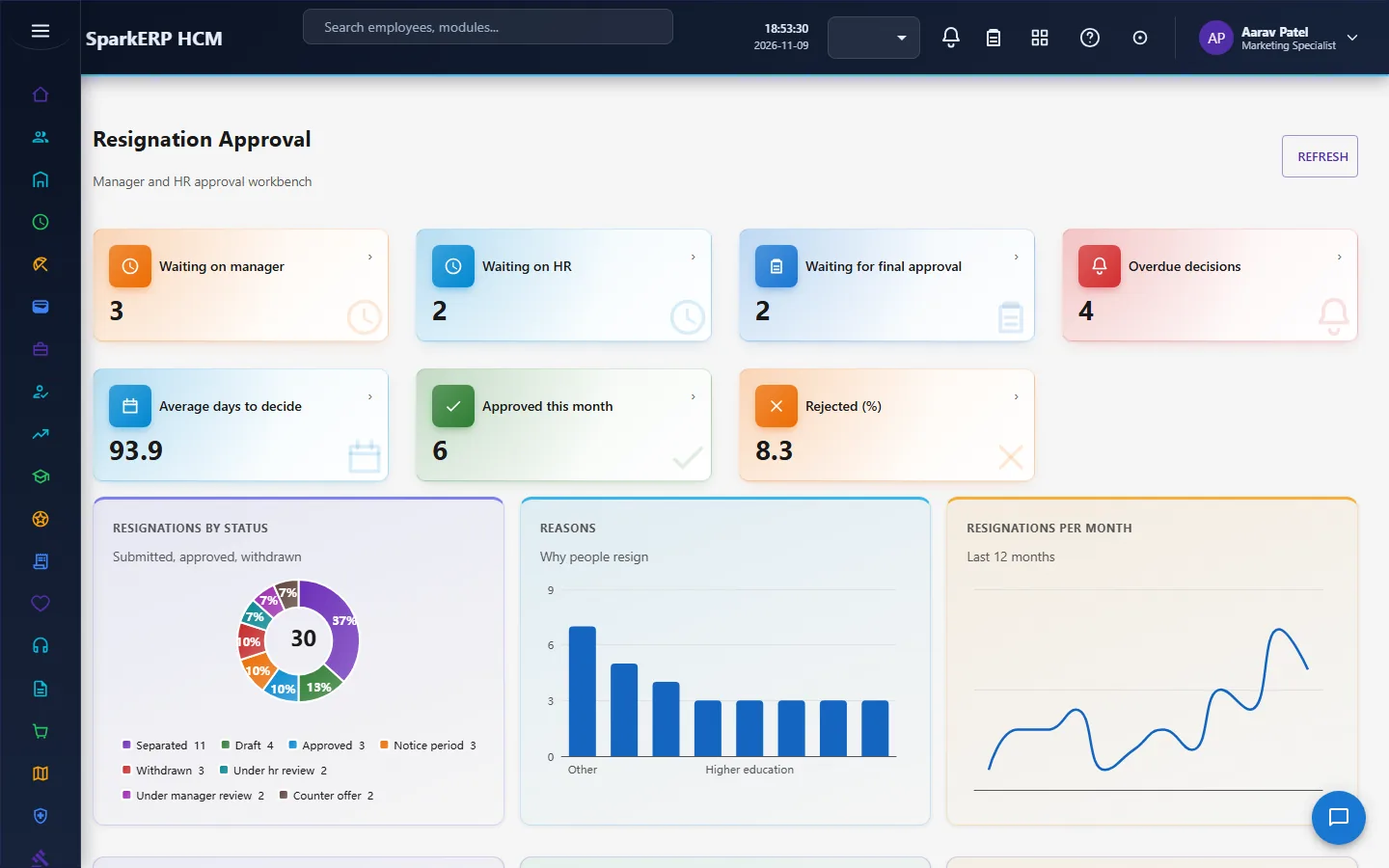
The HR administrator
Resignation and Resignation Approval start the process.
Offboarding Checklist and Checklist Templates hold the work.
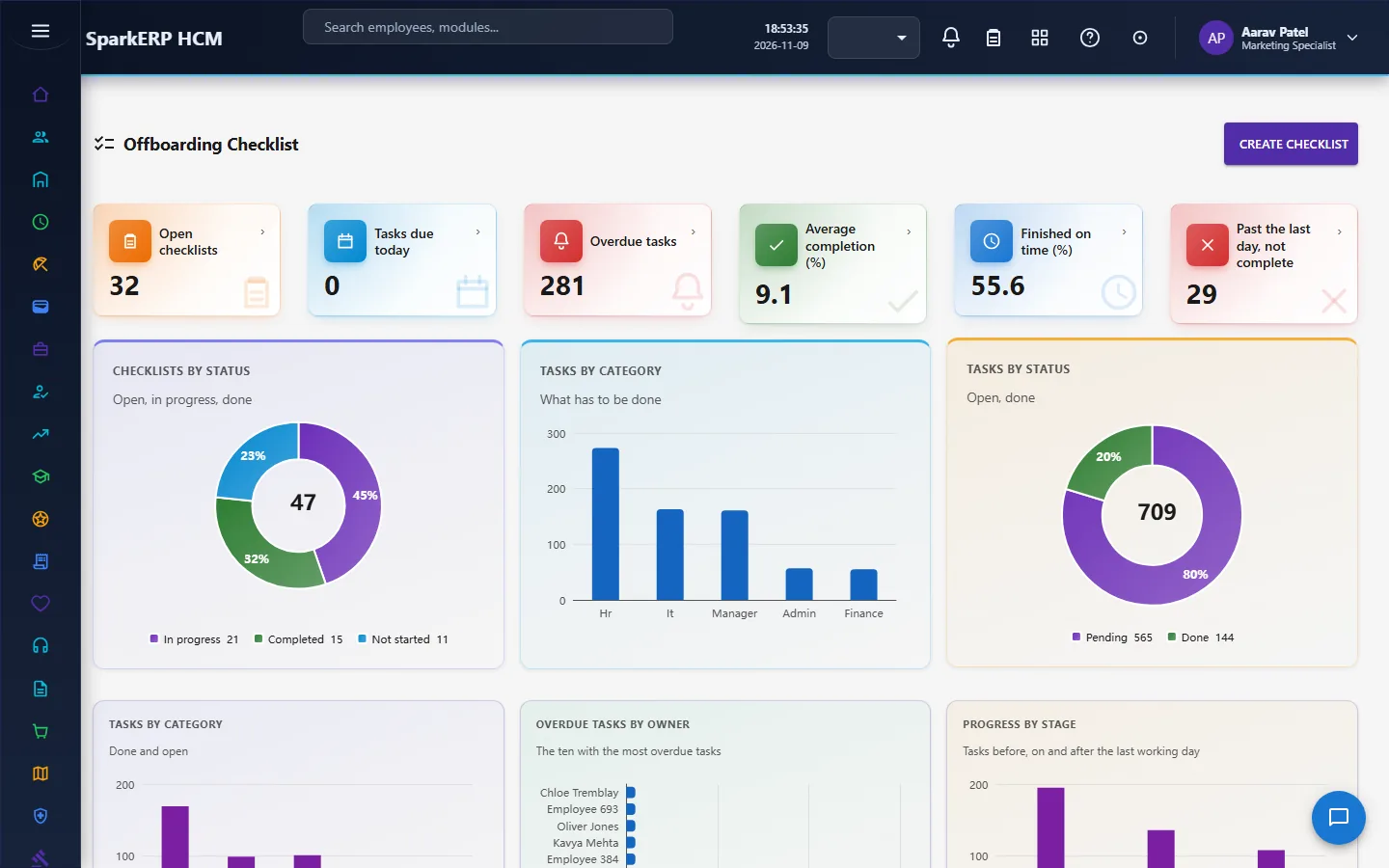
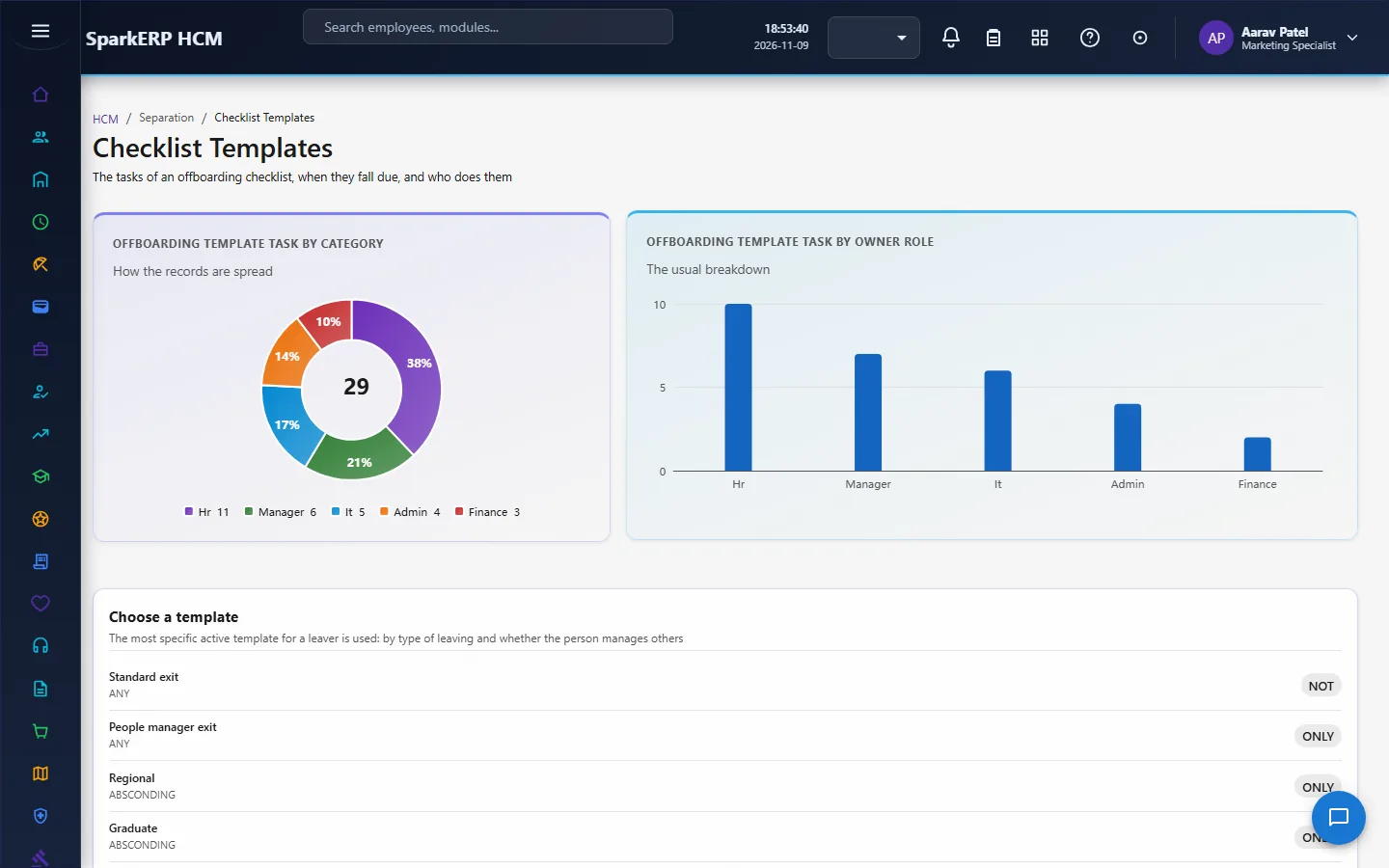
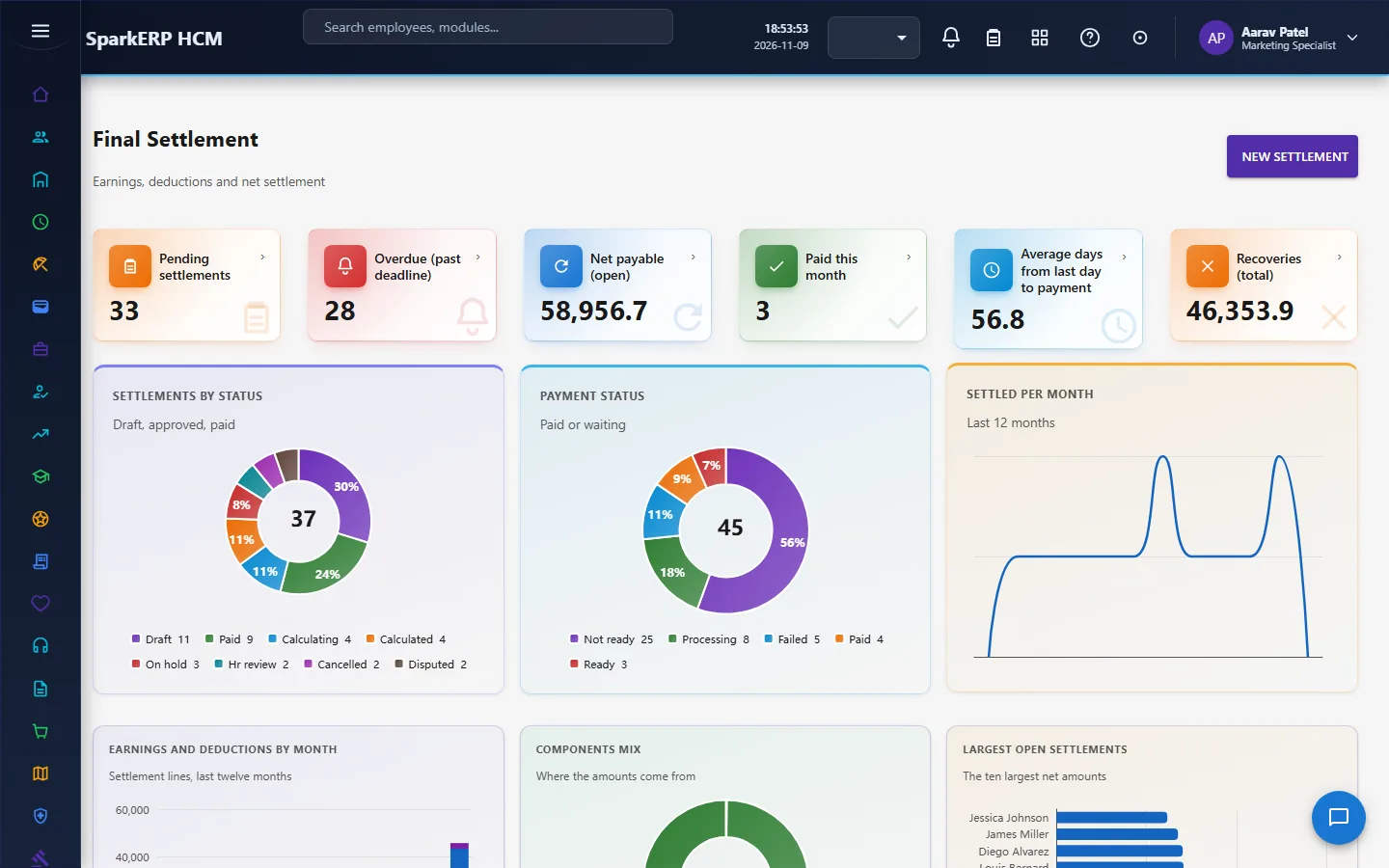
Clearance, Asset Return and Final Settlement close the dues.
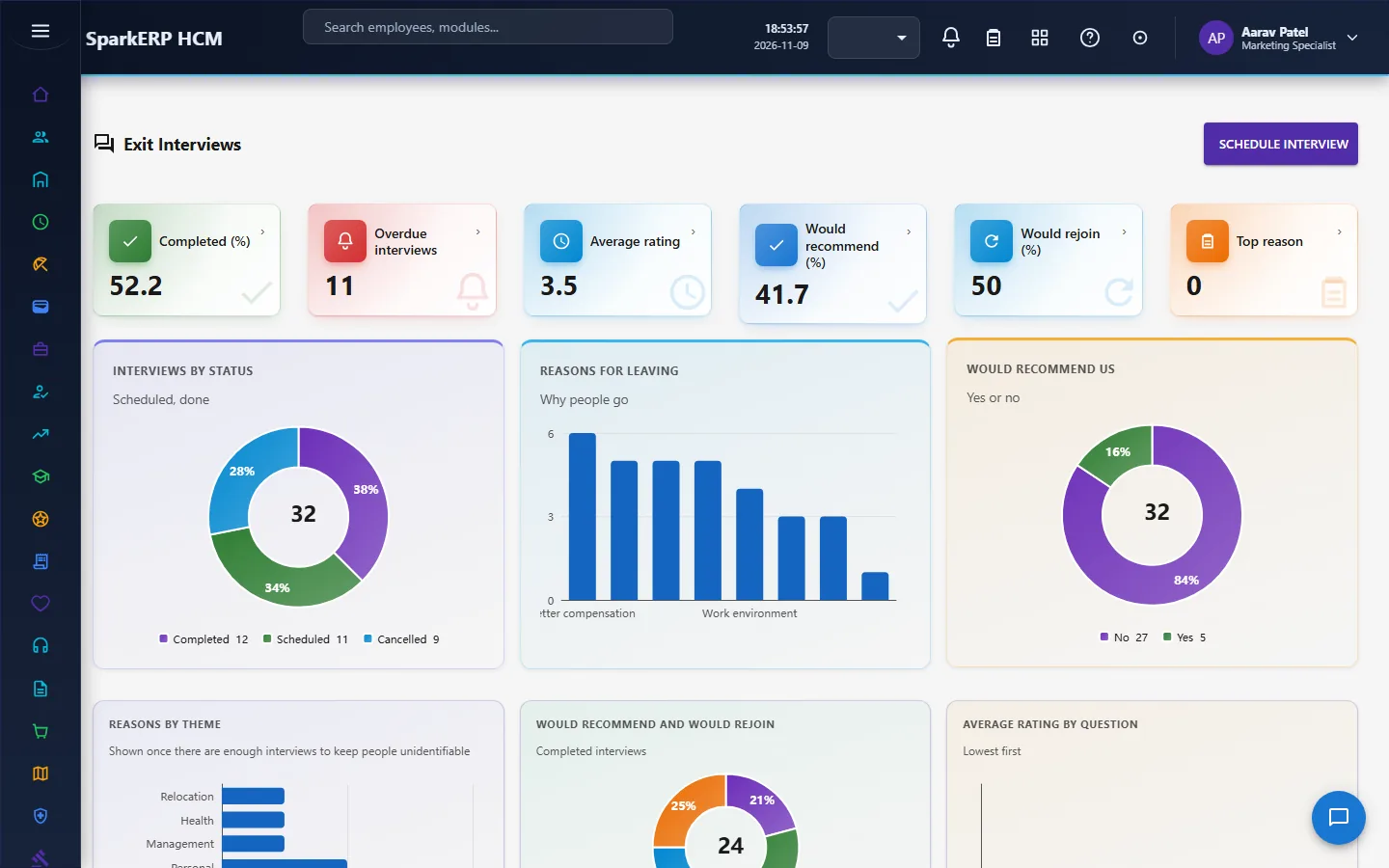
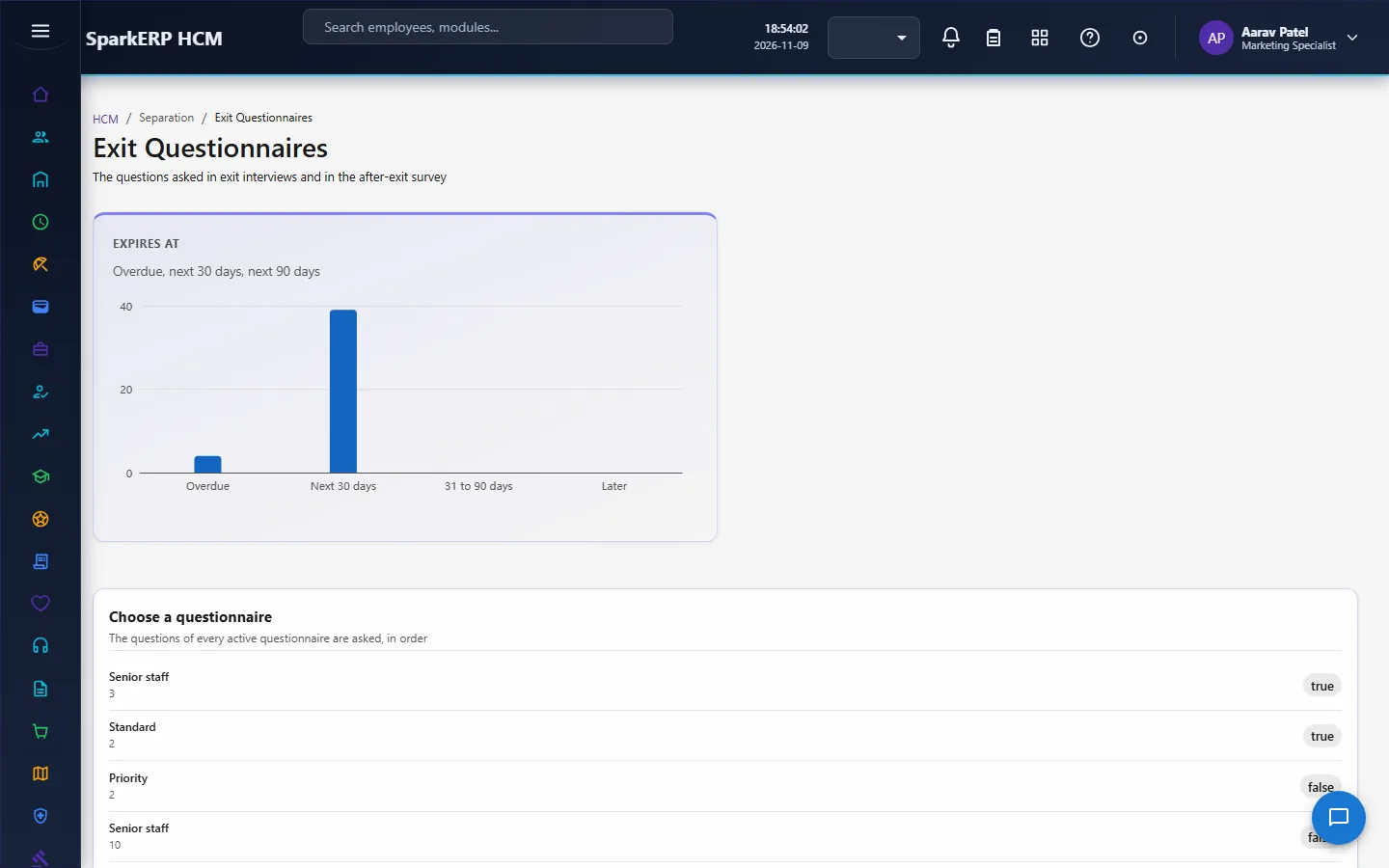
Exit Interviews and Exit Questionnaires listen.
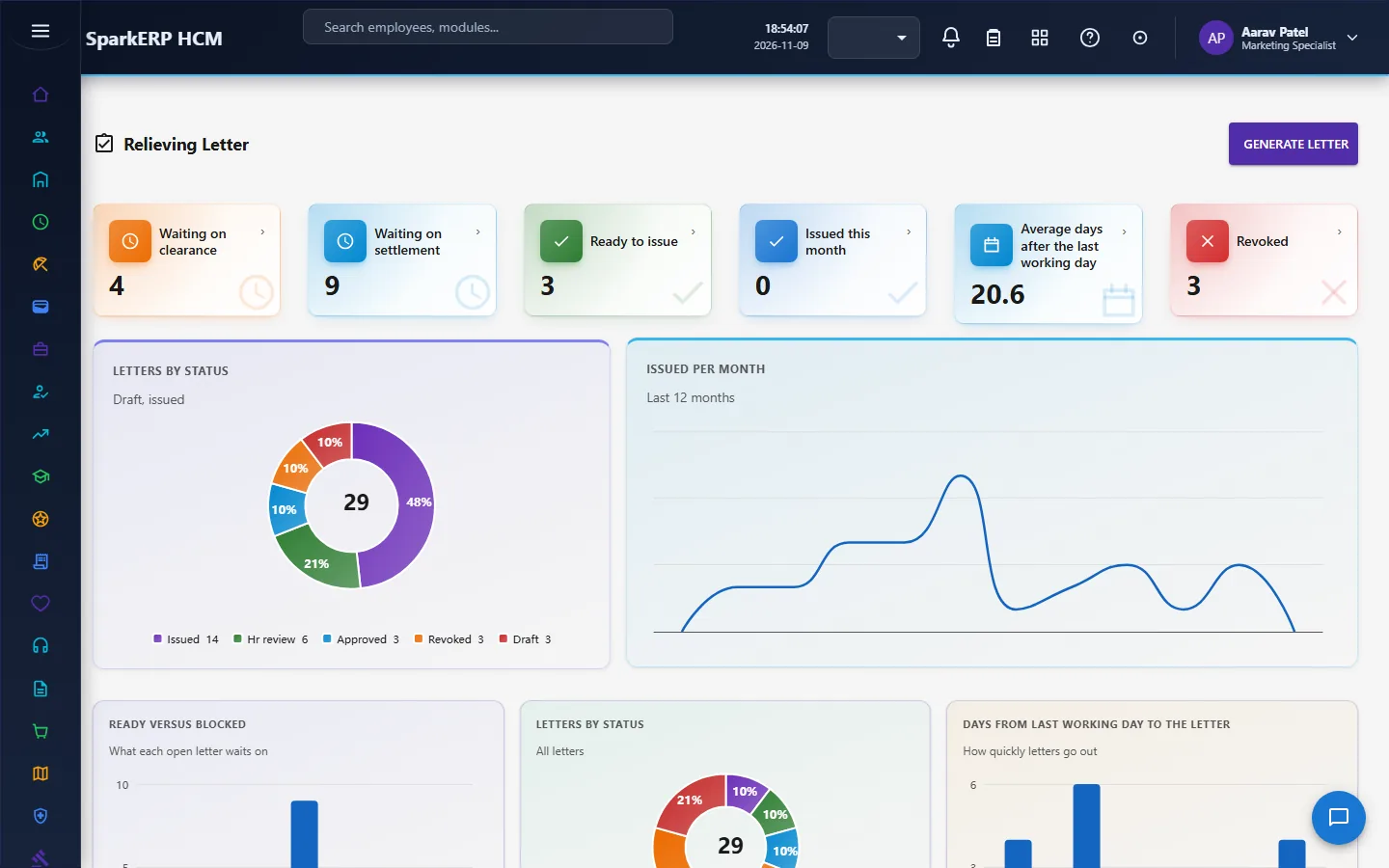
Relieving Letter and Experience Letter document the exit.
Offboarding Risk, Exit Reports and Separation Settings watch and tune it.
4. Decide before you set up
| Decision | What to think about |
|---|---|
| Which resignation record you use | Separation's own, or Core HR's. Do not keep both for one person. |
| Approval steps and deadlines | The manager and HR steps and the days allowed for each. |
| Notice and last working day | How the last working day is worked out in your policy. |
| Offboarding templates | By separation type and for people managers. |
| Clearance departments | Which departments sign off, and who owns each. |
| Pay-dependent settlement lines | They are filled by Payroll's final settlement calculation (daily rate divisor and gratuity settings live in Payroll Settings), so check those first. |
| Letters | The text, the signatory, the footer, and whether salary may appear. |
| Reports | The attrition target, the minimum group size and the recipients. |
5. Set up step by step
- Roles. Give the Separation Administrator, HR Officer and Manager roles.
- Settings. Set the deadlines, reminder days, survey days, report recipients and letter texts on Separation Settings.
- Checklist templates. Build the offboarding templates by separation type and for people managers.
- Exit questionnaire. Review the standard questionnaire, or create your own.
- Payroll. Make sure Payroll is set up (compensation, and the daily rate divisor and gratuity settings in Payroll Settings), because Payroll fills the pay-dependent settlement lines.
- Assets. Make sure the Assets module holds the register, because the asset return is read from it.
- Trial. In a trial tenant generate the Separation demo pack and follow one resignation to the letters.
6. Daily use
6.1 A resignation arrives
- The employee submits it (a reason of "other" needs details).
- The manager reviews and sends it to HR; HR approves, rejects or returns it with a reason.
- On approval the checklist, the clearance case and the settlement appear.
6.2 The weeks of notice
- Work the offboarding checklist; owners complete their tasks.
- Departments sign off their clearance tasks; a waiver needs a reason.
- Collect the assets; record a recovery amount for anything lost or damaged; wipe devices.
- Hold the exit interview and send the survey.
6.3 The last day
- Calculate the settlement; read the open blockers; resolve them or override with a reason.
- HR reviews and gives final approval; the settlement is paid through payroll.
- Confirm the clearance and the settlement; issue the relieving letter, and the experience letter.
7. A calendar of recurring work
| When | What |
|---|---|
| Hourly | The sweep: deadlines, escalations, reminders. |
| Daily | Approvals waiting; tasks and assets overdue. |
| Weekly | Offboarding risk; leavers within a week of their last day. |
| Monthly | Exit reports; the report email. |
8. Reports and figures
Offboarding Risk and Exit Reports show open tasks and overdue owners, assets out, leavers by stage, exit reasons and themes, and attrition against the target. Lists can be exported.
9. Limits you should know about
- Pay-dependent settlement lines come from Payroll. Without payroll data they are not filled, and the module says so instead of guessing.
- Separation's resignation is a separate record from Core HR's.
- A settlement or a letter is blocked by what is still open, and an override needs a reason.
- A letter check shows only a name, dates and a status.
- A minimum group size setting protects anonymity in reports.
- Nobody can decide their own resignation.
10. Troubleshooting
| Symptom | Cause and fix |
|---|---|
| A resignation cannot be submitted | The reason is "other" and no details were given. |
| A rejection or a return is refused | A reason is required. |
| The settlement cannot go for approval | It has not been calculated, or something still holds it: an open clearance, an unreturned asset, no lines. Resolve it, or override with a reason. |
| Pay-dependent lines are missing | Payroll has not calculated them: the person has no active compensation, or the settlement was not calculated from payroll. |
| A damaged asset cannot be recorded | A recovery amount is required. |
| A device cannot be marked returned | Its data has not been wiped. |
| A clearance cannot be completed | No completion time was recorded. |
| The relieving letter cannot be issued | The clearance or the settlement is not confirmed. |
| A survey link does not work | It has expired or has already been used. |
| An employee cannot open a screen | It is a staff screen. |