
Appearance
Plugin Designer
What is it?
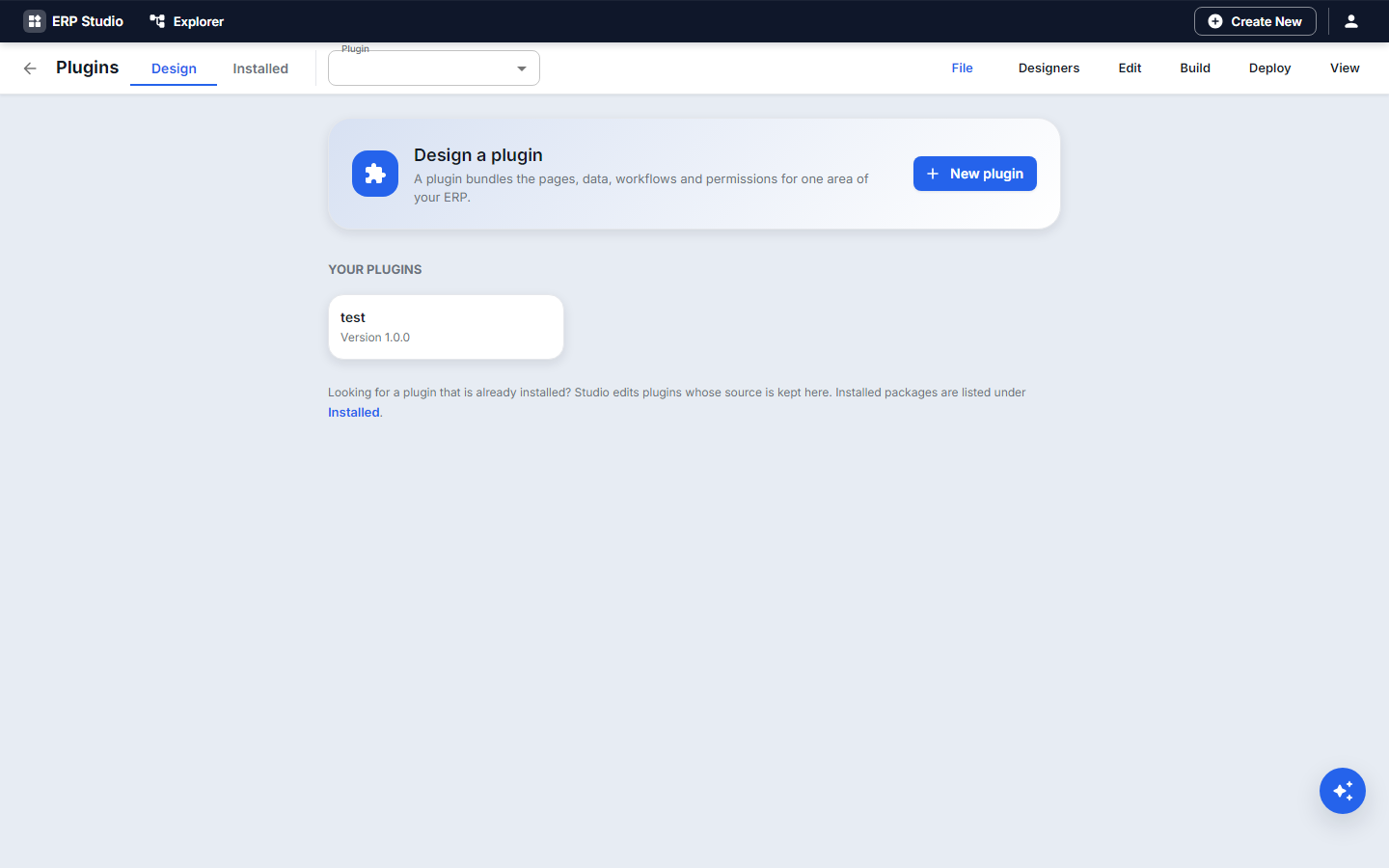
A plugin is the unit you build, test, version, ship and install. Plugin Studio is its designer. The screen-by-screen work is in Create a plugin and Check, build and publish; this page is the map.
Plugin types
| Type | Holds | Use it for |
|---|---|---|
| UI plugin | pages, forms, themes | new screens over existing data |
| Backend plugin | entities, rules, Java or Node code | logic and APIs |
| Full application | everything above plus roles, menus, seed data | a complete module (Equipment Loans) |
| Service plugin | a backend in its own container | heavy or independent logic |
| Extension | depends on another plugin | tenant enhancements (Customize) |
| Integration plugin | connectors and integration flows | outside systems |
| Country pack / Industry pack | localized rules, forms, tax and compliance | region or industry needs |
What a plugin holds
Metadata (plugin.json): id, name, version, type, dependencies, permissions, extendable, extension points. Artifacts: entities, pages, forms, workflows, rules, menus, reports. Optional code and libraries, database objects created through entities, jobs and events declared as artifacts.
Lifecycle
Create -> Develop -> Validate -> Security scan -> Test -> Package -> Publish -> Install -> Upgrade -> UninstallToday: create (wizard), develop (designers, Java/Node), validate, test (Java/Node tests, workflow simulate), package, publish (one pipeline), install, upgrade (with the upgrade guard), uninstall, roll back. Security scan is Planned (Security scanning).
Features
Explorer groups, wizard, Problems, snapshots and restore, export / import / clone, Java and Node build and test, backend service control, customize (extend, copy, overrides), AI drafting, CLI and MCP.
Adding Engagement and Documents definitions
The Explorer in Plugin Studio lists these kinds next to the other artifacts: Audiences, Journeys and Contact policy under Integration, and Document categories, Retention policies and Document types under Data. New opens a list of the ones you built in your own workspace; choose one and it is copied into the plugin as metadata/<kind>/<code>.json. You need the manage right for that feature to see the list, and a code that already exists in the plugin cannot be added twice.
When the plugin is installed, each item goes to the engine that owns it: a journey arrives as a draft with nobody chosen to run it, an audience, category or retention policy that already exists is left alone, and the contact policy installs only where none exists. People, runs, files and documents never travel. The same operation from the CLI or MCP is add-package-item (see Operations reference).
Security and deployment
Roles and permissions ship inside the plugin; installing needs an administrator. Deployment modes are covered in Deployment.