
Appearance
HCM AI Intelligence: how it works and how to read it
HCM AI Intelligence answers the questions leaders ask when they want a view ahead and a nudge: who may leave, how do people feel, where are the skill gaps, are we paying consistently, will we have enough people next year, which candidates fit a role, and what should we do about it. It is a set of pages that score and summarise the live HR data with fixed, visible rules, and an assistant that answers HR questions. This guide explains how it works, what each score means, and what each person sees. Every page has its own place in the AI section; this guide is the one to read first.
1. What AI Intelligence does for your business
- Scores risk and fit with rules you can read. Attrition risk, candidate match, skill gaps and workforce gaps are worked out by chained rules in the platform's rule engine from fields on the record, not by a hidden model.
- Summarises across modules. Headcount, performance, attendance, leave, learning, compensation and recruitment records are read from their own modules.
- Turns observations into recommendations, each with a confidence and a priority.
- Answers questions through the assistant: curated questions answered from the live data, and a free-text chat answered from your own HR policy documents.
What it does not do: it does not make a decision or change a record. The scores use fixed rules; the chat runs on a local model. Resume screening compares the structured fields of a candidate profile; it does not read or parse a resume file. Workforce forecasting is one 12-month snapshot from planning inputs, not a history-based time series. A score is a prompt for a conversation, never a verdict on a person.
2. How it works
2.1 Rules, not a black box
Each scored page keeps its own records (for example an attrition snapshot for an employee). When a record is saved, a chain of rules runs on the server: bands for tenure, performance and absence are scored, the scores are added, and the total is banded into a level such as low, medium or high. The same input always gives the same result, and the rules are visible to the platform administrator.
2.2 The pages
| Page | What it shows |
|---|---|
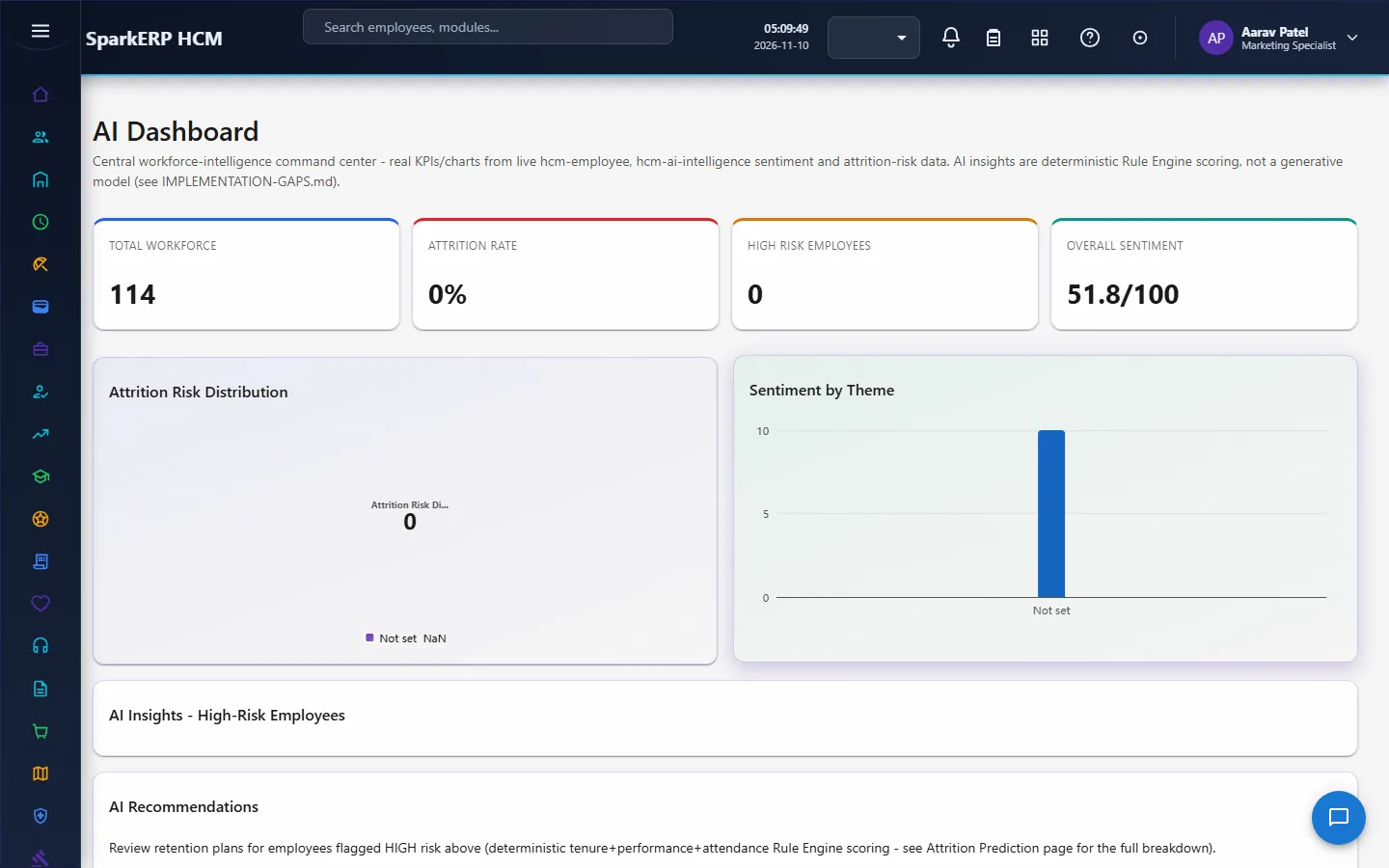
| AI Dashboard | Headcount and attrition-rate figures from the employee records, the distribution of attrition risk, and sentiment totals. |
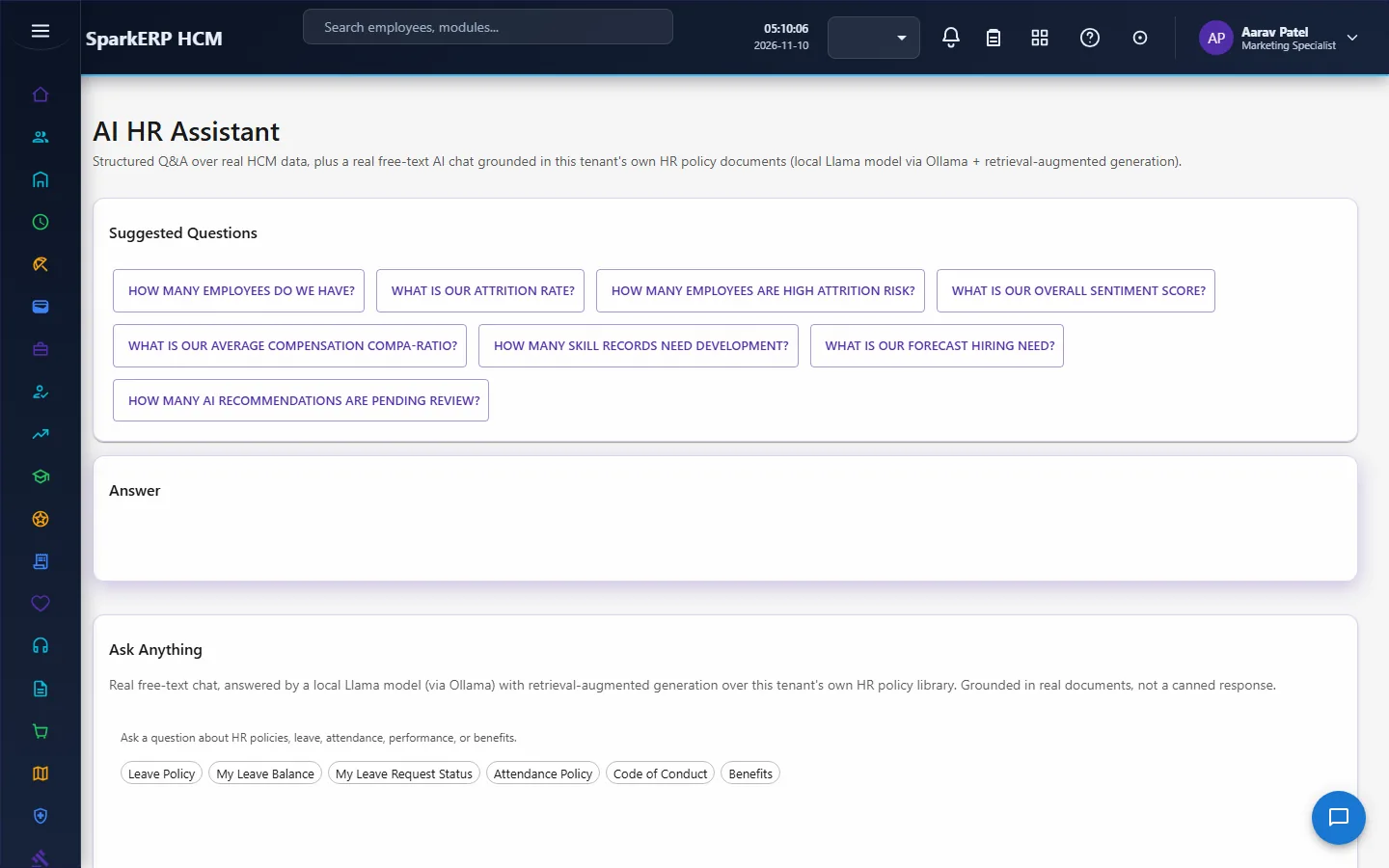
| AI Assistant | A curated list of common HR questions, each answered by a real data call (for example headcount by department), and a free-text chat answered by a local language model (Llama through Ollama) using retrieval over your tenant's HR policy library, so answers are grounded in your own documents. |
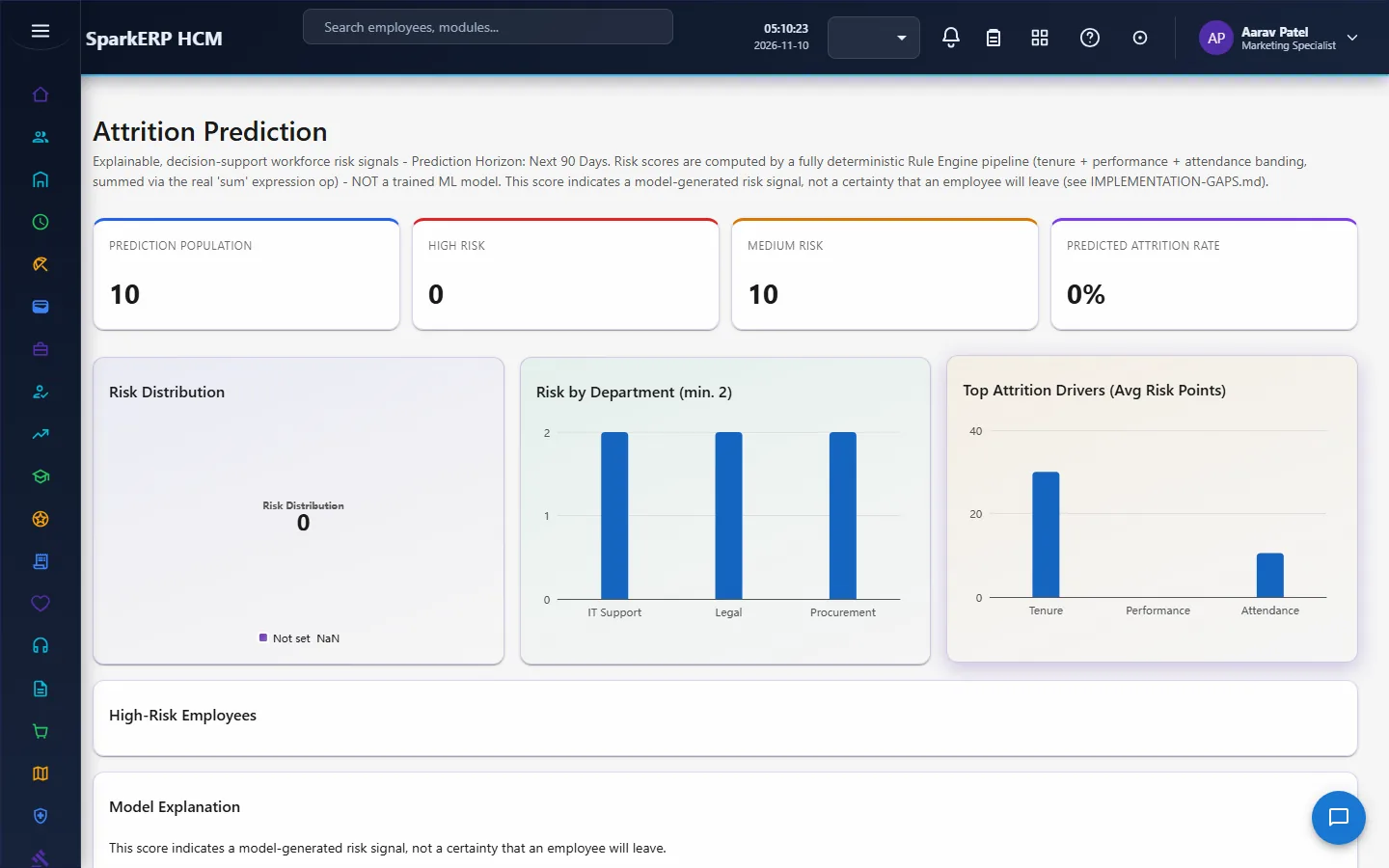
| Attrition Prediction | A risk snapshot for each employee: the risk score and level, scored from tenure, performance and absence bands. |
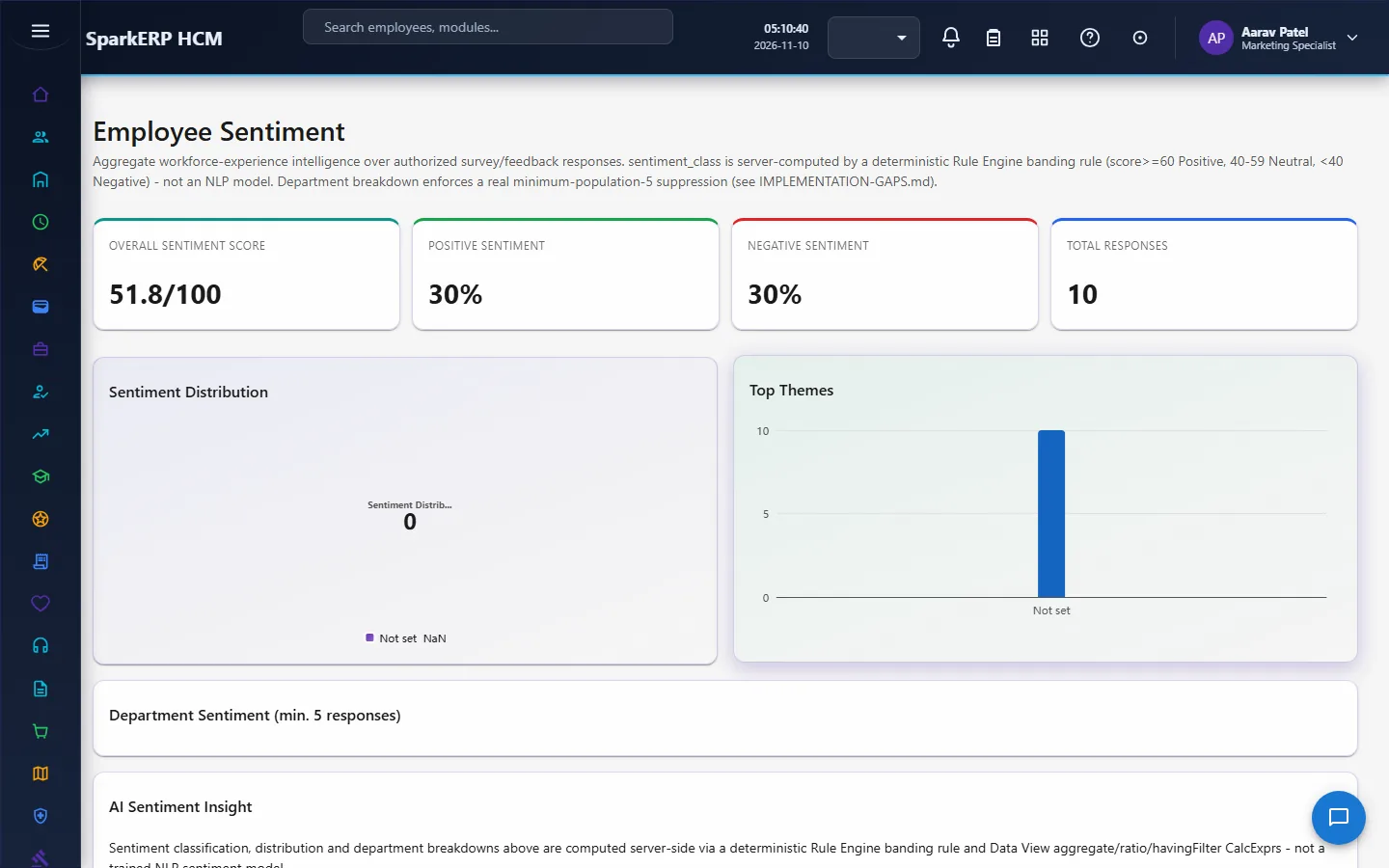
| Employee Sentiment | Survey responses classified by the rules, with the sentiment totals and shares. |
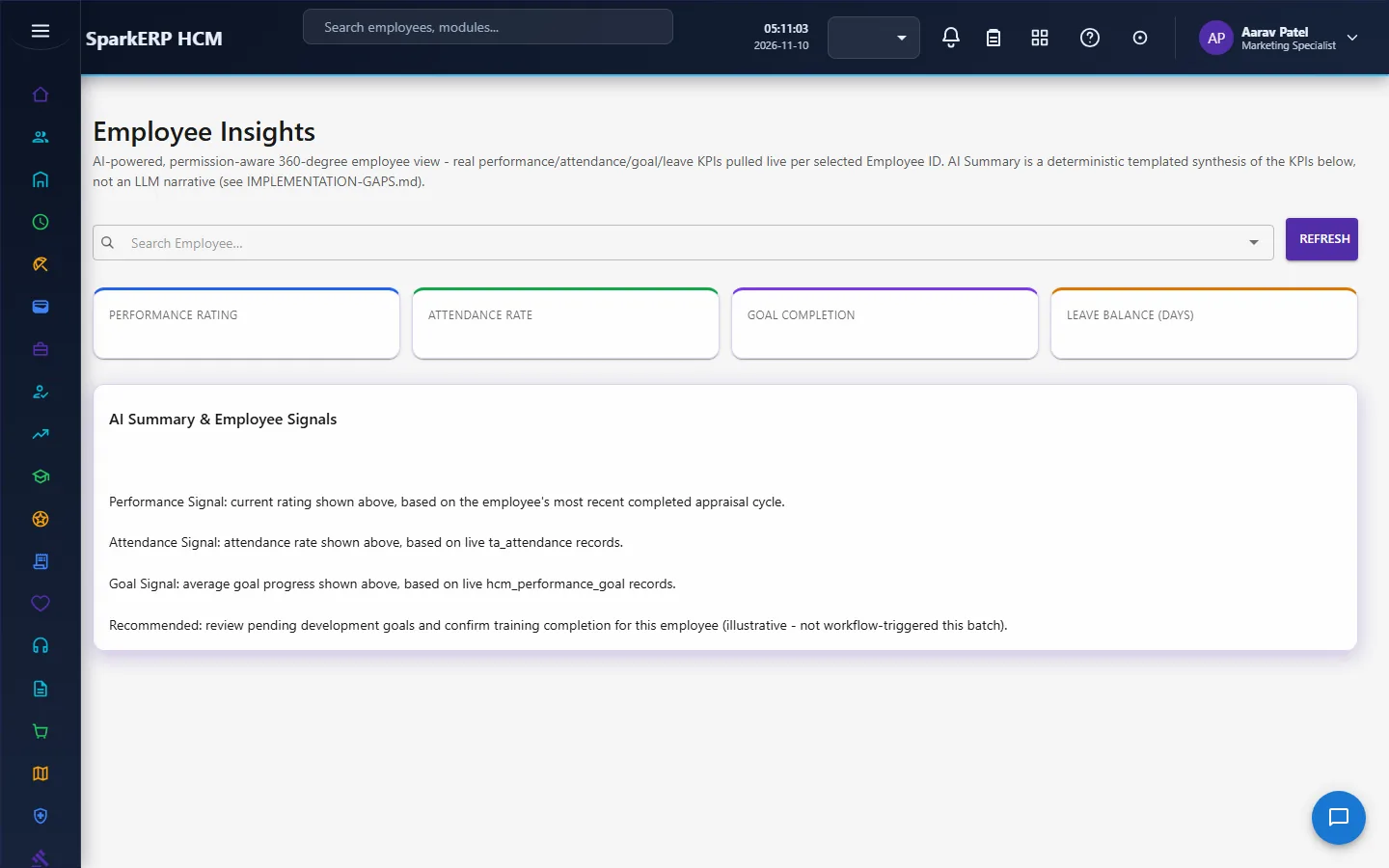
| Employee Insights | One employee at a time: performance, attendance and leave figures side by side. |
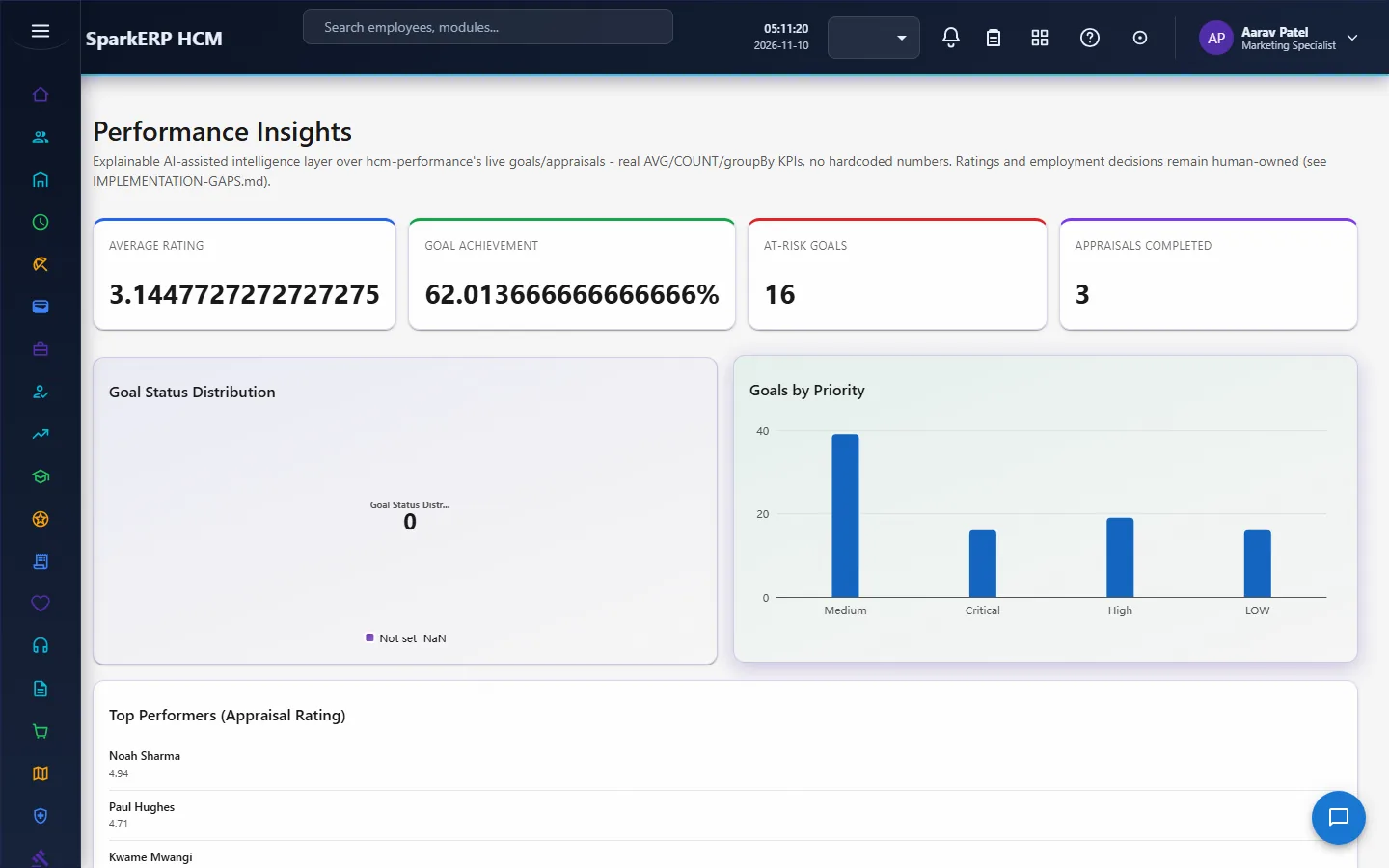
| Performance Insights | Averages and groupings over goals and appraisals. |
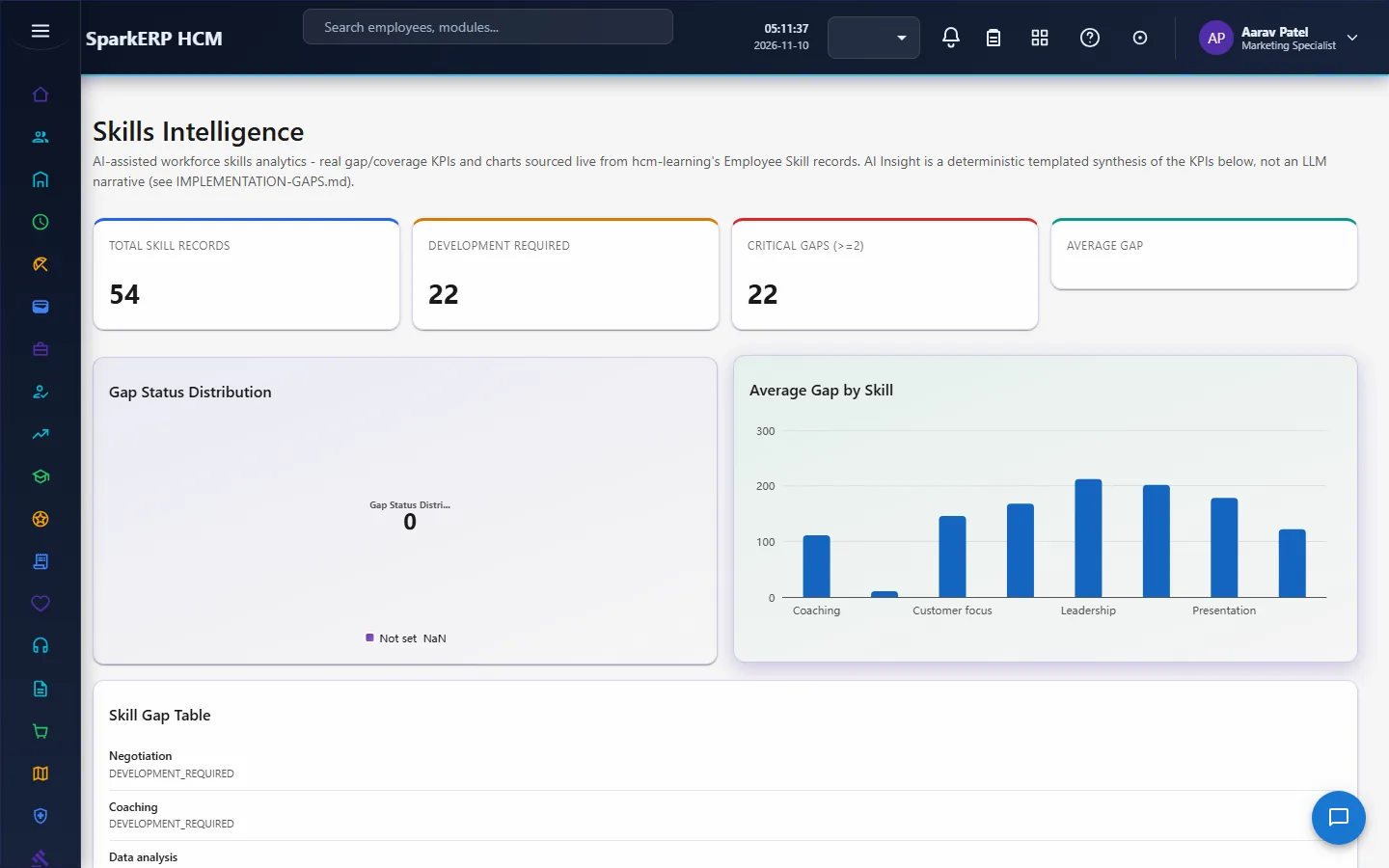
| Skills Intelligence | The gap between the level required and the level held for each employee skill, and the gap status. |
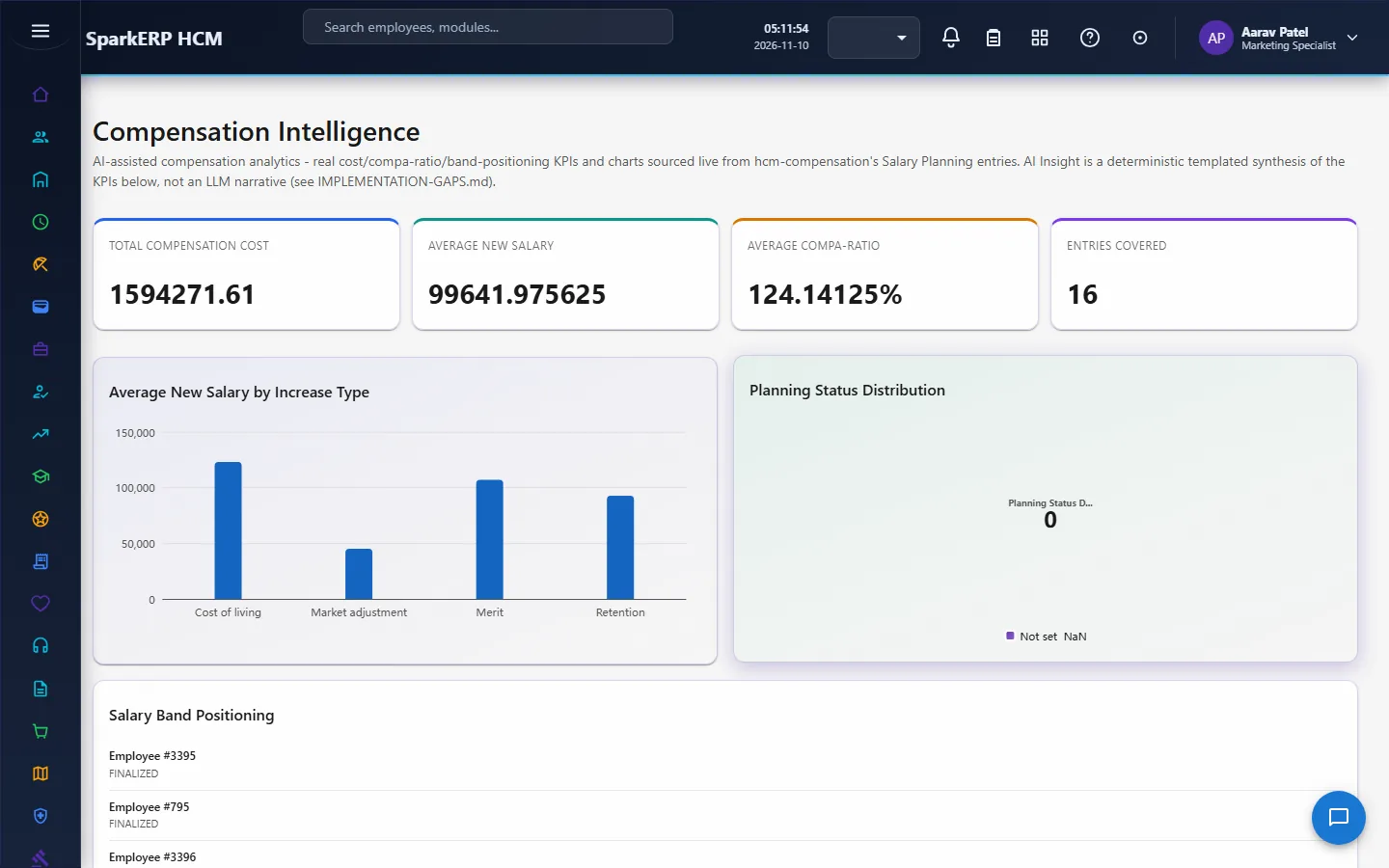
| Compensation Intelligence | Salary planning figures: the new salary and compa-ratio the compensation rules compute, and how they spread. |
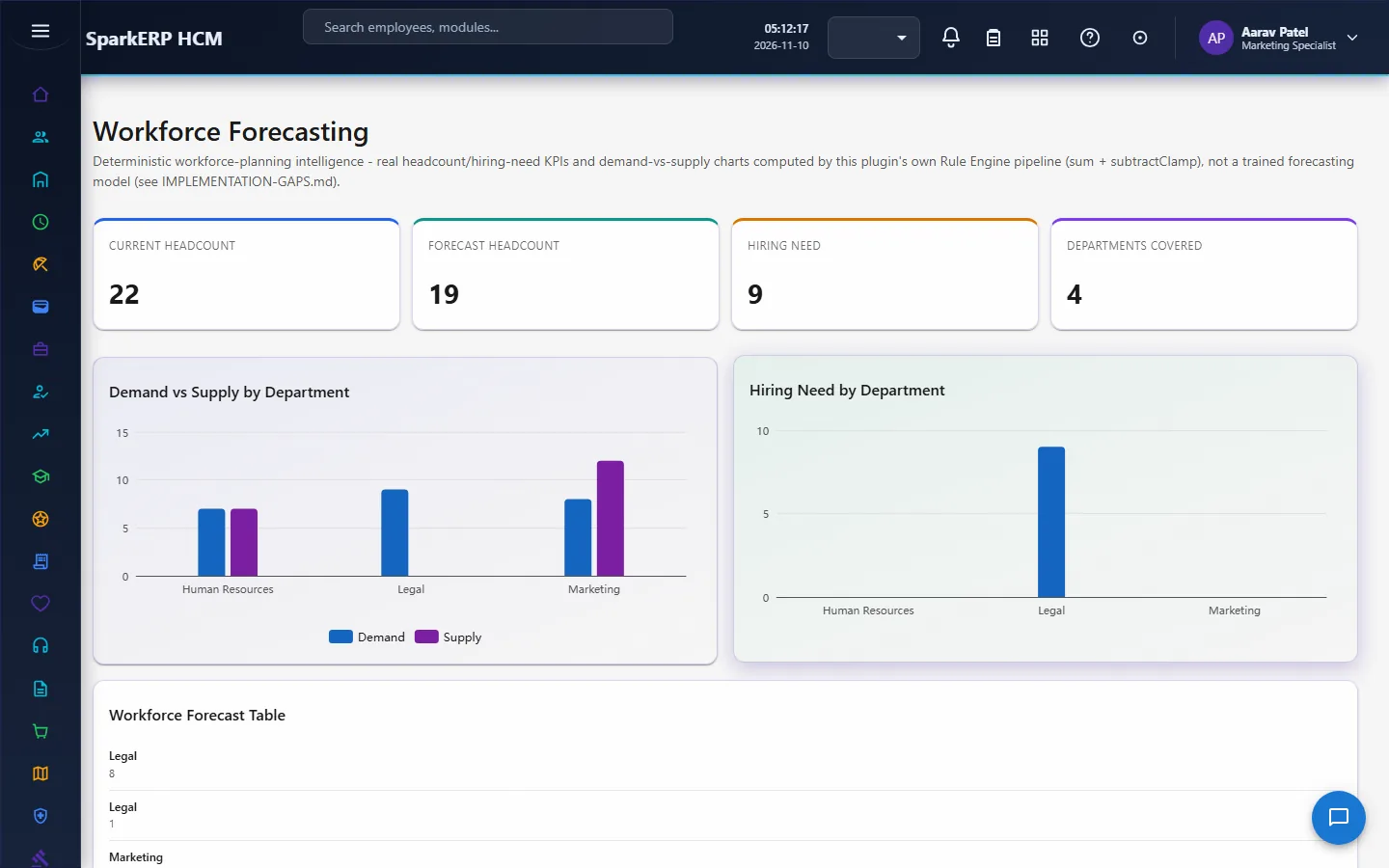
| Workforce Forecasting | Opening headcount, planned hiring, expected attrition and required headcount, giving the closing headcount and the gap. |
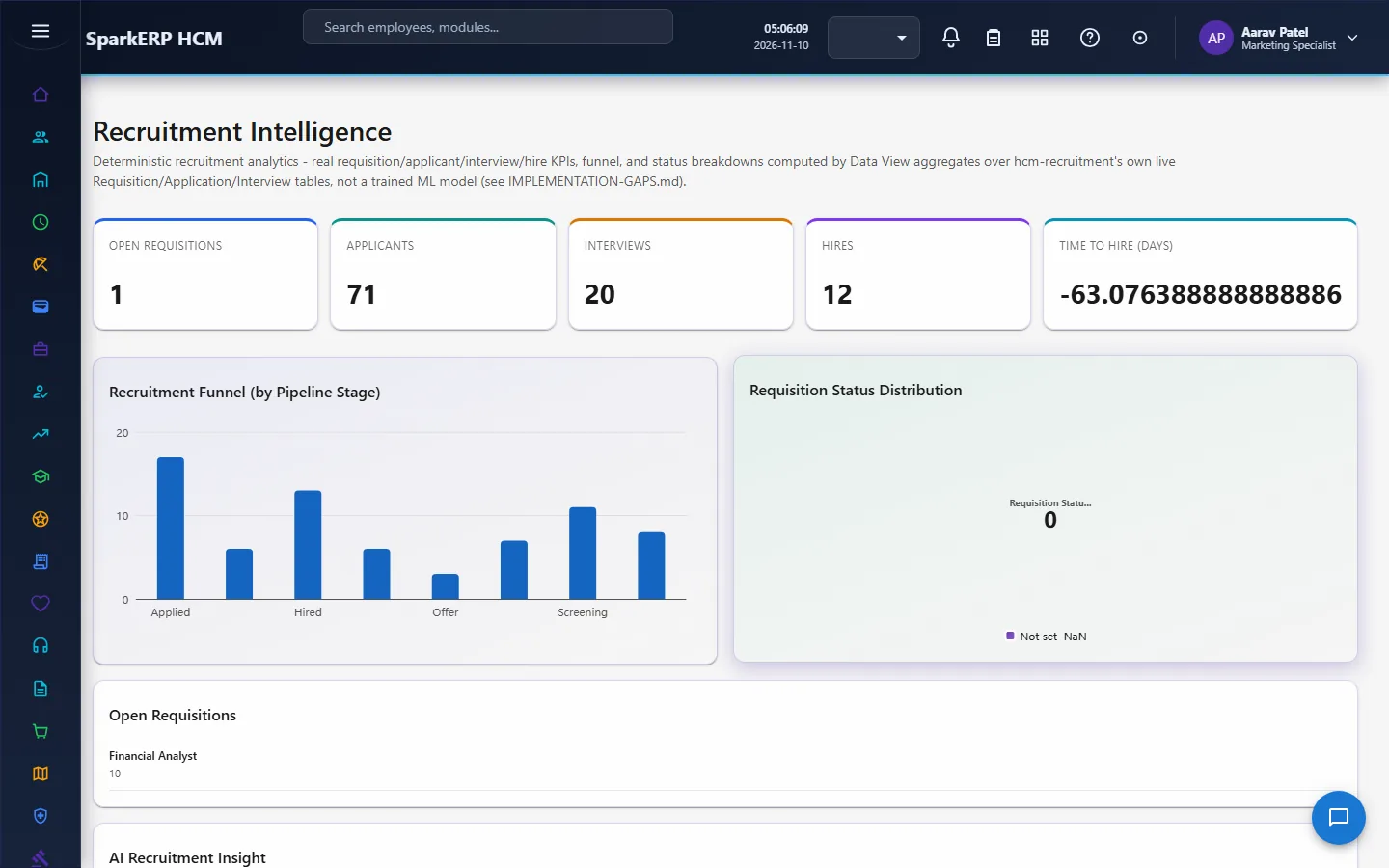
| Recruitment Intelligence | Counts over requisitions, applications and interviews: the funnel by pipeline stage and related measures. |
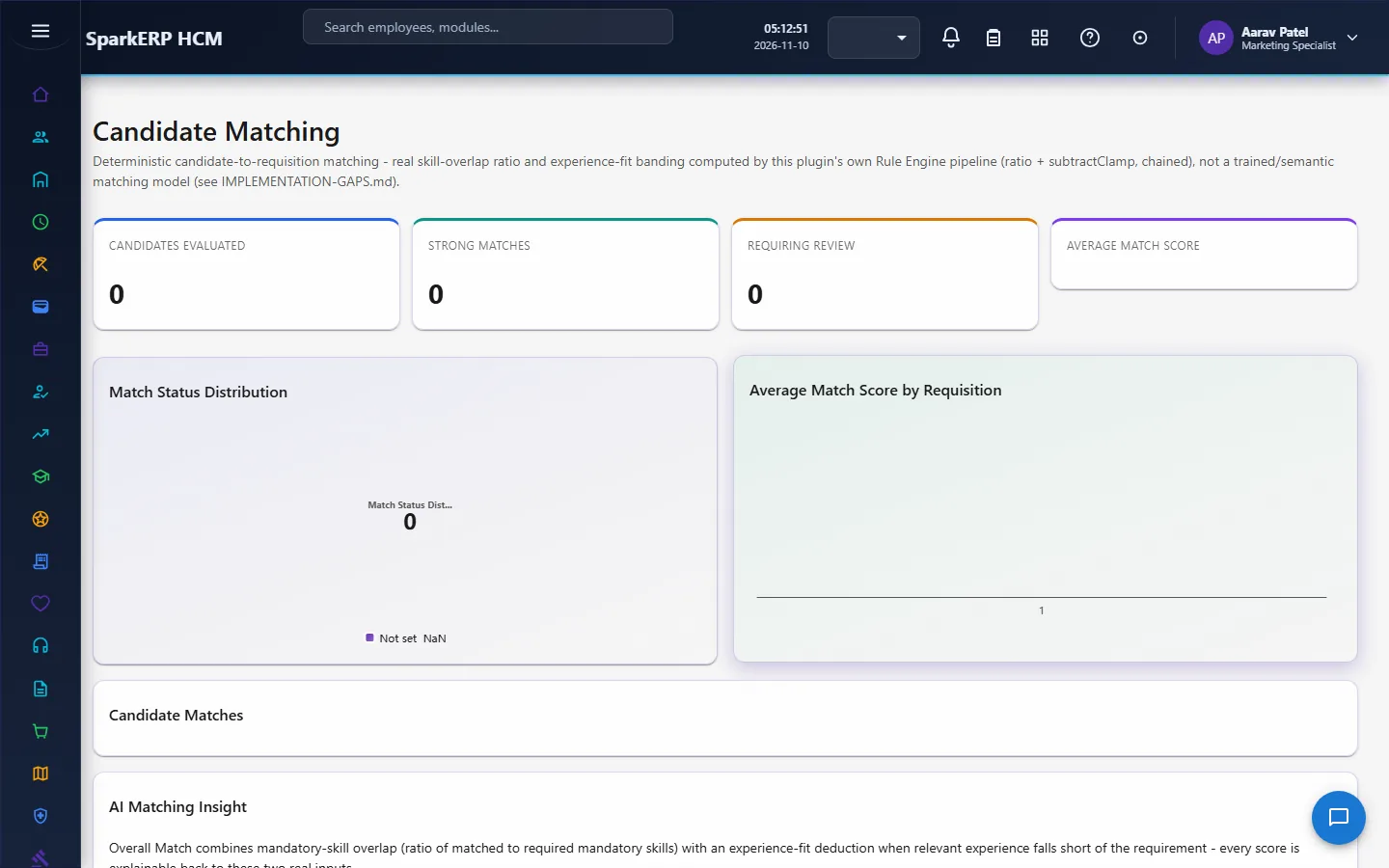
| Candidate Matching | A match for each candidate to a requisition: the share of required skills held, experience status and penalty, the overall score and the match status, with a mandatory-requirement override. |
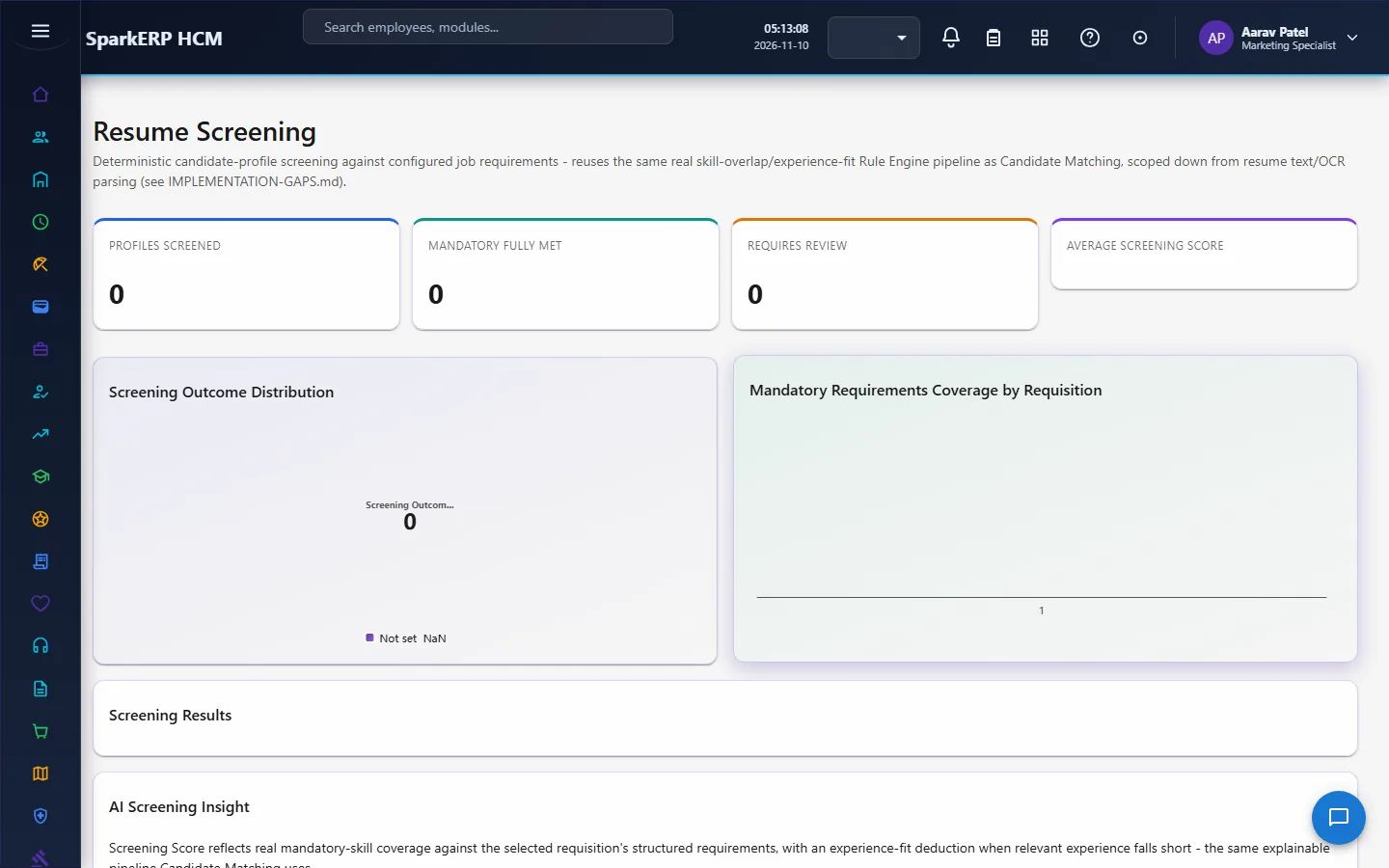
| Resume Screening | The same candidate-match records presented as a screening list over structured profile fields. |
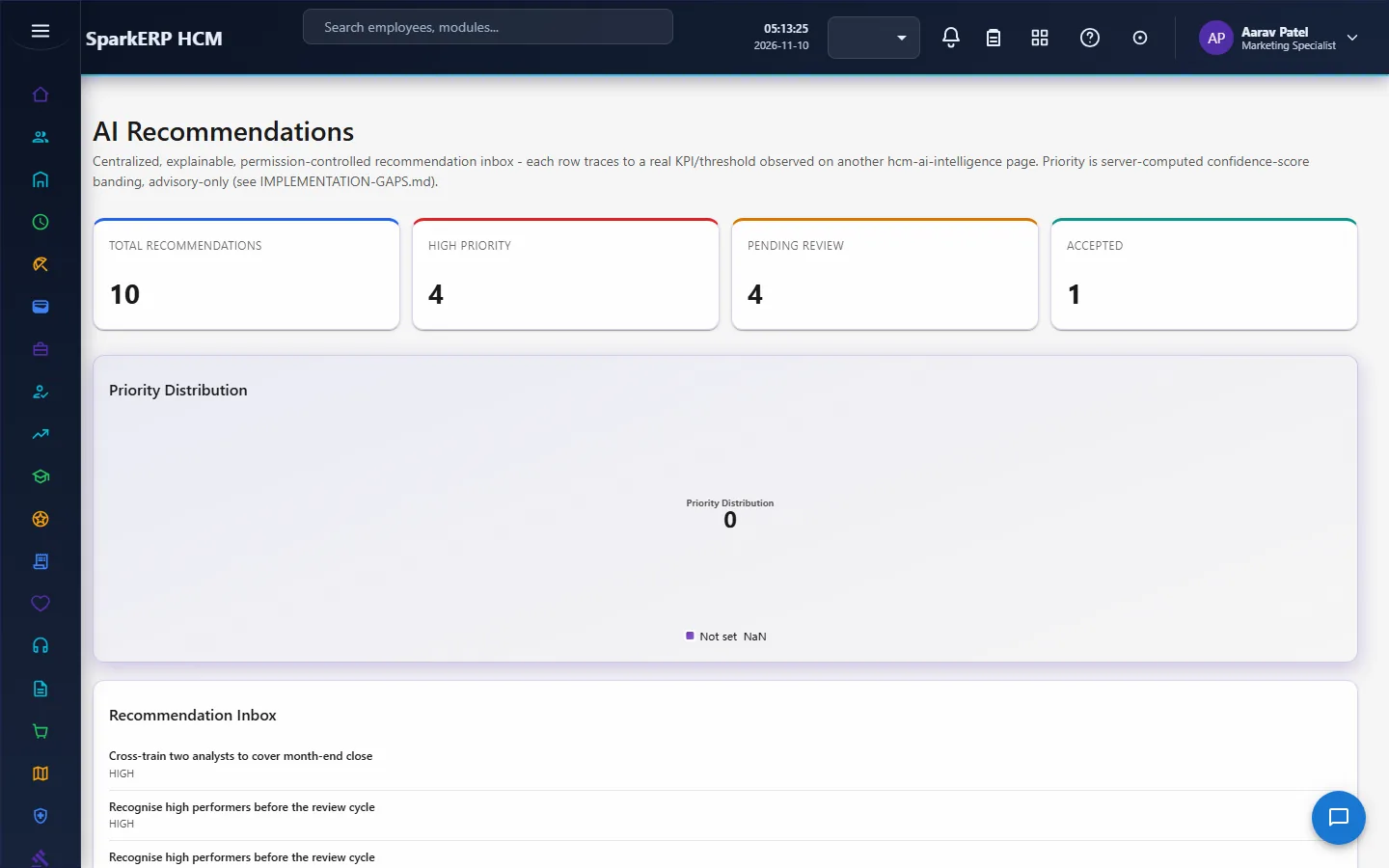
| Recommendations | Suggested actions drawn from the other pages (attrition risk, sentiment, skill gaps, compensation, workforce gap), each with a confidence and a priority. |
2.3 Scores worth knowing
- Attrition risk level: the sum of the tenure, performance and absence scores, banded into a level.
- Skills match %: the share of the required skills the candidate holds.
- Overall candidate score: the skills score less the experience penalty, never below zero.
- Match status: banded from the overall score, and a missing mandatory requirement overrides a high score, so a high score never hides a gap that matters.
- Workforce gap: required headcount less closing headcount, where closing headcount is the opening headcount plus planned hiring less expected attrition.
- Recommendation priority: banded from the confidence of the observation behind it.
2.4 Who may open the pages
The pages show scores for named people and organization-wide figures, so they are for the HCM AI Administrator, the HR AI Viewer and the HR roles. An employee or a line manager does not open them. Each page also reads data of other modules under those modules' own permissions, so a figure can be refused on a page you may open if you may not read that area.
2.5 AI switches in other modules
The Performance policy settings carry switches for the AI features in appraisals. Check them with the Performance settings, not here.
3. Who does what
| Role | What they do |
|---|---|
| HCM AI Administrator | Maintains the records and rules behind the pages; reads everything. |
| HR AI Viewer | Reads the pages. |
| HR roles | Read the pages and act on the recommendations. |
| Employee and line manager | Have no AI pages. |
3a. What each role sees, screen by screen
The employee
An employee does not open the AI pages.
The HR administrator
The AI Dashboard and the AI Assistant are the starting points.
Attrition Prediction, Employee Sentiment, Employee Insights and Performance Insights cover people.
Skills Intelligence, Compensation Intelligence and Workforce Forecasting cover capability and cost.
Recruitment Intelligence, Candidate Matching and Resume Screening cover hiring.
Recommendations gathers what to do.
4. Decide before you set up
| Decision | What to think about |
|---|---|
| Who sees scores about people | Attrition risk about a named person is sensitive; keep the viewers few. |
| How the scores are used | As a prompt for a conversation, never as the reason for a decision. |
| Inputs | The scores are only as good as the records behind them (performance, absence, skills, planning inputs). |
| Sentiment collection | How and how often people are surveyed, and how it is explained to them. |
5. Set up step by step
- Roles. Give the HCM AI Administrator and HR AI Viewer roles.
- Source data. Keep Core HR, Performance, Attendance, Leave, Learning, Compensation and Recruitment records current; the pages read them.
- Planning inputs. Enter opening headcount, planned hiring, expected attrition and required headcount for the forecast.
- Requirements. Enter the skills and experience a requisition needs so candidates can be matched.
- Trial. In a trial tenant generate the demo packs of those modules and the AI demo data; every page has data when the sources do.
6. Daily use
- Open the AI Dashboard for the headline picture.
- Open Recommendations and act on the highest priorities; discuss risk with the manager, not with a score.
- Use Candidate Matching to order a shortlist; read the missing mandatory requirements first.
- Ask the Assistant a common HR question when no page shows it.
7. A calendar of recurring work
| When | What |
|---|---|
| Weekly | Read the recommendations and the high-risk list. |
| Monthly | Review sentiment and skill gaps. |
| Quarterly | Update the workforce forecast inputs. |
| Per requisition | Match and screen candidates. |
8. Reports and figures
Each page shows cards and graphs of its own measures, and its list can be searched, filtered and exported.
9. Limits you should know about
- Scores are rule-based and simple. They are not a trained model and they do not learn.
- The chat answers from your policy documents. It needs the local model service running; if it is not available the curated questions still work. Check any answer against the policy it cites before relying on it.
- Resume screening works on structured profile fields, not on resume documents.
- The forecast is one snapshot of planning inputs, not a prediction from history.
- A score about a person is a prompt, not a decision. Do not use it alone to hire, pay, promote or dismiss.
- A page can be opened by someone who may not read every area, so a figure can be refused.
10. Troubleshooting
| Symptom | Cause and fix |
|---|---|
| A page is empty | There are no records for it yet; add the inputs or generate the demo data. |
| The chat does not answer | The local model service is not running, or no policy document covers the question. |
| A risk level looks wrong | Check the tenure, performance and absence records behind it. |
| A candidate with a high score is flagged | A mandatory requirement is missing; that overrides the score. |
| The forecast gap is not what you expect | Check opening headcount, planned hiring, expected attrition and the requirement. |
| A figure shows as refused | You may open the page but not read that area's data. |
| An employee or manager cannot open a page | The AI pages are for HR and the AI roles. |