
Appearance
Themes and Branding
Concepts
A theme is a set of design tokens: colors, font, spacing, corner radius, density, motion. Every screen reads tokens, so changing one theme restyles everything using it, on web and mobile.
- Semantic colors: 24 named colors (primary, secondary, accent, success, warning, error, background, surface, text and more).
- Presets: 19 ready themes (corporate-classic, sap-fiori, microsoft-fluent, material-you, glassmorphism, dark-professional, banking, healthcare, retail-pos and more) plus dark and high-contrast modes.
- Cascade: System default, then Company, Application, Module, Page, Component; the most specific wins. A user can also choose a preference, above the Application.
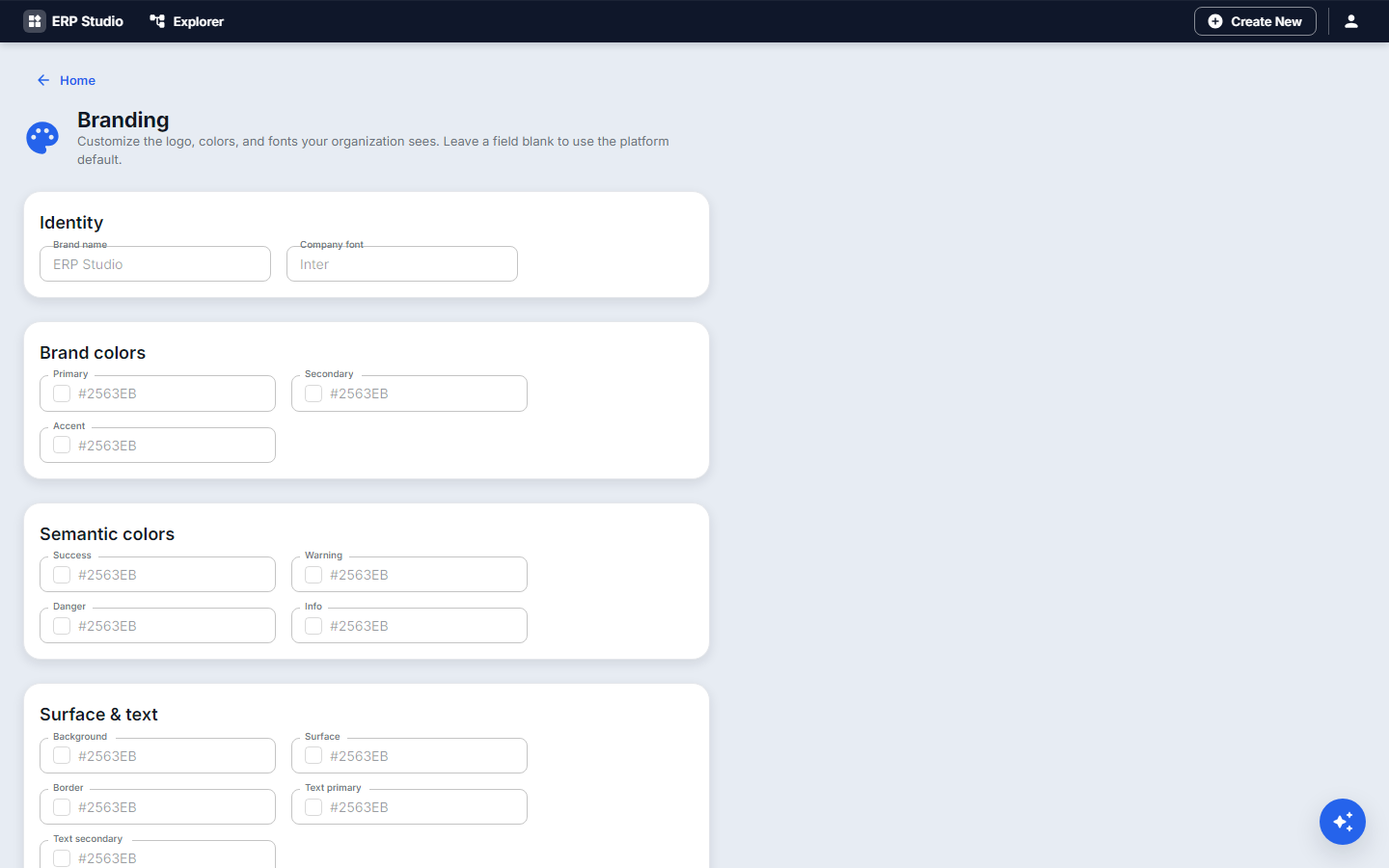
- Branding sets tenant logo and brand colors before the cascade starts.
- A
.themepackage exports a theme; themes travel through the marketplace.
Problem statement
Acme wants the equipment app in its brand blue, with a calmer high-density look for the facilities desk, and a dark option for the night shift.
All features
Color editor for the semantic set, typography, spacing, radius, density, dark and high-contrast variants, live theme preview, custom CSS, AI theme generator (describe a mood or brand), package export, and a WCAG contrast check (used on the built-in dark and high-contrast sets; not enforced on your own themes, so check contrast yourself).
Step by step
- Branding: upload the logo and set the primary color. This already recolors the whole tenant.
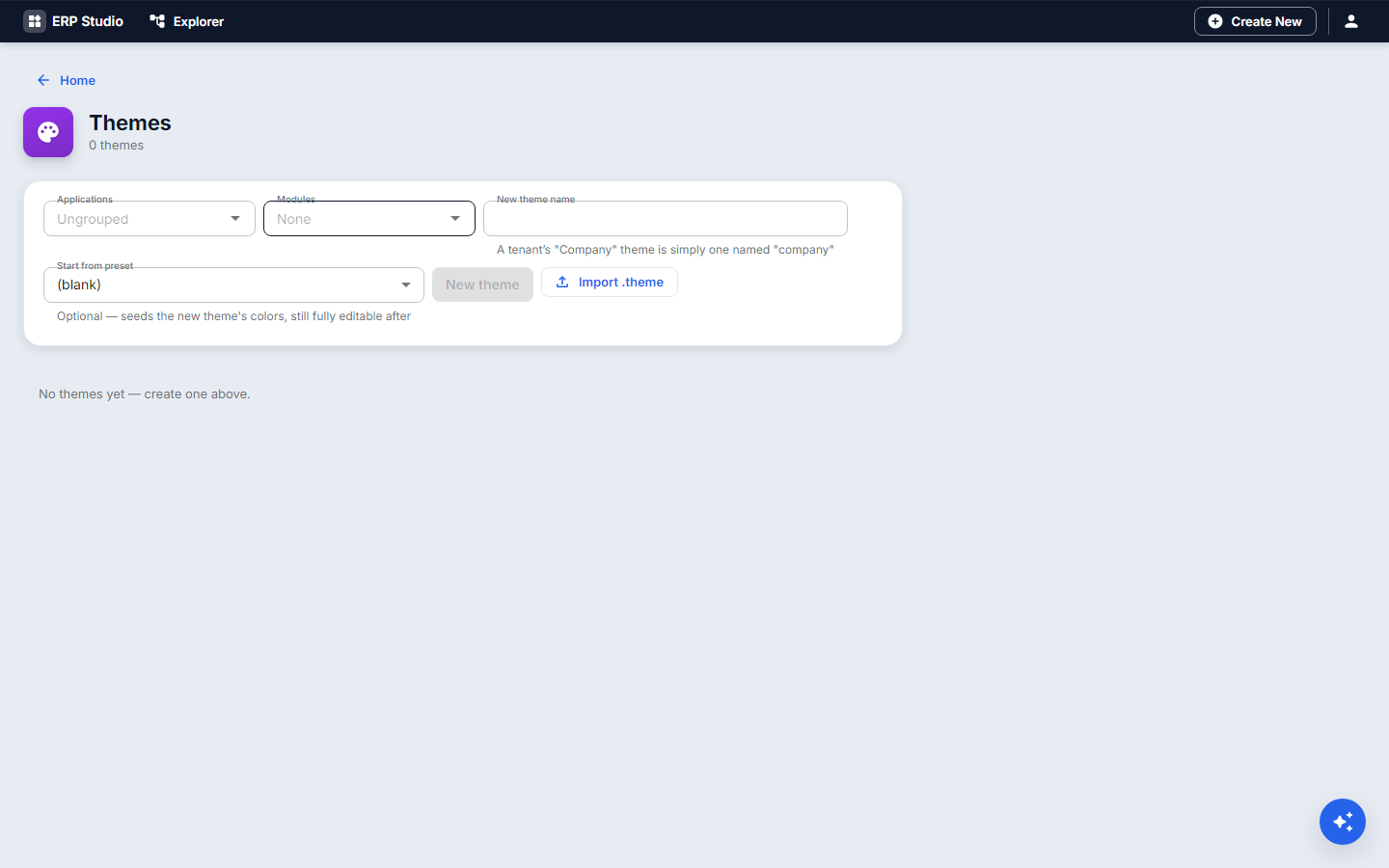
- Themes, New
acme-facilities. Start from a preset such ascorporate-classic. - Change Primary, Secondary and Accent; set density to compact.
- Watch the preview update; test text on each background for readability.
- Publish.
- Assign it: Applications, choose your application's theme (or a module or a single page's Theme setting).
- Turn on dark mode from Preferences to check the night look.
Check it worked
The equipment app shows your colors and density; other applications are unchanged.
Common mistakes
- Low contrast text on colored surfaces.
- Setting a theme on a page and forgetting it overrides the application's.
- Deleting a theme still referenced: those levels fall back to the default and a warning is logged.