
Appearance
Testing
What you can test today
| Level | How |
|---|---|
| Screens and forms | Preview in each designer at phone, tablet and desktop widths, with locale preview |
| Structure | Validate and the Problems tabs |
| Workflows | Simulate with sample data (in memory, nothing saved) |
| APIs, pages, workflows, manual scripts | Test cases (Studio, Test cases): steps with an action, parameters and expected result, against an api, page, workflow or manual target |
| Java and Node code | Build, Run Java tests, Node: run tests, output in the Output panel |
| A whole plugin | the Publish pipeline runs check, compile, tests, package, install |
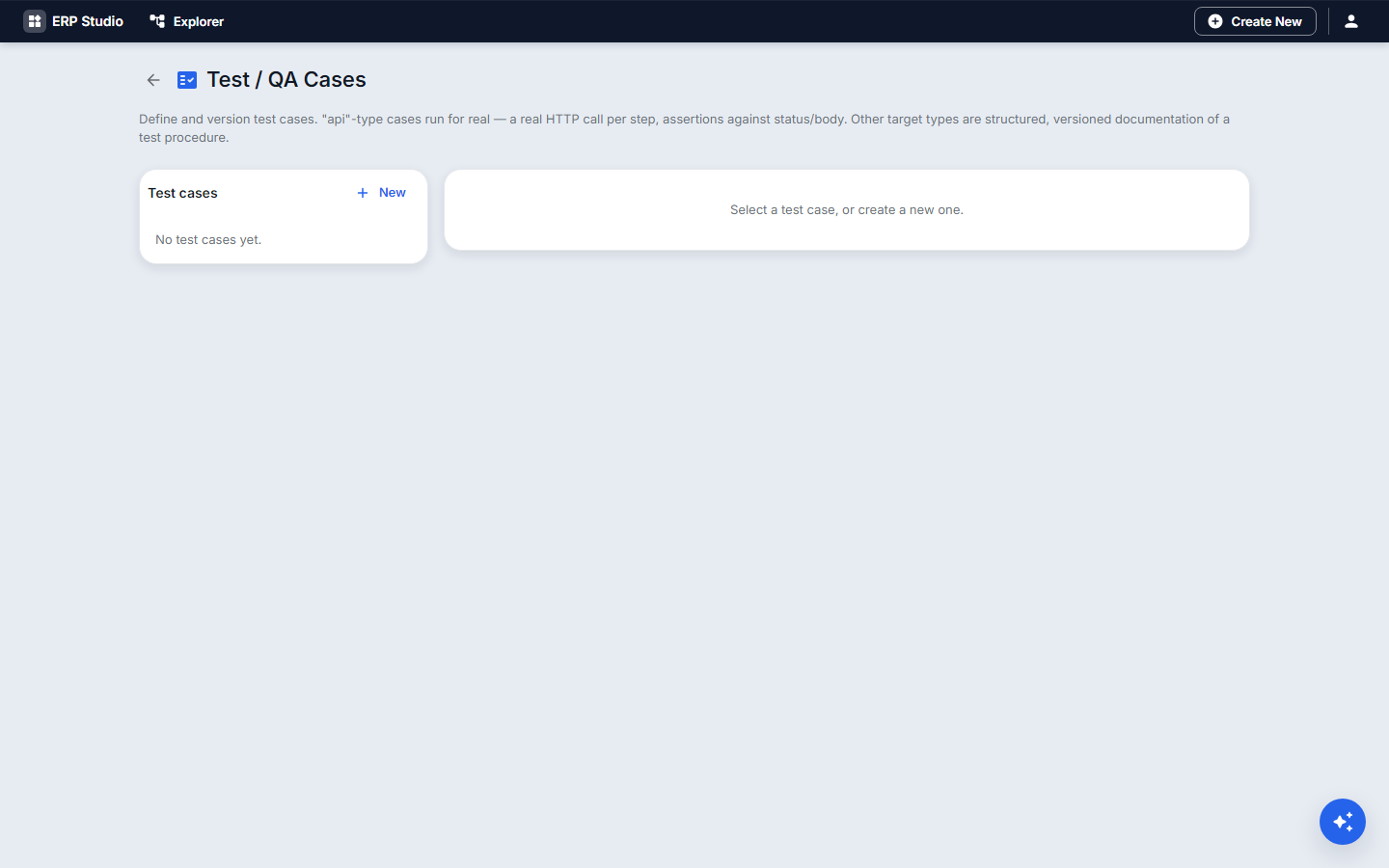
Step by step: a test case
- Test cases, New
loan-overdue-api. Target typeapi, targetequipment-loan-provider. - Step 1: action search, parameter
status=on_loan, expected 200 and at least one row. - Save, run, and read the result.
Environments
Use separate tenants as development, test, staging and production, and move plugins with export and import, or Environment promotion. Install the same package version in each.
Planned (placeholders)
Automated UI and responsive test recording, scheduled test runs, test data sets and fixtures, security and compatibility test suites in the pipeline. Planned.
Common mistakes
Testing only in production; not simulating workflows before publish; tests that depend on data another test deletes.