
Appearance
Salary Structures
This article covers: the window on this screen.
Before you start
- Access. You need access to Payroll > Salary Structures. If you do not see it in the menu, ask your administrator for the role that covers this area.
Steps
Open Payroll > Salary Structures.
Select the record, or the button that adds a new one.
In the window Salary Structure Detail fill in the fields below.
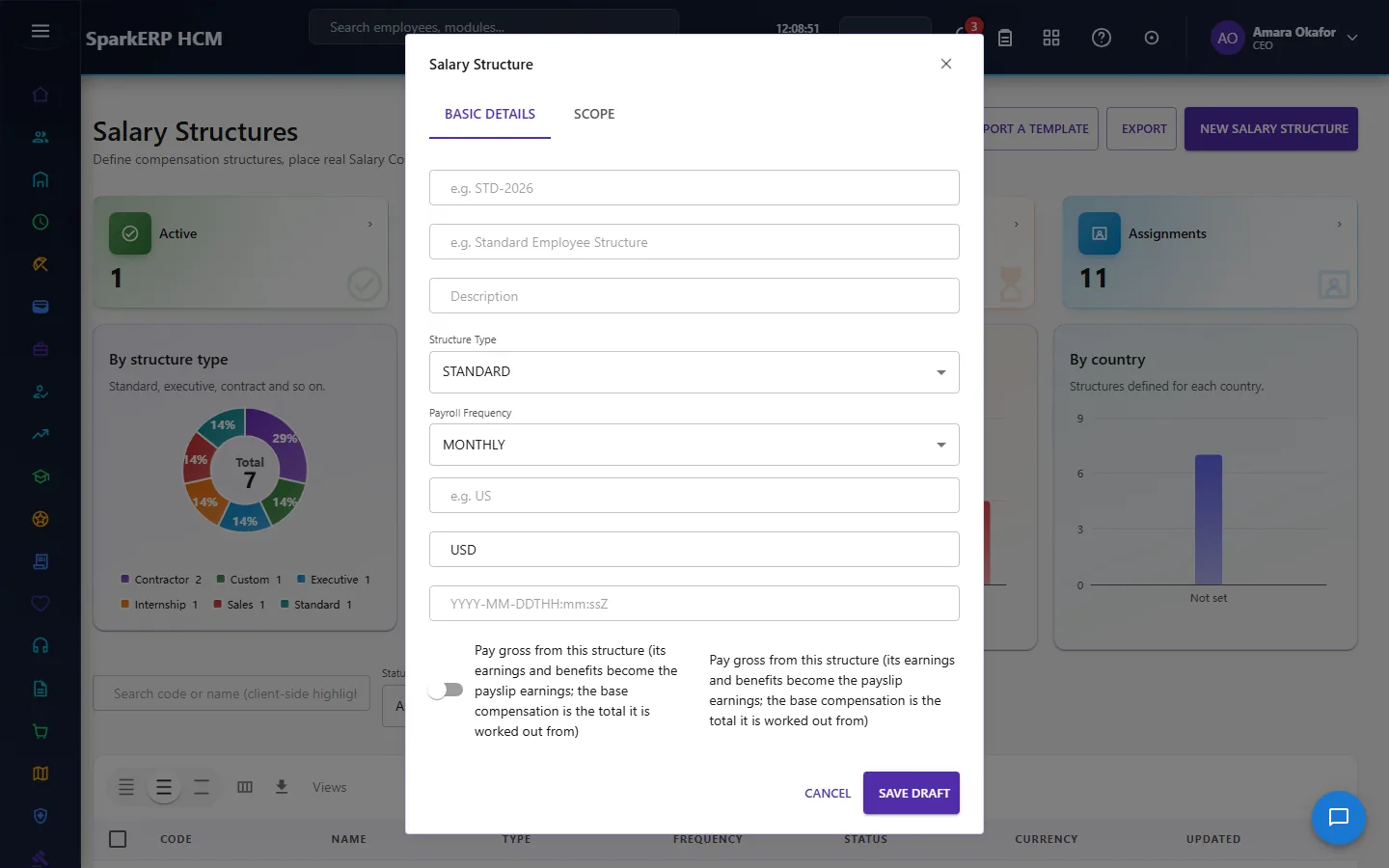
| Field | What it means and what to enter |
|---|---|
| Salary Component Id | Type the salary component id. |
| Calculation Method | Choose one: Fixed Amount, Percentage, Formula, Quantity X Rate, Lookup, Derived, Manual, Balancing amount (makes the total add up). |
| Base Structure Component Id | Type the base structure component id. |
| Percentage Rate | A number between 0 and 100 unless the screen says otherwise. |
| Fixed Amount | An amount in the currency of the record. |
| e.g. BASIC * 0.4 | Type the e.g. basic * 0.4. |
| Minimum Amount | Type the minimum amount. |
| Maximum Amount | Type the maximum amount. |
| Rounding Rule | How many decimals the result keeps. Choose one: None, Round, Floor, Ceiling. |
| Proration Rule | Choose one: None, Calendar Days, Working Days. |
| Test Base Salary | Type the test base salary. |
| Scope Type | Choose one: Legal Entity, Payroll Group, Country, Location, Department, Job, Job Level, Grade, Employment Type, Worker Type.... |
| Scope value (e.g. a real department id) | Type the scope value (e.g. a real department id). |
| YYYY-MM-DDTHH:mm:ssZ | Type the yyyy-mm-ddthh:mm:ssz. |
| Optional | Type the optional. |
- Select Submit for Approval.
WARNING
The record is saved with the status Pending approval and an approval request goes to the approver. It becomes Active when it is approved. Who approves is set under Administration > Approval Hierarchies.
If something does not work
- The button "the button" is missing. You do not have the permission, or the page is not in your menu. See Access above.
- A list in the window is empty. The records it picks from do not exist yet.
- The window will not close or shows a message. Read the message: it names the field that is missing or not allowed.