
Appearance
Create an expense
This article covers: New expense.
Before you start
- Access. You need access to Employee Services > My Expenses. If you do not see it in the menu, ask your administrator for the role that covers this area.
- These lists must already have entries, because the window picks from them: cost centers (add one).
Steps
Open Employee Services > My Expenses.
Select New expense.
In the window Expense claim fill in the fields below.
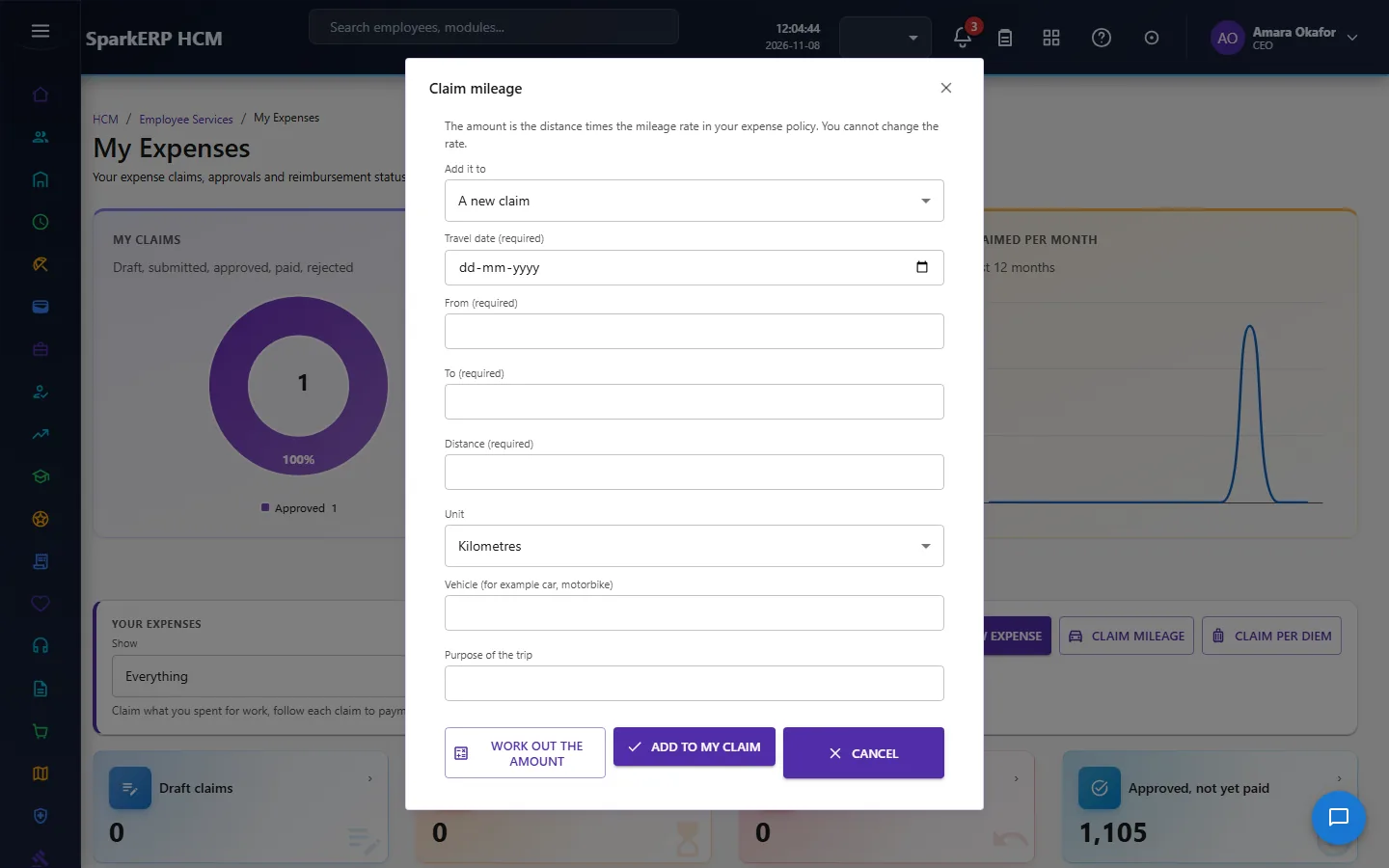
| Field | What it means and what to enter |
|---|---|
| What were the expenses for? (required) | Type the what were the expenses for? (required). |
| Claim date | Pick a date. |
| Currency (for example USD) | The currency of the amounts on this record, for example USD or INR. |
| Cost centre (if you charge one) | Choose from the list. |
| Project (if any) | Choose from the list. |
- Select Save draft.
The window closes and the table shows the result.
If something does not work
- The button "New expense" is missing. You do not have the permission, or the page is not in your menu. See Access above.
- A list in the window is empty. The records it picks from do not exist yet. Add them first: Cost Centers.
- The window will not close or shows a message. Read the message: it names the field that is missing or not allowed.