
Appearance
Create a policy
This article covers: New Policy.
Before you start
- Access. You need access to Leave Management > Leave Policies. If you do not see it in the menu, ask your administrator for the role that covers this area.
Steps
Open Leave Management > Leave Policies.
Select New Policy.
In the window Leave Policy fill in the fields below.
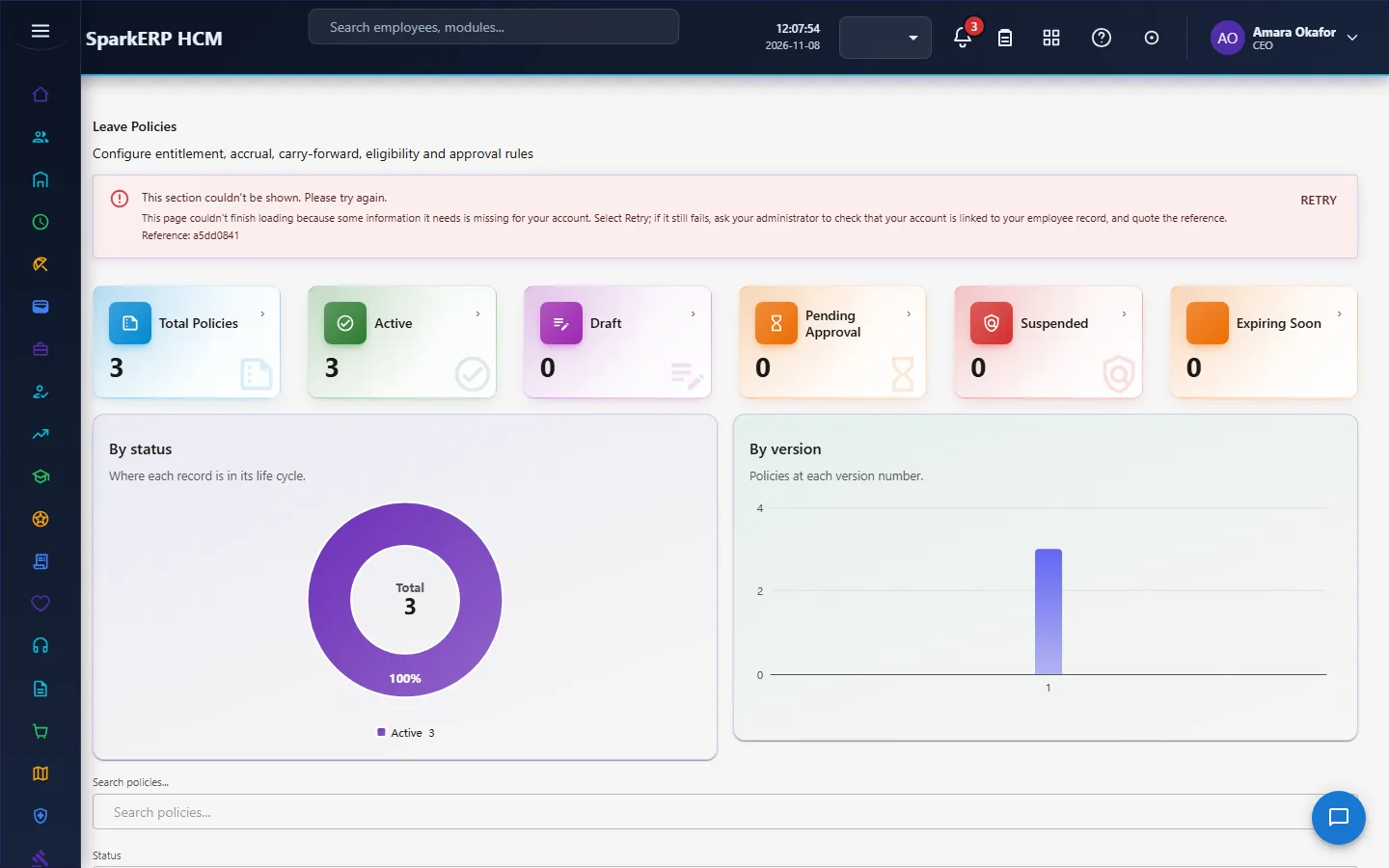
| Field | What it means and what to enter |
|---|---|
| Policy Name | The name people see for the record. |
| Policy Code | A short, unique code that identifies the record. |
| Description | Free text for your own notes. |
| Organization ID | Type the organization id. |
| Employee Group ID | Type the employee group id. |
| Employment Type ID | Type the employment type id. |
| Job Grade ID | Type the job grade id. |
| Location ID | Type the location id. |
| Effective From | The first day the record is in force. For example: YYYY-MM-DD. |
| Effective To | The last day the record is in force. Leave it empty if it has no end. For example: YYYY-MM-DD. |
| Leave Types (JSON) | Type the leave types (json). |
| Accrual Enabled | Tick or untick. |
| Accrual Frequency | Choose one: Yearly, Monthly, Quarterly, Bi-Monthly, Joining Date, Custom. |
| Annual Entitlement | Type the annual entitlement. |
| Carry Forward Enabled | Tick or untick. |
| Maximum Carry Forward Days | Type the maximum carry forward days. |
| Carry Forward Expiry Enabled | Tick or untick. |
| Expiry After (Months) | Type the expiry after (months). |
| Encashment Enabled | Tick or untick. |
| Minimum Balance for Encashment | Type the minimum balance for encashment. |
| Maximum Encashment Days | Type the maximum encashment days. |
| Minimum Service (Days) | Type the minimum service (days). |
| Probation Employees Eligible | Tick or untick. |
| Minimum Duration (Days) | How long it lasts, in the unit the label names. |
| Maximum Consecutive Days | Type the maximum consecutive days. |
| Half-Day Allowed | Tick or untick. |
| Weekend Rule | Choose one: Exclude, Include, Configurable. |
| Sandwich Rule | Tick or untick. |
| Allow Negative Balance | Tick or untick. |
- Select Save Draft.
The window closes and the table shows the result.
If something does not work
- The button "New Policy" is missing. You do not have the permission, or the page is not in your menu. See Access above.
- A list in the window is empty. The records it picks from do not exist yet.
- The window will not close or shows a message. Read the message: it names the field that is missing or not allowed.