
Appearance
Careers: Site Settings
This article covers: Site Settings.
Before you start
- Access. You need access to Recruitment > Careers. If you do not see it in the menu, ask your administrator for the role that covers this area.
Steps
Open Recruitment > Careers.
Select Site Settings.
In the window Career Site Settings fill in the fields below.
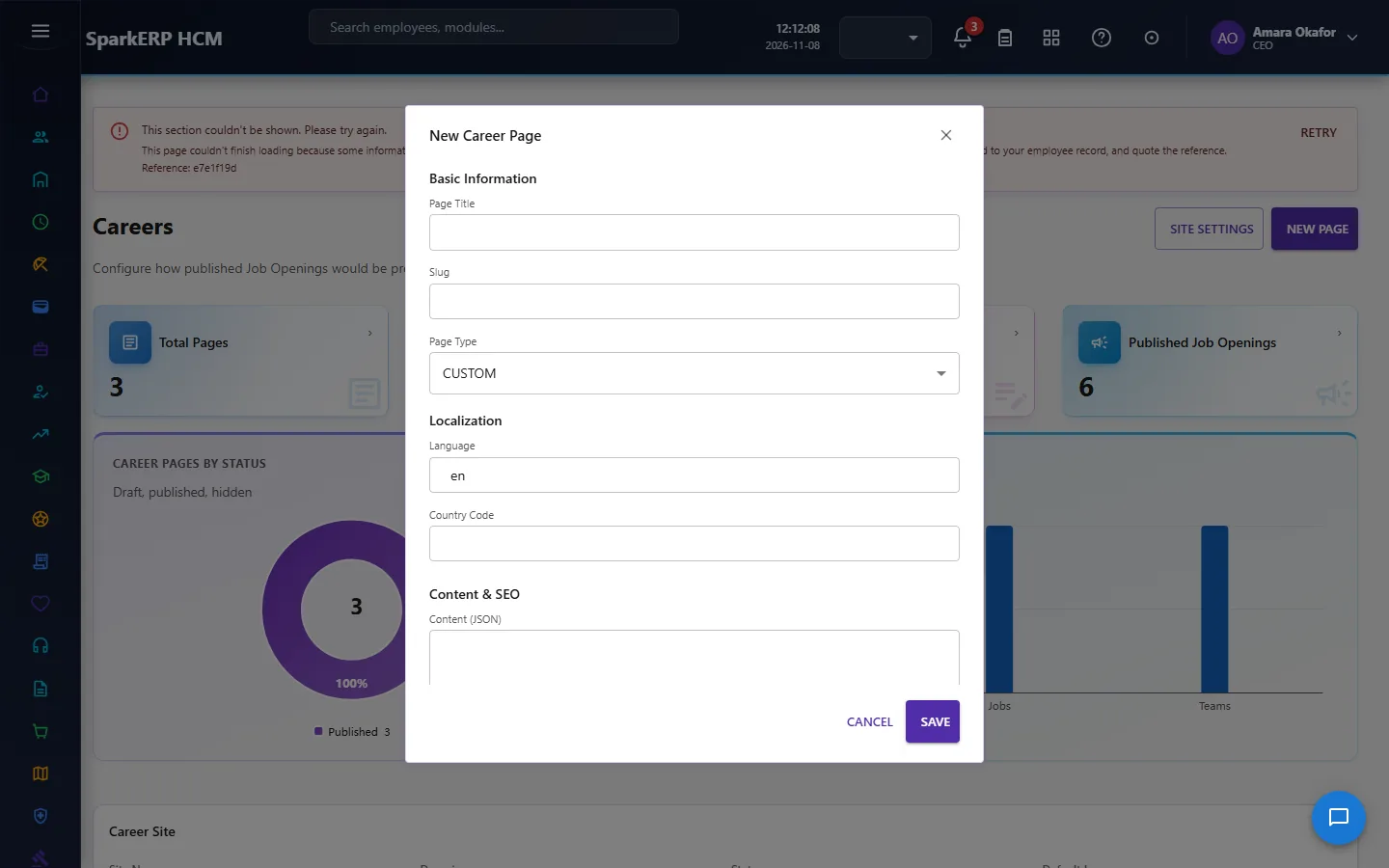
| Field | What it means and what to enter |
|---|---|
| Site Code | A short, unique code that identifies the record. |
| Site Name | The name people see for the record. |
| Site Title | Type the site title. |
| Primary Domain | Type the primary domain. |
| Custom Domain | Type the custom domain. |
| Logo URL | A web address, starting with https://. |
| Favicon URL | A web address, starting with https://. |
| Hero Heading | Type the hero heading. |
| Hero Description | Free text for your own notes. |
| Default Country | The country. |
| Default Language | The language of the record. |
| Default Currency | The currency of the amounts on this record, for example USD or INR. |
- Select Publish.
The window closes and the table shows the result.
If something does not work
- The button "Site Settings" is missing. You do not have the permission, or the page is not in your menu. See Access above.
- A list in the window is empty. The records it picks from do not exist yet.
- The window will not close or shows a message. Read the message: it names the field that is missing or not allowed.