
Appearance
Knowledge Base & FAQs (HCM Help Desk)
This page documents two shipped screens under Help Desk (hcm-helpdesk): Knowledge Base and FAQs. They answer common questions before anyone raises a ticket. Not for plugin developers.
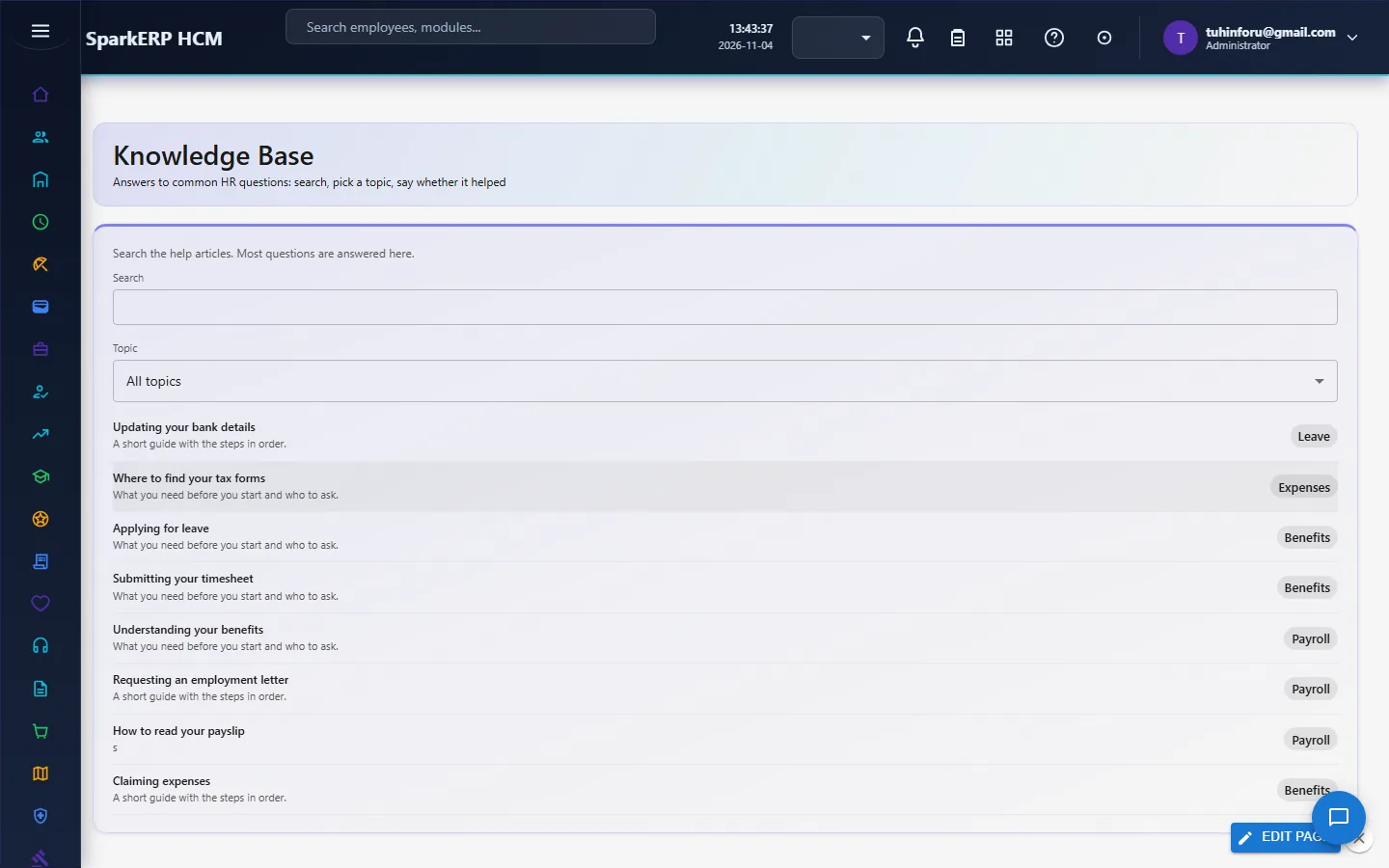
Knowledge Base
Search the help articles, pick a topic, and open one to read it. Articles are ranked by how well they match your words (a word in the title counts most, then the search words, then the summary and text) and, with no search, by how helpful people found them. At the bottom of an article, This helped or Not helpful records your vote (one per person, and you can change it); the votes feed the helpful percentage in Helpdesk Service Reports.
FAQs
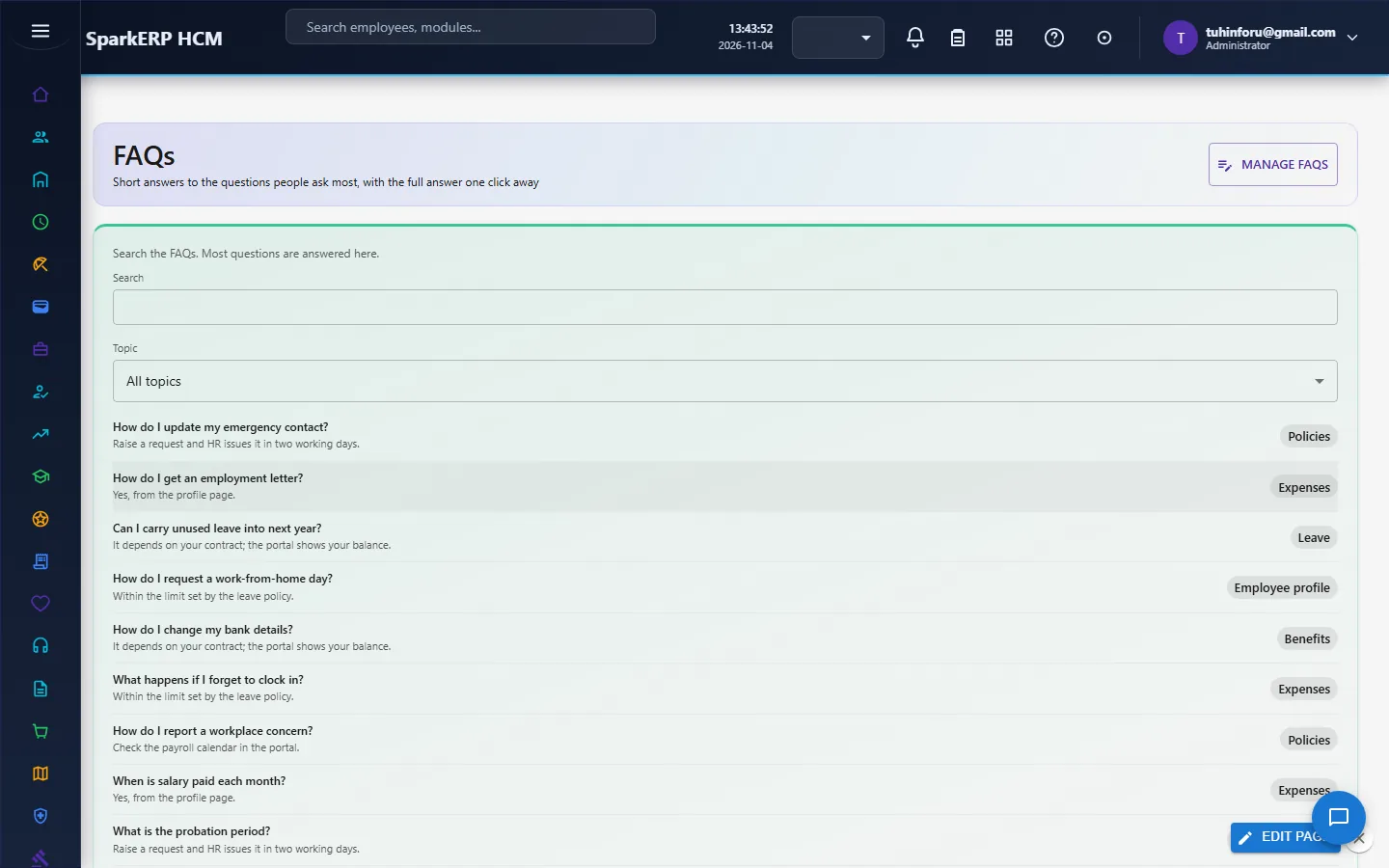
The same screen over short question-and-answer entries. The list shows the question and its short answer; opening one shows the detailed answer and the same helped buttons. FAQs and help articles never appear in each other's lists.
Managing FAQs
People who may change help articles (helpdesk agents' administrators and the tenant administrator) see a Manage FAQs button. It opens the editor: pick an FAQ to change it, or choose new. A new FAQ is numbered automatically (FAQ_0001, FAQ_0002 ...). Fields: question (title), short answer (summary), detailed answer (content), topic, search words, status (Published, Draft, Archived), related entries and an optional expiry date. Only published FAQs that have started and have not expired are shown to employees.
On a phone
Both screens fit a phone: the list is one column, and the article viewer and the editor fit inside their dialogs.