
Appearance
Security Designer
What is it?
Where you decide who can see and do what, and where you see what happened. Security is layered; each layer can only narrow access.
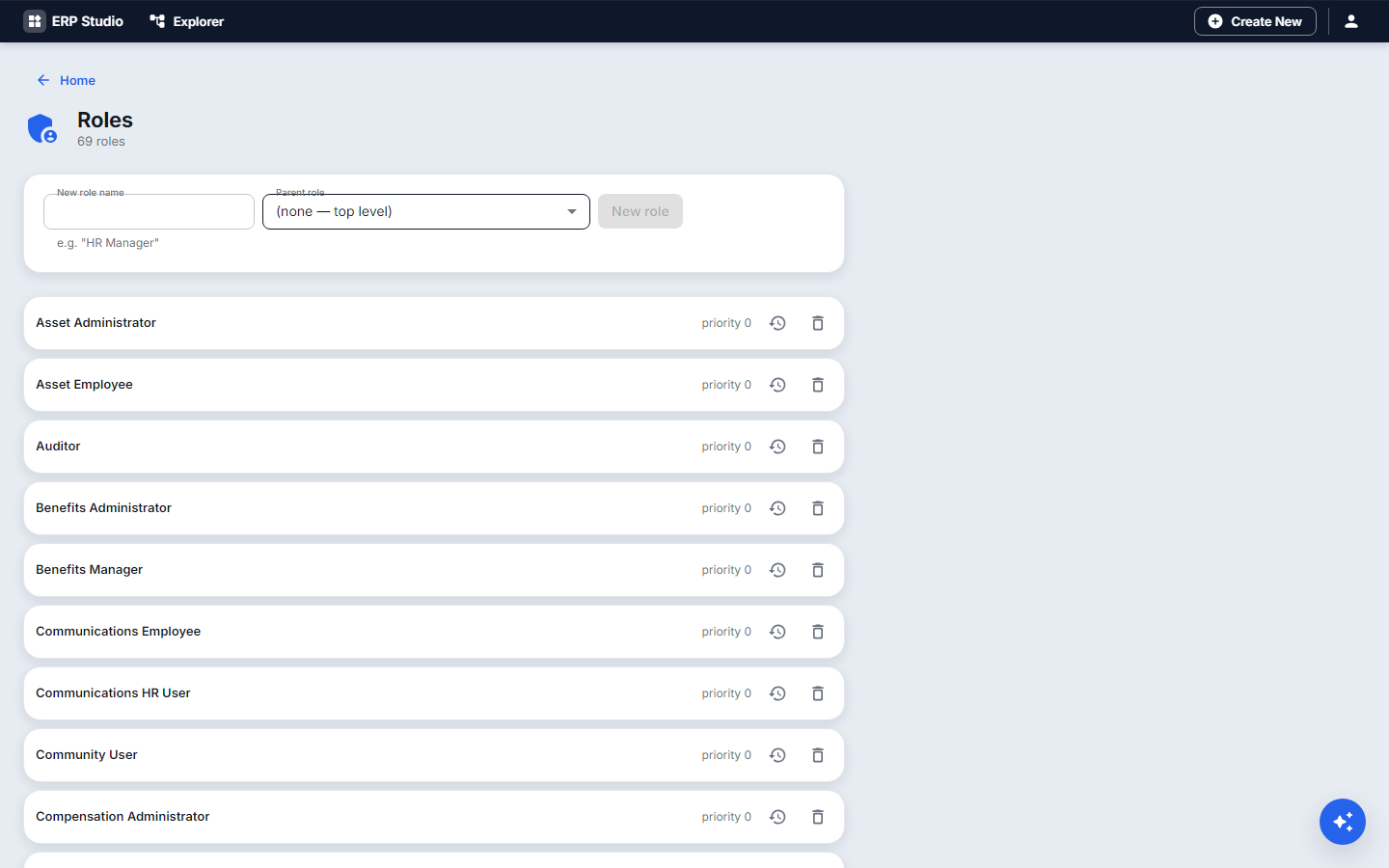
Concepts
- Permission: one allowed action (create on
equipment_loan). - Role: a named set of permissions, assigned to users (and groups through permission sets).
- Permission set: a reusable bundle; Delegation: act for someone for a period.
- Layers, checked in order, deny wins: application, screen (page), menu, API, field, record (data scope rules), report, print, workflow and approval permissions.
- Access policies: allow or deny by conditions (department, amount, time).
- Effective permission viewer: pick a user and see exactly what they can do and why.
- Tenant isolation: every request, query and index carries the tenant; there is no cross-tenant read.
Problem statement
Any employee may see their own loans; only facilities staff may edit them; only the facilities manager may see deposits.
Step by step
- Roles, New
FACILITIES_STAFF. Grant create / read / update onequipment_loan. - Field permissions: deposit is hidden (or masked) for everyone except
FACILITIES_MANAGER. - Data scope rules:
EMPLOYEEsees only rows whereborroweris themselves. - Menu / page permissions: the Loans entry only for roles with read.
- Users: assign the roles.
- Open the Effective permission viewer for a sample employee and confirm.
- Check the Audit log afterward.
Data security
- Sensitive fields can be masked or hidden per role; audit records who changed what; a data access log is part of the audit trail.
- Encrypted fields and field-level encryption settings: Planned as an entity option. Connector secrets are already stored encrypted.
- Secure development: input is validated by constraints on every write; queries are parameterized (no SQL injection surface, and index/constraint conditions are structured, never raw SQL); tokens protect against CSRF; output is escaped by the renderer. Server-side calls to external systems go through registered connectors only. Plugin code is scanned before publish when scanning ships (Security scanning).
Authentication
Sign-in with session tokens, SSO (OIDC/SAML through SSO providers), LDAP, and SCIM provisioning. Studio and its plugin builder both require the platform role Studio Staff (assigned to tenant administrators at registration). No application permission is involved. The builder can write and run code, so a narrower dedicated developer role is planned.
Check it worked
The viewer shows exactly the intended allow / deny, and a real user sees the reduced menu, hidden field and filtered rows.
Common mistakes
- A role without a name fails to install.
- Granting the page but not the API: the screen opens and its data does not load.
- Plugin-owned roles are locked; make your own role that includes what you need.
- Treating organization scoping in menus as security; it only targets who sees entries.
Related
API designer, Monitoring (audit), Customize (REPLACE extension points need an elevated permission).